
Teable
Teable is an open-source, spreadsheet-like database that scales to millions of rows with real-time collaboration.
 Airtable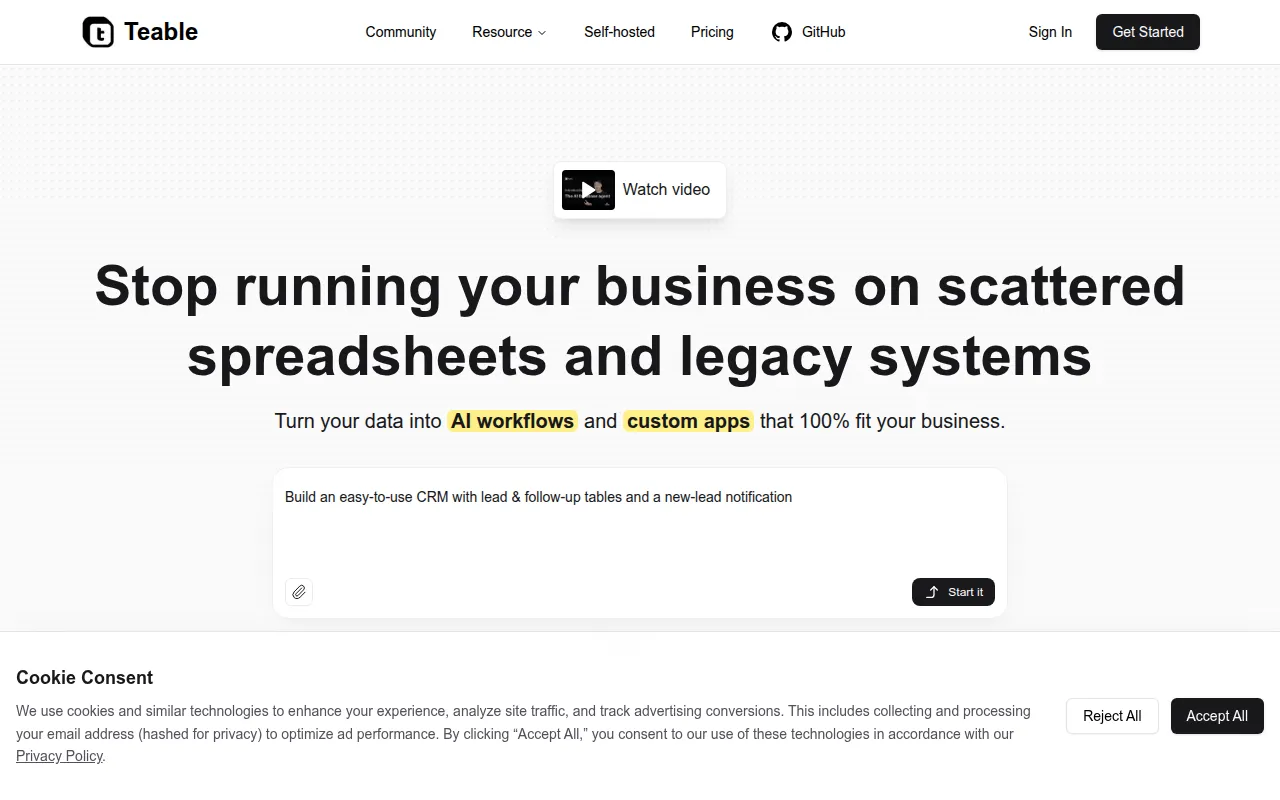
Teable is an open-source database platform with a spreadsheet-like interface, built to scale to millions of rows while keeping real-time collaboration between team members. It's positioned as an open-source alternative to Airtable for teams that want a familiar grid-based interface backed by a real database rather than a proprietary cloud spreadsheet. Teable can be tried through a hosted version at teable.ai or self-hosted with Docker.
Key features
- Multiple views: Work with the same data through Grid, Form, Kanban, Gallery, and Calendar views.
- Formula and SQL support: Build calculated fields with formulas, or query data directly with SQL.
- Real-time collaboration: Multiple team members can edit and view data simultaneously, backed by a database designed for millions of rows.
- Import, export, and field conversion: Move data in and out of Teable, and convert field types without losing data.
- Comments and history: Discuss records inline and review a full history of changes, with undo/redo support.
- Plugin support: Extend Teable's functionality with custom plugins built against its SDK.
Self-hosting and deployment
Teable can be self-hosted with Docker Compose (docker-compose up -d from the standalone example directory), or deployed with one click on Railway, Sealos, Zeabur, RepoCloud, Elestio, or Alibaba Cloud ComputeNest. A hosted version is also available at teable.ai, including a live demo with 1 million rows to test performance.
Tech stack
The Next.js frontend and NestJS backend are licensed under AGPL 3.0, while supporting packages, including the core library, SDK, Prisma-based database layer, and UI library, are licensed under MIT. Custom plugins also fall under AGPL 3.0.
Why teams pick Teable over pure no-code tools
Teable's own documentation frames the project around limits that no-code, spreadsheet-style tools tend to hit as a company grows: interfaces that slow down once row counts climb into the hundreds of thousands, cloud-only platforms that make it hard to move data elsewhere, and low-code builders that eventually need a developer to extend but weren't built to common software standards in the first place. Teable addresses this by keeping the spreadsheet-like interface non-technical users already know, while backing it with a real database and an open-source codebase that can be self-hosted, extended with plugins, or queried directly with SQL once a team's needs outgrow a simple grid.
Getting started
New users can start from the template center and pick a ready-made scenario, or open the hosted 1-million-row demo to see how the grid performs at scale before installing anything. For local development, the project supports Gitpod for a preconfigured cloud dev environment, and standard setup runs through Corepack, pnpm install, and make switch-db-mode to initialize Postgres before starting the backend, which also boots the frontend automatically.
Frequently asked questions




Similar to Teable


