OpenClaude
Open-source coding-agent CLI in TypeScript that works with OpenAI-compatible APIs, Gemini, Ollama, Codex, and more.
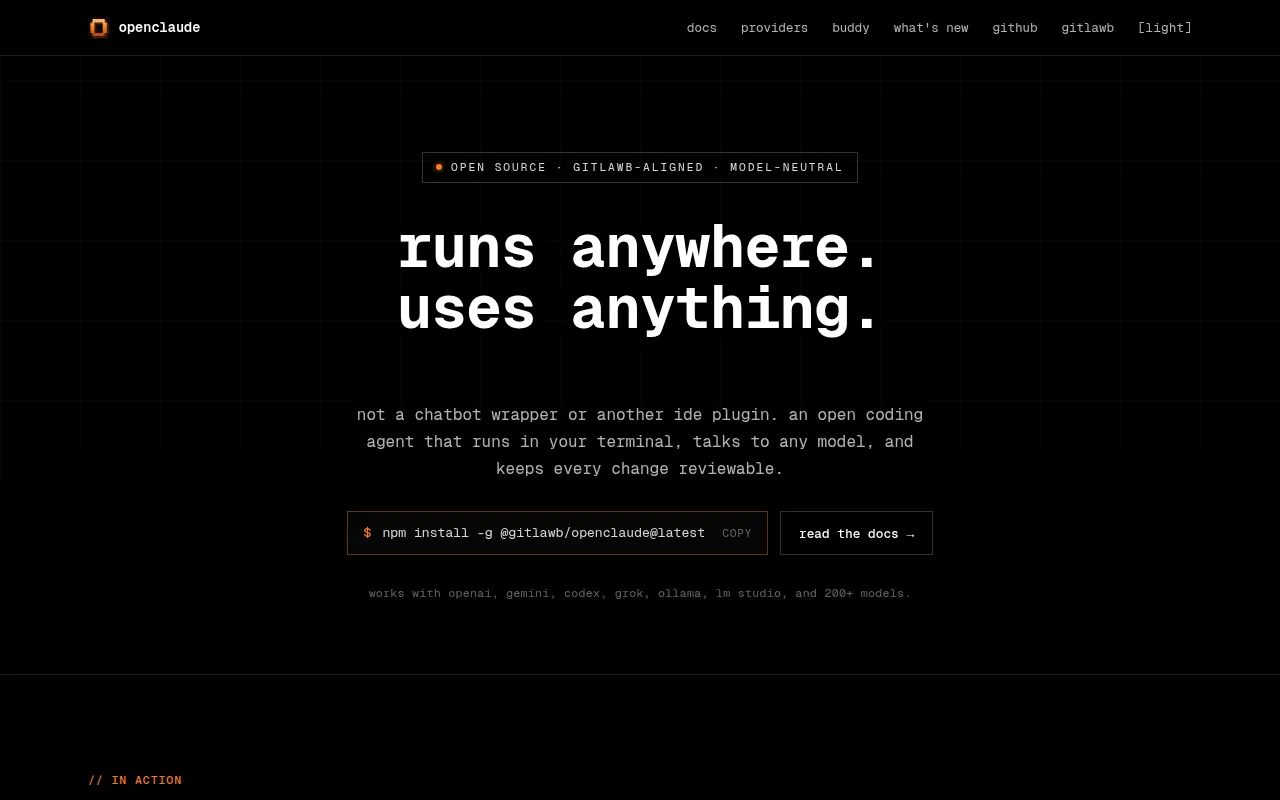
OpenClaude is an open-source, terminal-first coding-agent CLI for developers who want one consistent workflow across many LLM backends. Instead of learning separate tooling for each provider, you point OpenClaude at OpenAI-compatible APIs, Gemini, GitHub Models, Codex (OAuth or CLI auth), Ollama, Atomic Chat, and a growing list of gateway providers like Fireworks AI, LongCat, ApiSmart, and Z.AI GLM. It's aimed at developers who already use terminal coding agents (Claude Code-style workflows) but want provider flexibility, including running fully local models via Ollama.
Key features
- Provider-agnostic CLI: switch between cloud APIs and local model backends without separate tooling per provider; guided setup via
/providersaves profiles to.openclaude-profile.json. - Coding-agent toolset: bash execution, file tools, grep, glob, agents, tasks, MCP support, and web tools in one terminal session.
- Session management: resume or continue conversations by session ID, fork history into new sessions with
--fork-session, and inspect prior work. - Background sessions: run long prompts detached from the terminal with
openclaude --bg, then track them withps,logs, andkillsubcommands (local child processes, no daemon). - Independent config: stores its own config under
~/.openclaude, doesn't read~/.claudeor Claude Code credentials, so it can run without Claude Code installed. - VS Code extension: bundled extension for launch integration and theming.
- Repo map and smart routing: docs cover codebase intelligence, smart auto-routing, agent routing/step limits, and a headless gRPC server for automation.
- Wide provider table: OpenAI-compatible endpoints (OpenRouter, DeepSeek, Groq, Mistral, LM Studio), Gemini, GitHub Models, Codex, Fireworks AI, LongCat, ClinePass, Gitlawb Opengateway, OpenCode Zen/Go, and others.
Ideal use cases
- You want a single CLI workflow for coding agents but need to switch between multiple LLM vendors (cost, availability, capability) without rewriting integration code.
- You run local models through Ollama for privacy or cost reasons and still want agent tooling (file edits, grep, bash, MCP) on top.
- You maintain scripts or CI-adjacent workflows that need non-interactive, backgrounded agent runs (
--bg,ps,logs) rather than a fully attached terminal session. - You're evaluating alternatives to a single-vendor coding CLI and want to test several model backends (OpenRouter, Fireworks, GitHub Models, Gemini) against the same task.
- It's probably not a fit if you need a fully managed, GUI-based coding assistant, or if you want automatic loading of project
.envfiles (OpenClaude intentionally doesn't do this by default). It's also not a good fit if you rely on full terminal reattach for background sessions today, since that feature isn't implemented yet, only log tailing is.
Installation
OpenClaude requires Node.js >=22.0.0 for npm installs and runtime. Bun is only needed if you're building from source.
Install globally via npm:
npm install -g @gitlawb/openclaude@latest
On Arch Linux, there's a community-maintained AUR package:
paru -S openclaude
If you see a ripgrep not found error, install ripgrep system-wide and confirm rg --version works before starting OpenClaude.
Verify or troubleshoot your installed version:
openclaude --version
npm view @gitlawb/openclaude dist-tags
npm install -g @gitlawb/openclaude@latest
Start the CLI:
openclaude
Inside the CLI, run /provider for guided provider setup, or /onboard-github for GitHub Models onboarding.
For a fast OpenAI-backed setup, set environment variables before launching:
export CLAUDE_CODE_USE_OPENAI=1
export OPENAI_API_KEY=sk-your-key-here
export OPENAI_MODEL=gpt-4o
openclaude
For a fully local setup with Ollama:
export CLAUDE_CODE_USE_OPENAI=1
export OPENAI_BASE_URL=http://localhost:11434/v1
export OPENAI_MODEL=qwen2.5-coder:7b
openclaude
Windows PowerShell equivalents are documented in the README for both setups. Additional beginner and advanced setup guides (Windows, macOS/Linux, non-technical, source builds) live under the docs/ directory in the repo.
Frequently asked questions






Similar to OpenClaude


