
LLM Wiki
LLM Wiki is a cross-platform desktop app that ingests documents and builds a persistent, interlinked knowledge base with an LLM, graph analysis, and search.
 Notion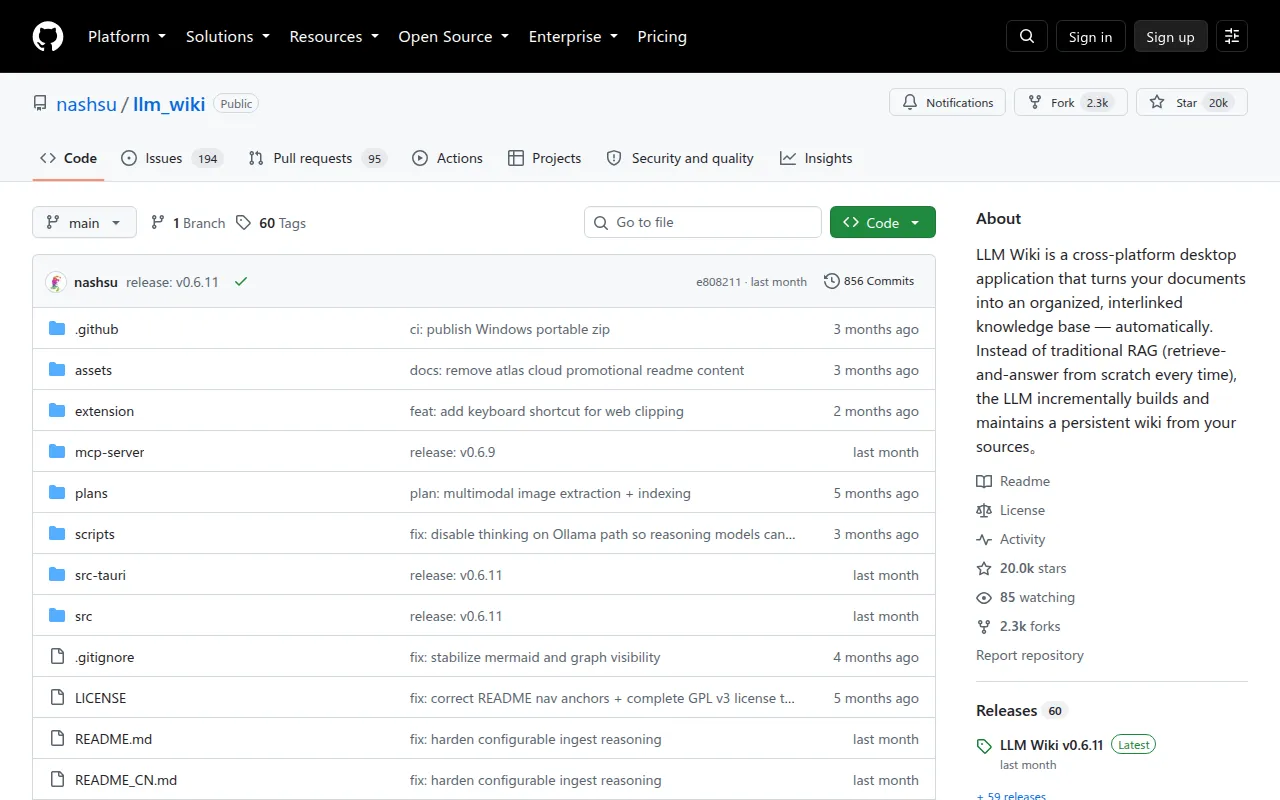
LLM Wiki is a cross-platform desktop application for people who want an LLM to organize their personal or team documents into a structured, navigable wiki instead of a flat pile of files. It's built for researchers, writers, and knowledge workers who import PDFs, Office docs, EPUBs, web clips, and images, and want the LLM to compile that material into cross-referenced pages that stay current as sources change, rather than re-deriving answers from scratch on every query (the typical RAG pattern).
The project implements and extends Andrej Karpathy's llm-wiki pattern: a three-layer architecture of Raw Sources (immutable) → Wiki (LLM-generated) → Schema (rules and config), with three core operations (Ingest, Query, Lint). The wiki output uses index.md, log.md, [[wikilink]] syntax, and YAML frontmatter, and the wiki directory is compatible with Obsidian.
Key features
- Two-step ingest: the LLM first analyzes a source, then generates wiki pages, with source traceability and an incremental cache so unchanged files are skipped.
- Multi-format parsing: PDF, Office documents, EPUB/MOBI, Org mode, images, media, web clips, and batch URLs, including built-in, cloud, or local MinerU PDF processing.
- Multimodal image ingestion: extracts images from PDFs, captions them with a vision LLM, and surfaces them in image-aware search with lightbox preview.
- Knowledge graph: a 4-signal relevance model (direct links, source overlap, Adamic-Adar, type affinity) rendered with sigma.js and graphology, plus Louvain community detection for automatic clustering.
- Graph insights: surfaces isolated pages, sparse communities, and bridge nodes, with one-click Deep Research to fill gaps.
- Retrieval pipeline: tokenized search (English and CJK), optional vector semantic search via LanceDB and any OpenAI-compatible embeddings endpoint, graph expansion, and token-budget-aware context assembly.
- Persistent ingest queue: serial processing with crash recovery, retry, cancel, and progress visualization.
- Folder import and auto-watch: recursive folder import with directory structure preserved as classification hints, plus automatic detection of external changes to the sources folder.
- Deep Research: LLM-generated search topics with multi-query web search (Tavily, SerpApi, SearXNG) and auto-ingest of results.
- Rust backend chat agent: tool-using runtime with wiki/source/graph/web retrieval, workspace file generation, shell command approval, and streaming tool events.
- Agent skills: scan and enable local
SKILL.mdfolders, invoke with/skill, and let the agent read skill instructions on demand. - Local API and MCP server: a JSON API on
127.0.0.1:19828and a bundled MCP server for hybrid search, file reads, and graph traversal, plus a companion agent skill installable vianpx skills add. - Project management: export/import full project archives across devices, rebuild the wiki index from existing pages, and use scenario templates (Research, Reading, Personal Growth, Business, General).
Ideal use cases
LLM Wiki fits well if you're accumulating a large, growing pile of PDFs, papers, notes, or web clippings and want an LLM to continuously organize them into a browsable, cross-linked reference instead of answering one-off questions. It suits long-running research projects, personal knowledge management, and workflows where you already use or want Obsidian-style vaults with wikilinks and frontmatter.
It's a good fit if you want source-grounded answers (via Read Sources Only mode) and traceability back to original documents, or if you want to explore a knowledge graph to find gaps and unexpected connections in your material.
It is not a good fit for simple one-shot question answering over a small, static document set, where a basic RAG chatbot would be simpler and cheaper. It's also not designed as a multi-user, cloud-hosted collaborative wiki; it runs as a local desktop application with local storage per project. If you need enterprise access control or a hosted service, look elsewhere.
Installation
The README does not include explicit build/run commands in the excerpt provided, but the project is a TypeScript-based cross-platform desktop application with a Rust backend component. Standard setup for a project like this typically involves:
git clone https://github.com/nashsu/llm_wiki.git
cd llm_wiki
Check the repository's package manager files (package.json, Cargo.toml) for the exact build and dev commands, since the app combines a TypeScript/JavaScript frontend with a Rust backend (used for the chat agent and LanceDB vector search). After installation, you configure LLM providers, models, and optional vector search endpoints from within the app's Settings, and import documents via folder import, the Chrome Web Clipper, or drag-and-drop into raw/sources/.
For the companion agent skill (used with Claude Code or Codex), install it separately with:
npx skills add
Refer to the project's full README and its localized versions (Chinese, Japanese, Korean) for platform-specific packaging and release binaries if available.
Frequently asked questions







Similar to LLM Wiki


