
Jitsi Meet
Jitsi Meet is an open source video conferencing platform with browser-based calls, mobile apps, and self-hosted deployment options.
 Google Meet
 Zoom
Zoom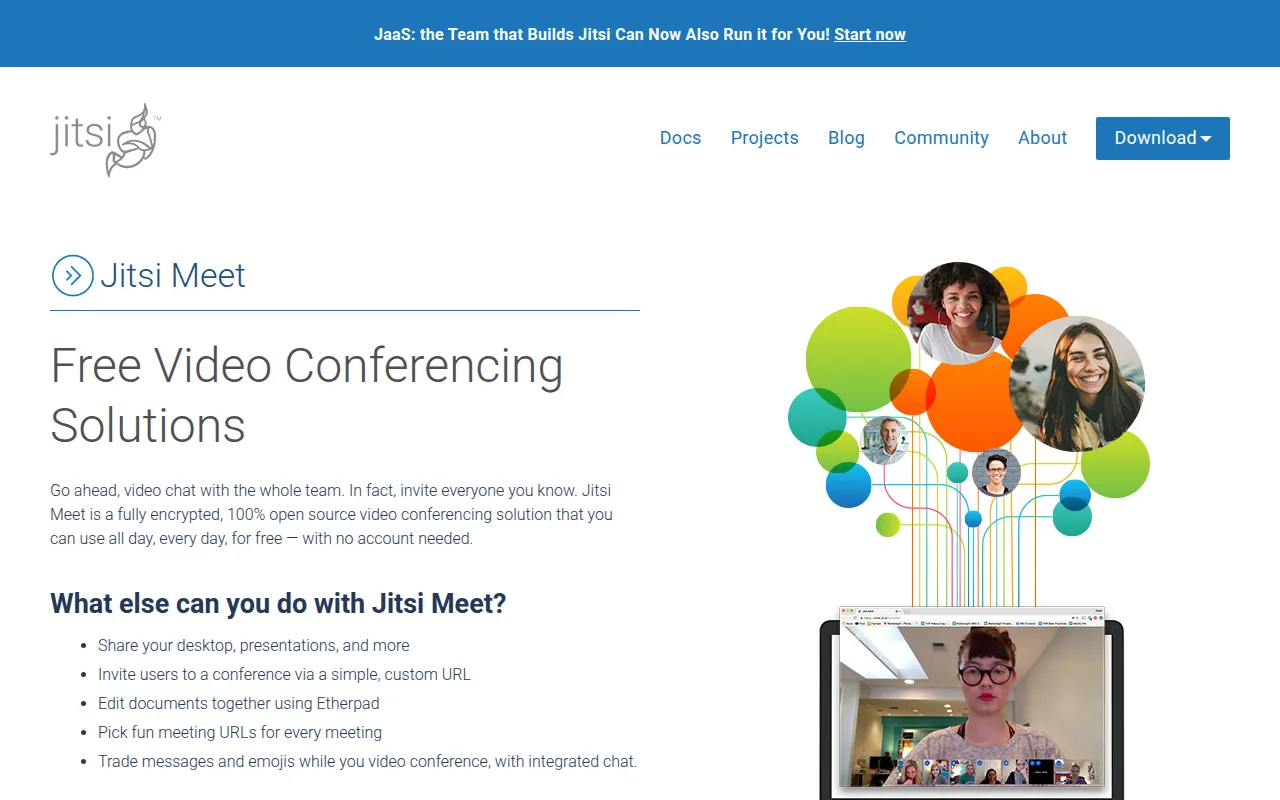
Jitsi Meet is an open source set of projects for deploying video conferencing platforms, offering browser-based calls without requiring participants to install anything. It's built and maintained by the Jitsi team at 8x8, and serves as an open source alternative to proprietary conferencing tools like Zoom and Google Meet, either self-hosted or via the free hosted instance at meet.jit.si. Native mobile apps are available for Android and iOS alongside the browser client. Users who want early access to in-development features can join open beta testing programs for both Android and iOS ahead of general release. Jitsi Meet also functions as an umbrella term for a set of related open source projects rather than a single codebase, since the video conferencing platform depends on companion components for signaling and media routing that are developed and released alongside it.
Key features
- No install required: Calls run in the browser across all current browsers, so participants join through a link with no client software.
- HD audio and video: Includes content sharing, raise-hand and reactions, chat with private conversations, polls, and virtual backgrounds.
- Native mobile apps: Full-featured Android and iOS apps are available, including F-Droid builds for Android.
- Web and native SDKs: SDKs let developers embed Jitsi Meet's calling functionality into their own web or mobile applications.
- End-to-end encryption: An E2EE implementation is documented for calls that need it, on top of Jitsi's standard security model.
- Self-hosted or as-a-service: Run your own instance with provided Debian packages and a Docker setup, or use 8x8's Jitsi as a Service (JaaS) for a managed, brandable deployment.
Self-hosting and deployment
Running your own Jitsi Meet instance is documented in the Jitsi handbook, with Debian packages and a Docker Compose setup covering the most common paths, plus the option to build every component from source for advanced customization. Teams that want the branding and control of self-hosting without operating the infrastructure themselves can instead use 8x8's Jitsi as a Service (JaaS), which runs Jitsi on 8x8's global platform. Full security documentation covers Jitsi Meet's security model overall, with a separate whitepaper dedicated to the E2EE implementation, and a documented process exists for reporting security vulnerabilities directly to the project. The full documentation set, including devops guidance and release notes, is published in the Jitsi handbook rather than scattered across the repository's wiki.
Ideal use cases
Jitsi Meet fits organizations that want video conferencing without per-seat licensing or vendor lock-in, and that are comfortable operating their own signaling and media infrastructure, or using JaaS as a managed layer. It's also a common building block for products that need embedded video calling, since the web and native SDKs let Jitsi's calling stack be integrated into another application rather than used only as a standalone meeting app.
Tags:
Frequently asked questions







Similar to Jitsi Meet

