Open Notebook
Open Notebook is an open-source, self-hosted research assistant supporting 18+ AI providers, podcasts, and full-text/vector search.
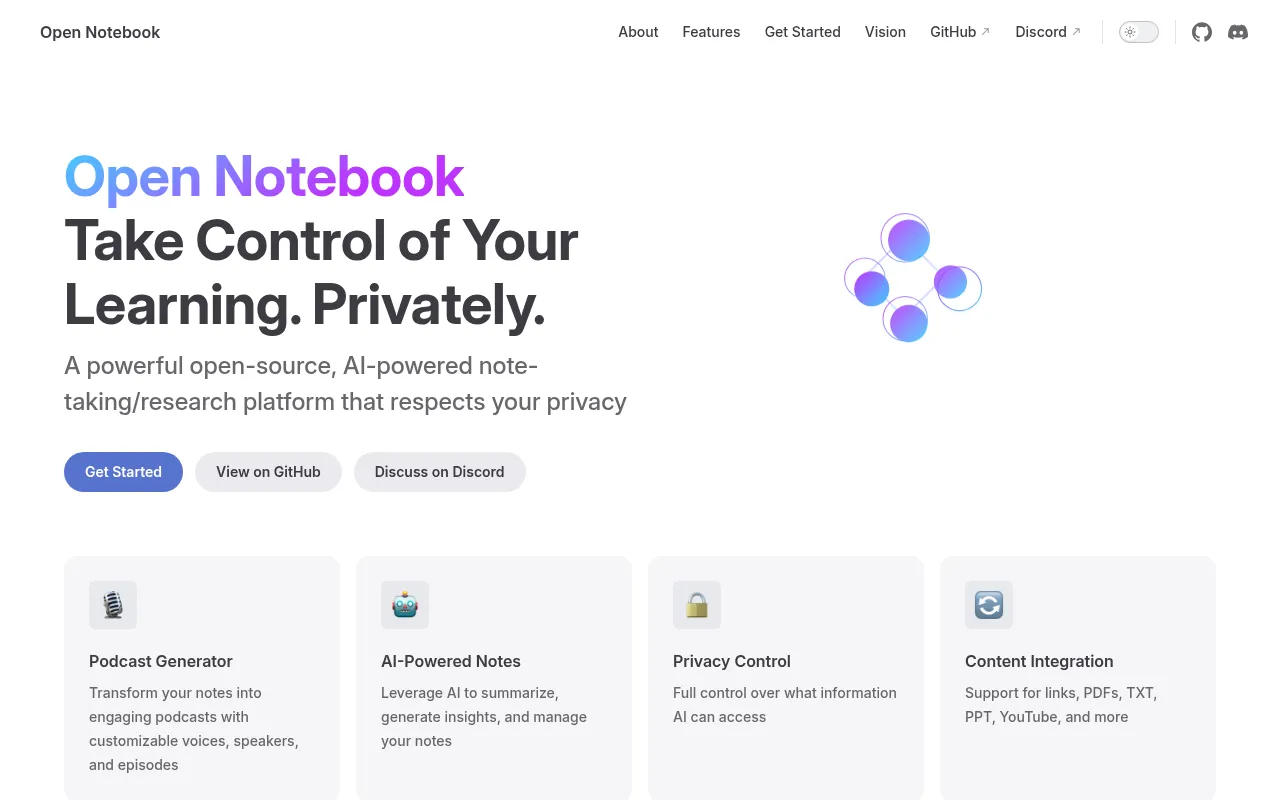
Open Notebook is a self-hosted research and note-taking tool built as an open alternative to Google's Notebook LM. It's aimed at developers, researchers, and privacy-conscious users who want to organize sources (PDFs, videos, audio, web pages, Office docs), chat with that content using an AI model, and generate multi-speaker podcasts, all without sending data to a single vendor's cloud.
The project runs on Docker with SurrealDB as the storage layer and a Next.js/React frontend backed by a Python API built with LangChain. It supports 18+ AI providers (OpenAI, Anthropic, Google, Groq, Ollama, LM Studio, Mistral, and others) so you can mix cheap or local models with more capable ones for different tasks like transcription, embeddings, or chat.
Key features
- Multi-provider AI support: Connect OpenAI, Anthropic, Ollama, LM Studio, Groq, Google, Mistral, and other providers, and assign different models to different tasks (chat, embeddings, TTS, STT).
- Multi-notebook organization: Keep separate research projects with their own sources, notes, and chats.
- Universal content ingestion: Add PDFs, videos, audio files, web pages, and Office documents as sources.
- Podcast generation: Produce multi-speaker (1-4 speaker) podcasts with custom voice profiles, more flexible than the fixed two-speaker format in Notebook LM.
- Full-text and vector search: Search across all ingested content, not just note titles.
- Context-aware chat: Ask questions and get answers grounded in your notebook's sources, with citations.
- Content transformations: Run built-in or custom actions to summarize or extract insights from sources.
- REST API and MCP integration: Automate workflows or connect to Claude Desktop, VS Code, and other MCP clients.
- Reasoning model support: Works with thinking models like DeepSeek-R1 and Qwen3.
- Optional password protection: Add authentication when exposing a public deployment.
- Multi-language UI: Interface available in English, Portuguese, Chinese (Simplified/Traditional), Japanese, Russian, and Bengali.
Ideal use cases
Open Notebook fits well if you're doing research, literature reviews, or self-directed learning and want to keep your source material and notes on your own infrastructure instead of a SaaS product. It's a good match if you already pay for API access to multiple LLM providers and want to route different tasks to different models, or if you want to run models fully locally through Ollama or LM Studio for zero ongoing API cost.
It also suits teams building on top of AI research tools: the REST API and MCP integration let you script content ingestion, transformations, or chat from other applications.
It's less of a fit if you want a zero-setup, browser-only tool with no infrastructure to manage. Citations are described as basic rather than comprehensive, so if source-level citation accuracy is critical for your workflow, check the docs before relying on it for formal research output. It also currently processes content synchronously in parts, so very large batches of sources may feel slower than a fully async pipeline.
Installation
The fastest path is Docker Compose. You need Docker Desktop installed; API keys are configured later inside the app.
- Download the compose file:
curl -o docker-compose.yml https://raw.githubusercontent.com/lfnovo/open-notebook/main/docker-compose.yml
- Edit
docker-compose.ymland set an encryption key (used to encrypt stored API keys):
- OPEN_NOTEBOOK_ENCRYPTION_KEY=change-me-to-a-secret-string
- Start the services:
docker compose up -d
-
Wait 15-20 seconds, then open
http://localhost:8502for the web UI (the REST API runs on port 5055). -
In the UI, go to Models, add a provider configuration with your API key, test the connection, sync available models, and assign default models for chat, embeddings, and other tasks.
For a fully local setup with no API costs, use the Ollama example compose file in the examples/ directory. For development or contributing, there's a from-source installation guide in the docs. The stack itself is built with Python, Next.js/React, SurrealDB, and LangChain.
Frequently asked questions





Similar to Open Notebook


