
DocsGPT
Open-source, self-hosted platform for building AI agents grounded in your documents, with citations, any LLM, and full data privacy.
 ChatGPT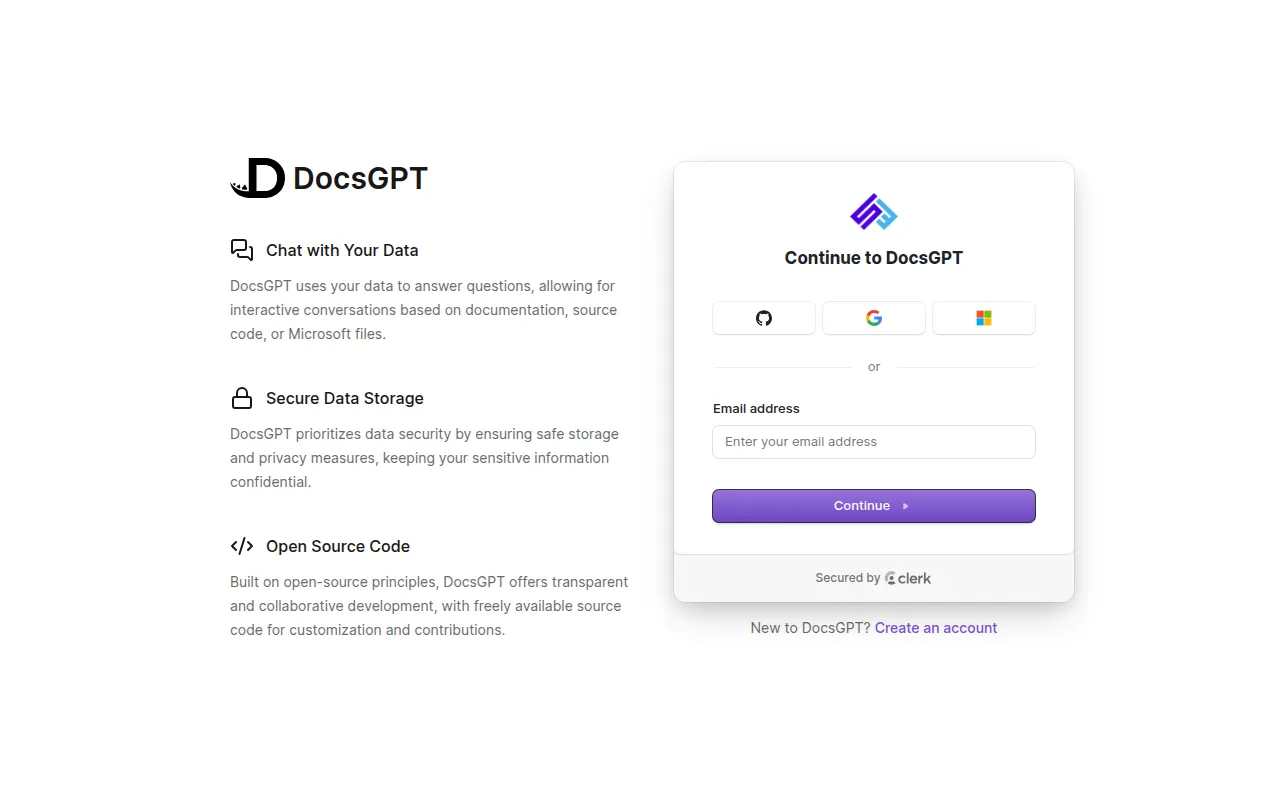
DocsGPT is an open-source platform for turning documents, websites and connected apps into AI agents that answer with cited sources. It's built for teams and developers who need private, self-hosted retrieval-augmented generation (RAG) without sending data to a third party, and who want to build agents, workflows, chat widgets or APIs on top of their own knowledge base.
It runs entirely inside your own environment: API, worker, Postgres, Redis, vector store and files. You choose the model, whether that's a cloud provider like OpenAI or Anthropic, or a local model through Ollama or vLLM. Everything, including SSO and team access control, ships under the MIT license.
Key features
- Agents and deep research: build agents with their own prompt, knowledge base, tools and model; a research mode handles multi-step questions.
- Visual workflows: chain agents, conditionals, state and sandboxed code in a drag-and-drop builder.
- Knowledge connectors: ingest PDFs, Office docs, web pages and audio, and sync from Google Drive, SharePoint, Confluence, GitHub, S3 and others, with GraphRAG support.
- Cited answers: every response links back to the source documents it used.
- Tools and actions: web search, arbitrary REST APIs, MCP servers, sandboxed code execution, and shell access on paired devices.
- Model flexibility: works with OpenAI, Anthropic, Google, Groq, OpenRouter, or local/self-hosted models via Ollama, vLLM and other OpenAI-compatible servers.
- Guardrails: flag, redact or block PII, secrets, prompt injection attempts and ungrounded answers.
- Schedules and webhooks: trigger agents on a timer or via incoming HTTP requests from other systems.
- Multiple access points: web app, embeddable chat/search widget, OpenAI-compatible API, Agent API, MCP server, and bots for Discord, Slack and Telegram.
Ideal use cases
DocsGPT fits teams that need an internal or customer-facing assistant grounded in private documentation, support handbooks, codebases or internal wikis, especially where data residency or privacy rules matter. It's a good match if you want to embed a sourced-answer chat widget on a product site, expose an OpenAI-compatible endpoint to existing tooling, or wire agents into Claude/Cursor via MCP.
It also suits organizations that need SSO, role-based access control, usage quotas and audit logs around their AI agents, since those are built in rather than bolted on. Air-gapped deployment is supported for environments that can't reach the internet at all.
It's less of a fit if you just want a quick prototype chatbot with no self-hosting overhead and no need for document grounding, citations, or connectors, a lighter framework or a hosted SaaS chatbot might get you there faster. It's also not meant for pure LLM fine-tuning or training workloads; it's a retrieval and agent orchestration layer, not a model training platform.
Installation
The fastest path is the one-command installer, which checks for Docker, installs the docsgpt CLI, and runs docsgpt up:
# macOS and Linux
curl -fsSL https://docs.ac/install | bash
# Windows (PowerShell)
irm https://docs.ac/install.ps1 | iex
docsgpt up asks who should be able to reach the instance and which model to use. A local install opens at http://localhost:7091.
Once installed, manage the stack with the docsgpt command:
docsgpt status     # version, address and health
docsgpt logs       # follow the logs
docsgpt upgrade     # upgrade and restart on the new version
docsgpt backup      # back up the database and uploaded data
docsgpt down        # stop (data and settings stay)
Other supported deployment methods include Docker Compose, pip, Kubernetes, an air-gapped setup, and running from a source checkout with the included setup script. If you just want to try DocsGPT without self-hosting, use the hosted DocsGPT Cloud instance instead.
Tags:
Frequently asked questions







Similar to DocsGPT

