
Qwen Code
Open-source terminal AI coding agent supporting OpenAI, Anthropic, Gemini, and Qwen APIs, plus local models via Ollama or vLLM.
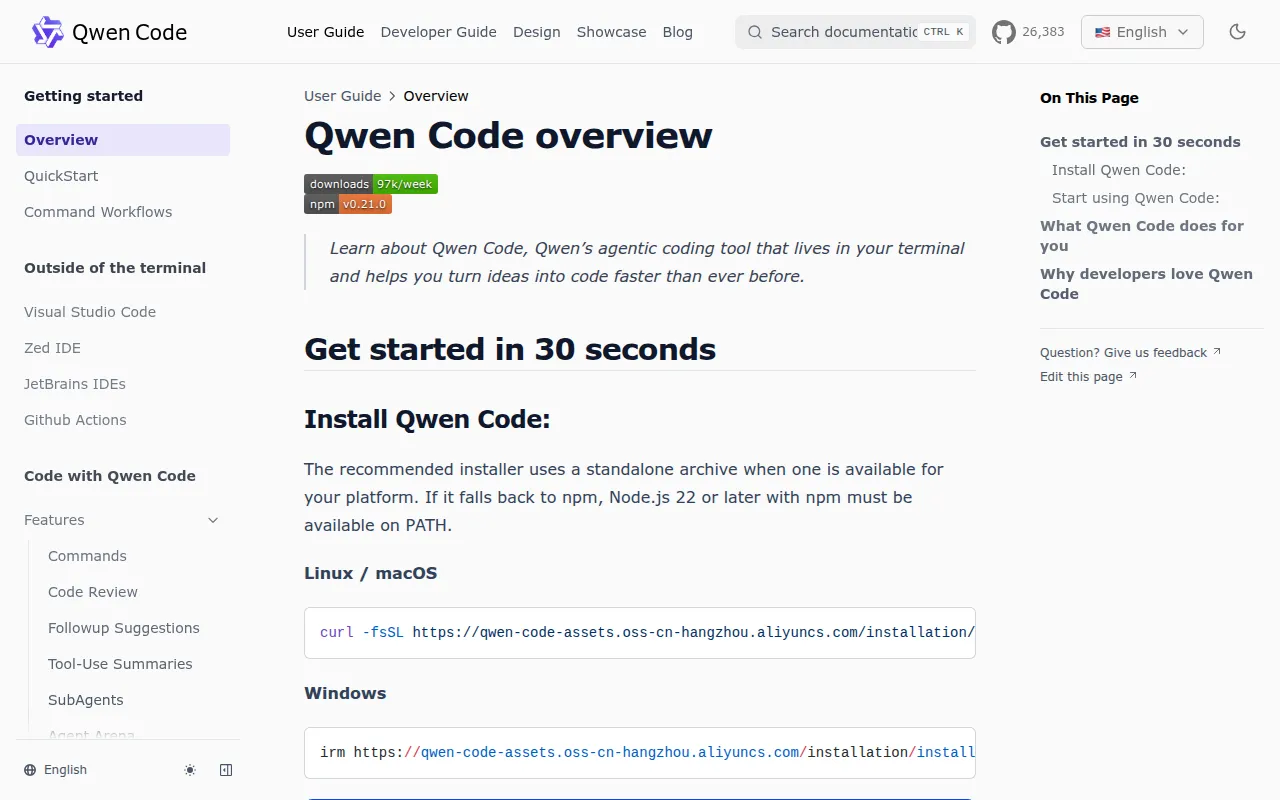
Qwen Code is an open-source AI coding agent that runs in your terminal. It's built for developers who want an agentic coding assistant without being locked into a single model provider, forked from Google's Gemini CLI and now developed independently with deep support for Qwen models alongside other providers.
Key features
- Agentic workflows – Auto-Memory, Auto-Skills, SubAgents, and Agent Teams work out of the box, with no manual configuration needed to get dynamic multi-step behavior.
- Multi-protocol support – Talks to OpenAI, Anthropic, Gemini, and Qwen APIs, plus any third-party provider or local model through Ollama or vLLM. You can switch providers at runtime.
- Open-source stack – Both the agent framework and the Qwen models behind it are open-source, so there's no vendor lock-in on either layer.
- Multiple interfaces – Beyond the terminal UI, it ships IDE plugins for VS Code, JetBrains, and Zed, a desktop app for macOS/Windows/Linux, a daemon mode (
qwen serve) for shared sessions, and SDKs for TypeScript, Python, and Java. - IM bot integration – Connects to Telegram, DingTalk, WeChat, and Feishu via
qwen channel, letting you run coding tasks from chat apps. - Headless mode – Run
qwen -p "..."for scripting, CI/CD pipelines, and batch processing without the interactive UI. - MCP and skill support – Includes MCP integration, Plan Mode, LSP integration, sandbox execution, and Git worktree support, plus built-in skills like
/review,/batch,/loop, and/bugfix. - Feature parity with Claude Code – The project tracks and aims to match Claude Code's capabilities (SubAgents, Hooks, Auto Mode, computer use) while adding multi-protocol and self-hosting options Claude Code doesn't offer.
Ideal use cases
Qwen Code fits developers who want a terminal-first coding agent they can point at different model backends depending on cost, latency, or privacy needs. It's a good match for teams already using local models (Ollama, vLLM) who want an agent that isn't tied to one vendor's API. If you need to script AI-assisted coding tasks into CI/CD, headless mode and the SDKs (TypeScript, Python, Java) make that straightforward.
It also suits developers who want to interact with a coding agent from IDEs (VS Code, JetBrains, Zed), a desktop app, or even messaging apps like Telegram or Feishu, rather than being stuck to a single terminal session. The daemon mode (qwen serve) is useful if multiple clients need to share one agent session over HTTP.
This is not a good fit if you want a fully managed, zero-maintenance SaaS product. You need Node.js 22+ installed, an API key or local model setup, and some comfort with terminal tools. If you specifically need a closed, single-vendor product with dedicated enterprise support, this open-source project may require more self-management than that would.
Installation
On Linux or macOS, install with the provided script:
curl -fsSL https://qwen-code-assets.oss-cn-hangzhou.aliyuncs.com/installation/install-qwen-standalone.sh | bash
On Windows, use PowerShell:
irm https://qwen-code-assets.oss-cn-hangzhou.aliyuncs.com/installation/install-qwen-standalone.ps1 | iex
Restart your terminal afterward so environment variables take effect.
Alternatively, install via NPM (requires Node.js 22+):
npm install -g @qwen-code/qwen-code@latest
Or via Homebrew on macOS/Linux:
brew install qwen-code
Once installed, launch the interactive terminal UI and configure your provider:
qwen          # Launch interactive terminal UI
# Inside the session:
/auth         # Configure your provider and API key
For scripting or CI/CD, use headless mode instead: qwen -p "your prompt". Check the Authentication Guide and Settings Reference on the project's docs site for provider-specific setup details.
Frequently asked questions







Similar to Qwen Code


