
cmux
cmux is an open-source, Ghostty-based macOS terminal with vertical tabs, notifications, and a scriptable browser for running AI coding agents.
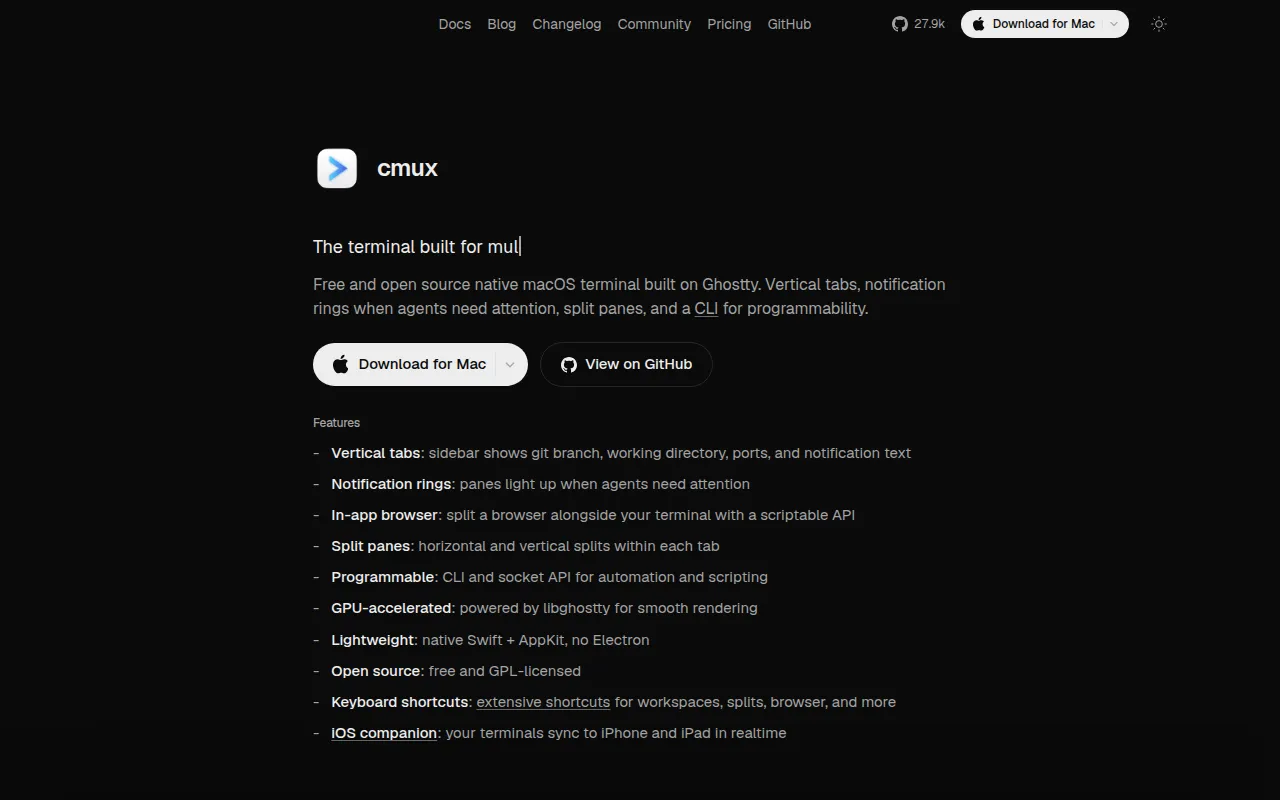
cmux is a native macOS terminal built on Ghostty, designed for developers who run multiple AI coding agents (Claude Code, Codex, OpenCode, Gemini, Amp, and others) in parallel and need to know when one of them needs attention. It's aimed at terminal-first developers who want a fast, scriptable workspace instead of an opinionated GUI orchestrator.
Instead of relying on generic macOS notifications that just say "waiting for input," cmux adds a sidebar with vertical tabs showing git branch, PR status, working directory, open ports, and the latest notification text per workspace. Panes light up with a visual ring when an agent needs you, and a notification panel lets you jump straight to the most recent unread item.
Key features
- Notification rings and panel – panes and tabs flag visually when an agent is waiting, with a panel to see and jump between all pending notifications
- Vertical + horizontal tabs – sidebar shows git branch, linked PR number/status, working directory, listening ports, and latest notification per workspace, with full split support
- In-app browser – split a scriptable browser pane next to the terminal; agents can snapshot the accessibility tree, click, fill forms, and run JS against it
- SSH workflows –
cmux ssh user@remoteopens a remote workspace, routes browser panes through the remote network, and supports dragging files into remote sessions - Claude Code Teams support –
cmux claude-teamsspins up teammate mode as native splits with sidebar metadata, no tmux required - Session restore – on relaunch, cmux restores window/workspace/pane layout, working directories, scrollback, and browser history; supported agents can resume via saved session IDs
- CLI and socket API – script workspace creation, pane splitting, keystrokes, and browser automation
- Ghostty compatible, GPU-accelerated – reads your existing
~/.config/ghostty/configand renders via libghostty - Native Swift/AppKit app – not Electron, so startup is fast and memory use stays low
- Browser import – pulls cookies, history, and sessions from Chrome, Firefox, Arc, and 20+ other browsers so browser panes start authenticated
Ideal use cases
cmux fits developers running several coding agents concurrently across multiple panes or tabs and who lose track of which one needs input. It also suits anyone doing remote development over SSH who wants browser panes and file drag-and-drop to work transparently against the remote host, and teams experimenting with Claude Code's teammate mode without wiring up tmux manually.
It's a good fit if you already use Ghostty or want its config/theme compatibility and GPU-accelerated rendering, and if you'd rather script your own workflow via CLI/socket API than adopt a prescriptive agent-orchestration product.
It is not a fit if you need cross-platform support: cmux is macOS-only (built in Swift/AppKit). It's also not the right tool if you want a fully managed, opinionated agent dashboard rather than terminal primitives you assemble yourself, or if you don't run coding agents at all and just need a general-purpose terminal emulator.
Installation
The simplest path is the signed DMG from the releases page:
- Download the latest
cmux-macos.dmgfrom the GitHub releases page. - Open the DMG and drag cmux into Applications.
- On first launch, macOS will prompt to confirm opening an app from an identified developer; click Open.
cmux auto-updates afterward via Sparkle, so you only need to download once.
Alternatively, install via Homebrew:
brew tap manaflow-ai/cmux
brew install --cask cmux
To update later:
brew upgrade --cask cmux
A nightly build (built from the latest main commit) is also available as a separate app with its own bundle ID, so it can run alongside the stable release.
After installing, set up agent resume hooks for CLIs already on your PATH:
cmux hooks setup
cmux hooks setup codex
cmux hooks setup --agent opencode
cmux hooks setup detects and installs hooks for supported agents (Claude Code, Codex, Grok, OpenCode, Pi, Amp, Cursor CLI, Gemini, Rovo Dev, Copilot, CodeBuddy, Factory, Qoder) and prints a summary for any it skips.
Frequently asked questions







Similar to cmux


