
IndexTTS
IndexTTS is an open-source zero-shot text-to-speech system that clones voices from a single audio clip, with emotion and speed control.
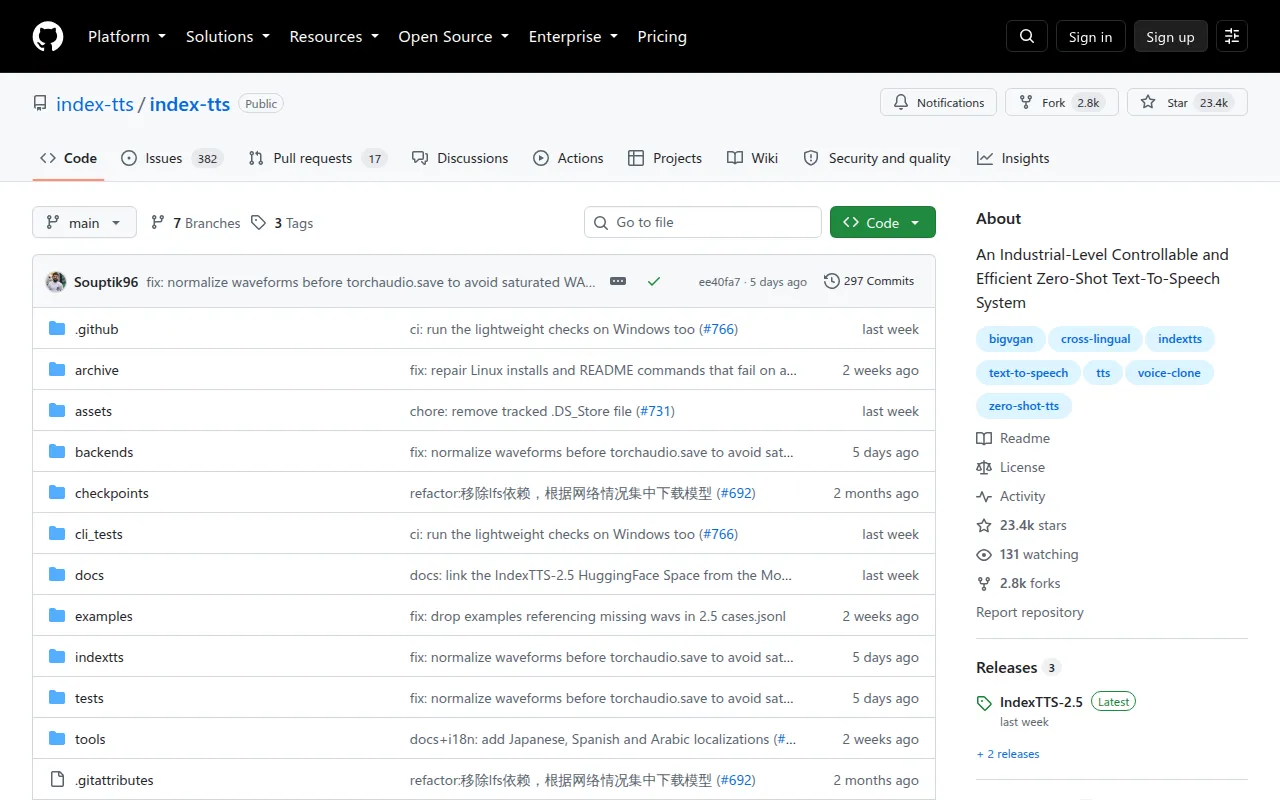
IndexTTS is a zero-shot text-to-speech system built for developers who need to clone a voice from a single reference audio clip and generate speech in multiple languages. It targets people building voice products, dubbing pipelines, audiobook tools, or research on controllable TTS, not casual users looking for a hosted app. The project ships several model generations (IndexTTS through IndexTTS-2.5), each with weights on HuggingFace and ModelScope, a WebUI, a Python API, and a CLI-style inference script.
The current model, IndexTTS-2.5, adds Chinese, English, Japanese, Spanish and Arabic support, plus fine-grained control over emotion, speaking speed, and pronunciation (Pinyin, CMU phonemes, Japanese Kana), while running faster than IndexTTS-2. Earlier versions (1.0, 1.5, 2) remain usable and documented, so you can pick the tradeoff between stability and feature set that fits your project.
Key features
- Zero-shot voice cloning: generate speech in a target voice from a single reference
.wavfile, no fine-tuning required. - Multilingual synthesis: IndexTTS-2.5 covers Chinese, English, Japanese, Spanish and Arabic, with cross-lingual and timbre-emotion disentanglement.
- Emotion control: set emotion via a separate emotional reference audio, an 8-dimension emotion vector, or automatic extraction from the input text (
use_emo_text). - Emotion intensity tuning: the
emo_alphaparameter scales how strongly the emotion reference affects the output (0.0-1.0). - Speaking speed control: the
duration_factorparameter slows down or speeds up generated speech (0.5x-2.0x). - Pronunciation control: override pronunciation inline using Pinyin, CMU phonemes, or Japanese Kana annotations.
- Performance options: FP16/BF16 inference, DeepSpeed acceleration, and compiled CUDA kernels to cut VRAM use and speed up generation.
- Production serving: a documented vLLM recipe for deploying IndexTTS-2.5 at scale.
- WebUI and Python API: a Gradio-based web demo alongside a scriptable Python interface for batch or programmatic use.
Ideal use cases
IndexTTS fits projects that need controllable voice cloning from short reference clips: audiobook narration in a specific voice, dubbing or localization pipelines that need cross-lingual output with a consistent speaker identity, character voices for games or interactive fiction with emotion control, and research on disentangling timbre from emotion in TTS. It's also a reasonable base for a self-hosted TTS backend served via vLLM in production.
It's not a good fit if you want a plug-and-play cloud API with no setup: you need a GPU, model checkpoints (several GB), and a Python environment. It's also not built for real-time, low-latency conversational TTS out of the box, since inference speed depends heavily on hardware and settings like DeepSpeed and half-precision, which can vary in effect. If you need voice cloning with no reference audio consent workflow, be aware this is a raw research/engineering tool without built-in safeguards, so you're responsible for how you source and use reference voices.
Installation
IndexTTS uses uv for dependency management. Clone the repo, install dependencies, download a model, and check GPU availability:
git clone https://github.com/index-tts/index-tts.git && cd index-tts
pip install -U uv
uv sync --all-extras
Download model weights via huggingface-cli or modelscope:
uv tool install "huggingface-hub"
hf download IndexTeam/IndexTTS-2.5 --local-dir=checkpoints
Check GPU acceleration:
uv run tools/gpu_check.py
Run the web demo:
uv run webui.py
Then open http://127.0.0.1:7860 in a browser. For scripted or production use, call the Python API directly:
from indextts.infer_v2_5 import IndexTTS2
tts = IndexTTS2(cfg_path="checkpoints/config.yaml", model_dir="checkpoints", use_bf16=True)
tts.infer(spk_audio_prompt='examples/voice_01.wav', text="Hello world", lang="EN", output_path="gen.wav")
On Windows, DeepSpeed can be hard to install; skip --all-extras and add other extras manually if needed. A CUDA Toolkit version 12.8 or newer is required if you hit CUDA errors during setup.
Frequently asked questions





Similar to IndexTTS


