
Meetily
Open-source, privacy-first meeting assistant with local transcription (Whisper/Parakeet) and AI summaries via Ollama or other providers.
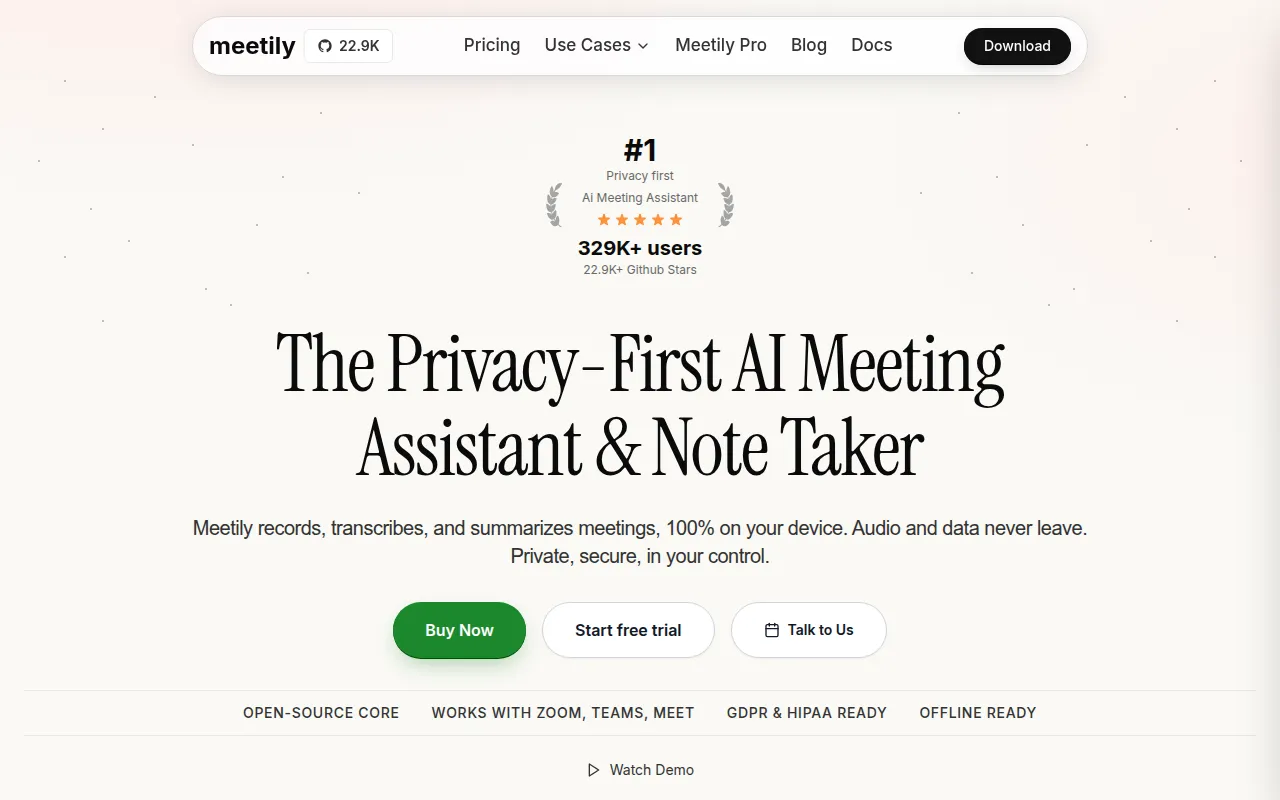
Meetily is a desktop AI meeting assistant that transcribes and summarizes meetings entirely on your own machine, with no audio or transcript sent to a cloud service. It's built for professionals, teams, and enterprises who need meeting notes but can't accept the compliance risk of sending sensitive conversations to a third-party API. It runs on macOS and Windows, with Linux available via building from source.
The app is a Tauri-based desktop application: a Rust backend handles transcription and processing logic, and a Next.js frontend provides the UI. Transcription uses local Whisper or Parakeet models, and summaries can be generated with Ollama running locally, or with Claude, Groq, OpenRouter, or a custom OpenAI-compatible endpoint if you're willing to send summary text (not audio) elsewhere.
Key features
- Local-first transcription: Live transcription during meetings using Whisper or Parakeet, processed on-device.
- AI summaries with provider choice: Generate meeting summaries via local Ollama or external providers (Claude, Groq, OpenRouter, custom OpenAI-compatible endpoints).
- Import and enhance audio: Bring in existing recordings to transcribe or re-transcribe with a different model or language, still processed locally.
- Professional audio mixing: Captures microphone and system audio together, with ducking and clipping prevention.
- GPU acceleration: Automatic hardware acceleration at build time, Metal/CoreML on Apple Silicon, CUDA on NVIDIA, Vulkan on AMD/Intel.
- Cross-platform: Prebuilt installers for Windows and macOS, buildable from source on Linux.
- Open source and free: MIT licensed, no feature paywalls for the core transcription and summary workflow.
Ideal use cases
Meetily fits well if you work with sensitive or regulated conversations and need meeting notes without a cloud vendor in the loop, for example legal consultations, healthcare discussions, internal strategy calls, or defense-adjacent work. It also suits anyone who wants to avoid recurring API costs for transcription by running open models locally, or teams that want to self-host and customize the tool rather than depend on a SaaS subscription.
It's a good match if you're comfortable running local AI models (Ollama, Whisper, Parakeet) and doing your own installation or build steps, since there's no hosted version to sign up for. It's less of a fit if you need automatic speaker diarization out of the box (that's not yet in the free Community Edition), want auto meeting-join integrations with calendars or video platforms, or need a managed, zero-setup product for a large team. Those capabilities live in the separate paid Meetily PRO/Enterprise offering, not in this open-source repo.
Installation
Windows
- Download the latest
x64-setup.exefrom the GitHub Releases page. - Run the installer.
macOS
- Download the
.dmgfile from Releases. - Open the downloaded
.dmgfile. - Drag Meetily to your Applications folder.
- Open Meetily from Applications.
Linux (build from source)
There's no prebuilt Linux package; you build it yourself:
git clone https://github.com/Zackriya-Solutions/meeting-minutes
cd meeting-minutes/frontend
pnpm install
./build-gpu.sh
For more detail, the repo includes dedicated Linux build docs and a general build guide. Contributing to the project or building from source on any OS requires Rust and Node.js installed locally, since the app pairs a Rust backend with a Next.js/Tauri frontend.
After installation, you'll typically configure a local Ollama instance (or another supported AI provider) for summary generation, and select a Whisper or Parakeet model for transcription within the app's settings.
Frequently asked questions







Similar to Meetily


