
Metabase
Open-source BI tool for building questions, dashboards, and alerts from your data, with a SQL editor, embedding, and self-hosted or cloud deployment.
 Looker
 Microsoft Power BI
 Tableau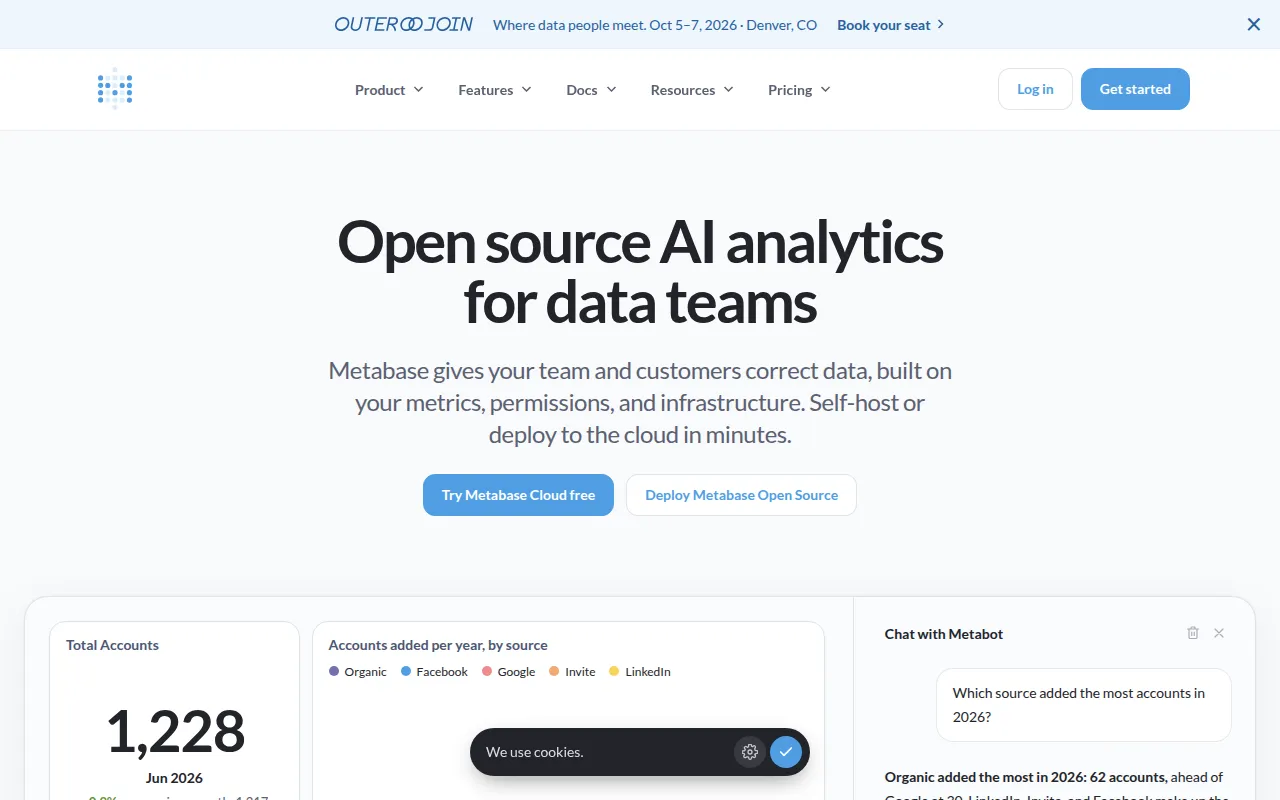
Metabase is an open-source business intelligence platform for asking questions about data and turning the answers into dashboards. It's built for teams where not everyone knows SQL: non-technical staff can click together a question in a visual interface, while analysts and engineers can drop into a SQL editor for more complex work. Metabase runs self-hosted or as a managed cloud product, and the same codebase powers both the open-source and commercial editions. The project also exposes an API, so you can hit Metabase directly to integrate analytics into other systems.
Key features
- No-SQL question builder: anyone on the team can ask questions about data without writing queries.
- SQL editor: for analysts who need full control over complex queries.
- Metabot AI: an AI assistant that answers questions, helps write queries, and can be extended into a custom AI agent through the Agent API.
- Interactive dashboards: filters, auto-refresh, fullscreen mode, and custom click behavior.
- Documents: long-form data analysis pages that support comments, for sharing narrative-style reports alongside charts.
- Data Studio: converts raw data into analytics-ready tables, surfaces broken dependencies, and defines canonical metrics.
- Alerts and subscriptions: scheduled dashboard subscriptions to email, Slack, or a webhook, plus alerts triggered by changes in the data.
- Library and Git sync: curate content in a Library and version your work with Git through remote sync.
- Embedding: embed charts, dashboards, the data browser, or AI chat in your own app, including full interactive embeds.
- Granular permissions: works for internal teams and for embedded analytics, whether customer data is co-located or split per customer.
- Broad database support: officially supported databases plus community-maintained drivers, so most common data sources are covered out of the box.
- Dark mode and translations: dark mode is built in, and Metabase ships in multiple languages through an open translation project.
Ideal use cases
Good fit: internal analytics for a company that wants self-serve dashboards without training every employee in SQL; product teams embedding charts, a data browser, or a full analytics experience inside their own app for customers; teams that need scheduled reports pushed to Slack or email instead of manually exporting charts; organizations that want to keep data in-house through self-hosting rather than sending it to a third-party BI vendor; companies serving multiple customers that need separate permission boundaries per customer inside one embedded analytics deployment.
Less of a fit: teams needing a heavyweight data warehouse pipeline for reshaping raw tables as their primary workflow (Data Studio covers basic conversions and dependency tracking, but it isn't a full orchestration tool); very small teams that only need a single chart on a landing page, where a lighter embed widget might be simpler; use cases built around freeform, spreadsheet-style collaborative analysis rather than structured questions and dashboards.
Installation
The README points to Metabase's own installation guides rather than listing setup commands directly, and recommends Metabase Cloud (a free trial is available) as the easiest starting point, since it includes hosting, backups, upgrades, an SMTP server, an SSL certificate, and SOC 2 Type 2 security auditing. You can switch between cloud and self-hosting at any time.
For self-hosting, the repository's Docker Pulls badge confirms an official metabase/metabase image is published. A typical self-hosted setup with Docker looks like this:
docker run -d -p 3000:3000 --name metabase metabase/metabase
Then open http://localhost:3000 in a browser to finish setup through the Metabase onboarding flow. Metabase also ships as a standalone Java application, so a JVM-based install (downloading the jar and running it with java -jar metabase.jar) works for environments that prefer not to use Docker. Full documentation lives in the Metabase handbook, and contributing instructions are in the project's developer docs for anyone who wants to build from source instead. The open-source edition is released under the AGPL license; commercial editions are available under a separate Metabase Commercial Software License.
Tags:
Frequently asked questions







Similar to Metabase


