Beads
Beads is a Go CLI issue tracker built on Dolt that gives AI coding agents a graph-based memory instead of markdown TODO lists.
 Jira
Jira Linear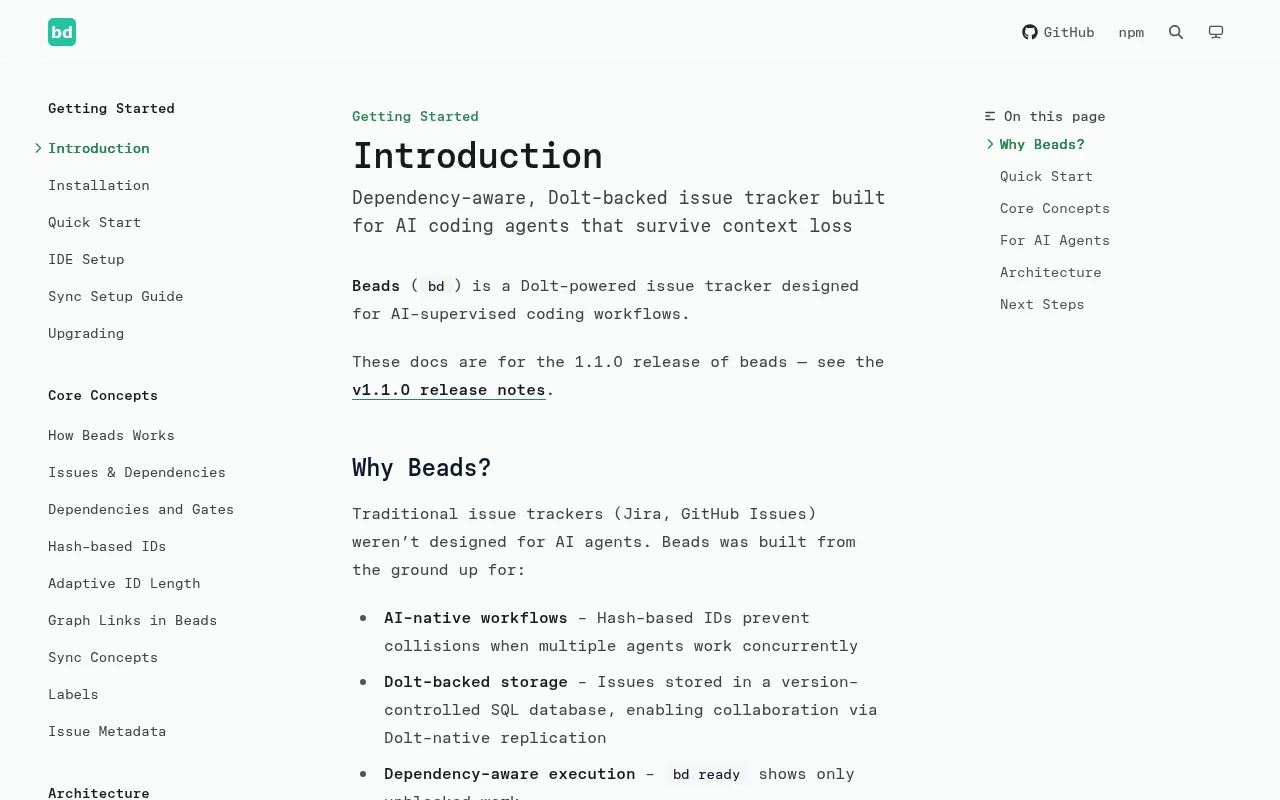
Beads (bd) is a distributed graph issue tracker built for AI coding agents, not humans typing into a web UI. It replaces the messy markdown plans and TODO.md files that agents tend to lose track of during long, multi-step tasks, with a structured, dependency-aware database. It's aimed at developers running Claude Code, Codex, Factory Droid, Cursor, or similar agents on real codebases where tasks span multiple sessions, branches, or machines.
Under the hood, Beads stores its data in Dolt, a version-controlled SQL database with git-like branching and merging. That gives it cell-level merge, native branching, and sync via Dolt remotes, so multiple agents or clones of a repo can work on the same task graph without stepping on each other.
Key features
- Dolt-powered storage: version-controlled SQL database with cell-level merge and native branching, avoiding the merge conflicts you'd get from plain JSON or markdown files.
- Agent-optimized interface: JSON output, dependency tracking, and automatic detection of "ready" (unblocked) tasks for agents to claim.
- Zero-conflict IDs: hash-based issue IDs (like
bd-a1b2) prevent ID collisions across branches and concurrent agents. - Compaction: semantic "memory decay" summarizes old closed tasks so agents don't burn context window re-reading history.
- Messaging: a message issue type with threading, ephemeral lifecycle, and mail-style delegation between agents.
- Graph links: relationship types (
relates-to,duplicates,supersedes,replies-to) for building a knowledge graph, not just a flat task list. - Hierarchical IDs: epics and sub-tasks (
bd-a3f8,bd-a3f8.1,bd-a3f8.1.1) for structuring larger bodies of work. - Git-free mode: works with
BEADS_DIRand--stealthfor non-git VCS setups, monorepos, CI/CD, or throwaway evaluation databases.
Ideal use cases
Beads fits projects where an AI agent works on tasks that outlive a single chat session: long-running refactors, multi-step feature work, or bug triage that needs to survive context resets. It's a good fit for teams running multiple agents (or multiple clones of the same repo) that need to claim and coordinate work without merge collisions, since IDs and the Dolt backend are designed for exactly that.
It also works well for contributors on open-source projects who want to track planning work without polluting a pull request, via bd init --contributor, which routes issues to a separate local repo. Stealth mode makes it usable for personal task tracking on a shared repo without committing anything to the main project.
It's not a good fit if you just want a lightweight human-facing issue tracker with a web UI out of the box (Beads is CLI-first, though community UIs exist), or if your workflow doesn't involve AI agents that need durable, queryable memory. Teams already invested in GitHub Issues, Jira, or Linear for human workflows probably don't need to replace that with Beads unless agents are doing a meaningful share of the work.
Installation
Install the CLI once, system-wide, not by cloning this repo into your project:
# Install script (all platforms)
curl -fsSL https://raw.githubusercontent.com/gastownhall/beads/main/scripts/install.sh | bash

# Or via package managers
brew install beads           # macOS / Linux
npm install -g @beads/bd     # Node.js users
Then initialize it inside your actual project:
cd your-project
bd init
Optionally install richer agent-specific integrations:
bd setup codex    # Codex CLI
bd setup claude   # Claude Code
bd setup factory  # Factory.ai Droid
bd init creates or updates AGENTS.md by default and installs project Claude/Codex integrations unless you pass --skip-agents or --stealth. For unsupported agents, run bd onboard and paste the printed snippet into whatever instructions file your agent reads.
Before trusting a downloaded binary, verify its checksum against the release checksums.txt; the install scripts do this automatically, but manual installs should verify it themselves. Full installation options, including go install, building from source, Windows, and Arch AUR, are in docs/getting-started/installation.md.
Frequently asked questions







Similar to Beads


