
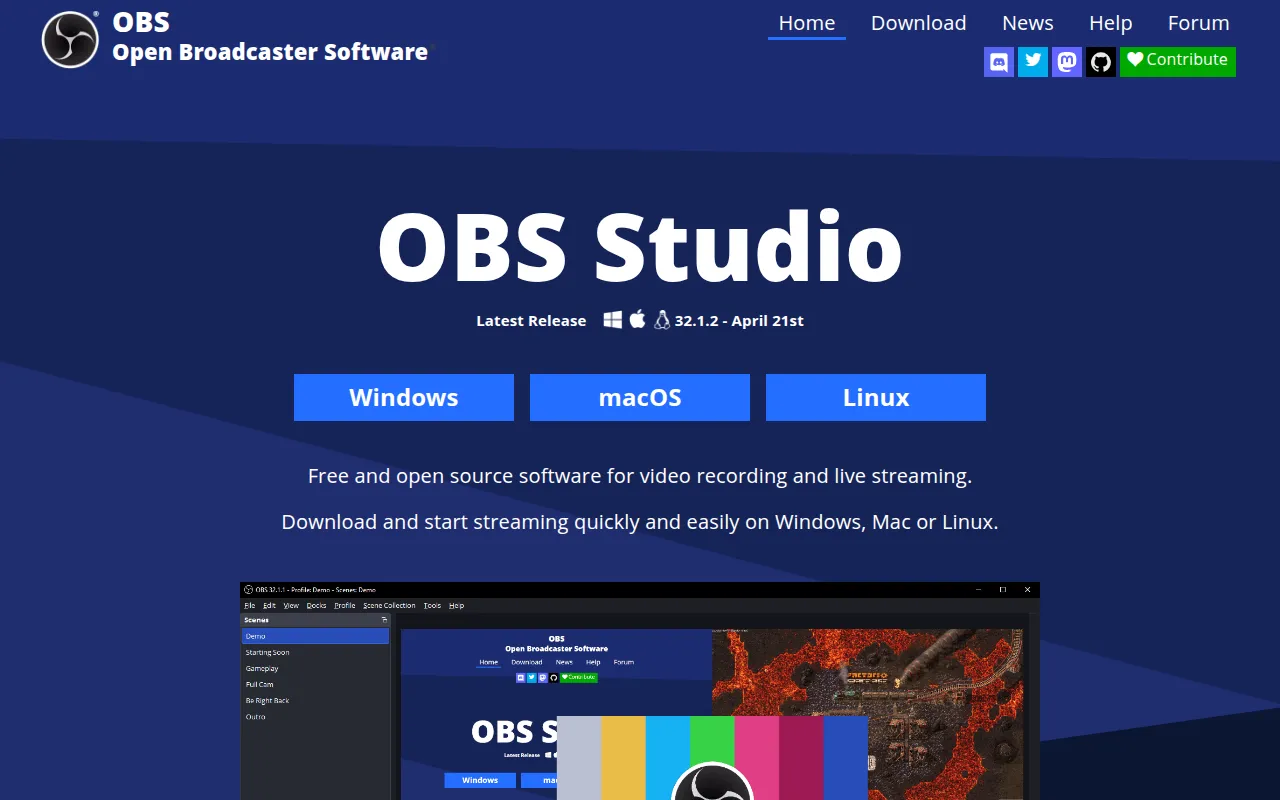
Free software for capturing, compositing, encoding, recording, and streaming video, used for live streaming and screen recording.
Read moreThe best open source alternative to XSplit is OBS Studio. If that doesn't suit you, we've compiled a ranked list of open source XSplit alternatives to help you find a replacement.

Free software for capturing, compositing, encoding, recording, and streaming video, used for live streaming and screen recording.
Read moreXSplit is streaming and broadcasting software used to combine camera feeds, game capture, screen shares, and graphics into a live broadcast, commonly used by gamers, streamers, and presenters. It's sold as a subscription with a limited free tier, and it's known for a polished interface and features aimed specifically at gaming content creators, including game capture optimizations and built-in overlays.
Cost is the main reason people look at open-source alternatives, since XSplit's subscription model means ongoing payments rather than a one-time purchase, and the free tier restricts resolution, adds a watermark, and limits access to premium features and plugins. For streamers just starting out, or those already spending on other production costs, an unlimited free tool is an easy way to cut a recurring expense.
OBS Studio is the direct open-source substitute, matching XSplit's core capability of scene composition, source switching, and streaming to any platform, without subscription fees, watermarks, or feature tiers. It has a larger, more active plugin community than XSplit's, covering things like advanced audio processing, virtual cameras, and stream deck integrations, largely because of its dominant market position among streamers.
Before switching, check for OBS equivalents of any XSplit-specific plugins or built-in effects you use regularly, since some workflows are tied closely to XSplit's particular tools. Game capture performance can also differ slightly between the two on the same hardware, so testing your specific games and capture setup directly is worth the time before fully committing. Scene and overlay files aren't transferable between the programs, so plan on rebuilding your layout once rather than expecting a straightforward import.

 Your brand here — Reach our audience of professional directory owners and boost your sales.