
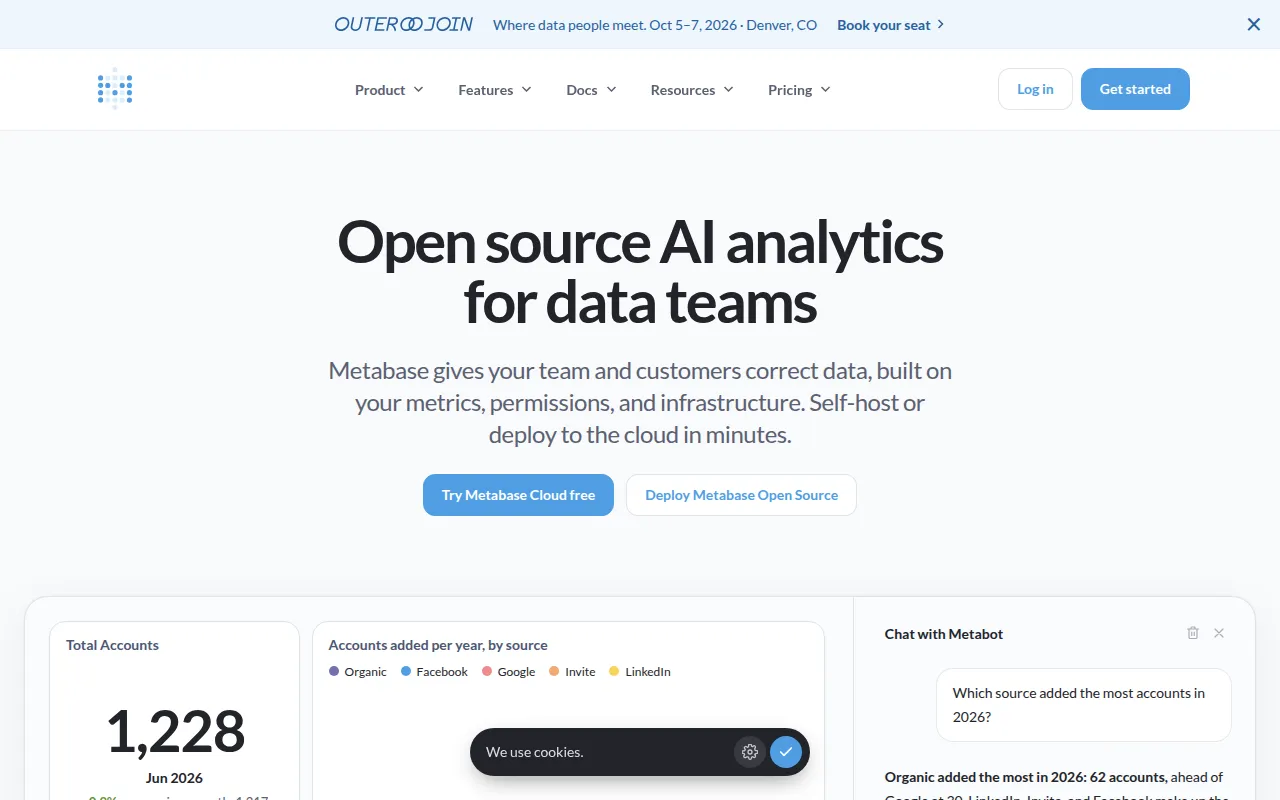
Open-source BI tool for building questions, dashboards, and alerts from your data, with a SQL editor, embedding, and self-hosted or cloud deployment.
Read moreThe best open source alternative to Microsoft Power BI is Metabase. If that doesn't suit you, we've compiled a ranked list of open source Microsoft Power BI alternatives to help you find a replacement.

Open-source BI tool for building questions, dashboards, and alerts from your data, with a SQL editor, embedding, and self-hosted or cloud deployment.
Read morePower BI is Microsoft's business intelligence and data visualization platform. It connects to databases, spreadsheets, and cloud services, then turns that data into interactive dashboards and reports that non-technical staff can explore. It's tightly integrated with the Microsoft ecosystem, particularly Excel, Azure, and Microsoft 365, which is a large part of its appeal for organizations already standardized on those tools.
Teams look for open-source alternatives for a mix of cost and flexibility reasons. Power BI licensing is per-user, and the Pro or Premium tiers needed for sharing dashboards across an organization add up quickly as headcount grows. Reports and semantic models are also built inside a proprietary format, which makes it harder to version control dashboards alongside code or move them between environments cleanly. Companies outside the Microsoft stack, or those wanting to embed dashboards into their own products, often hit licensing friction that doesn't exist with self-hosted tools.
Metabase is a common open-source replacement for straightforward dashboarding and ad hoc querying, with a simpler interface aimed at letting non-technical users build charts without writing SQL. It can be self-hosted for free, with commercial support and hosting available if needed, and dashboards can be embedded into other applications without per-viewer licensing.
When comparing options, check how each tool handles the data source connections you actually use, since supported connectors vary widely between BI platforms. Consider whether your team needs advanced modeling features like calculated columns, or whether simpler SQL-based queries cover most reporting needs. Row-level security, scheduled report delivery, and embedding capabilities are also worth testing directly, since these often differ more in practice than in marketing materials.

 Your brand here — Reach our audience of professional directory owners and boost your sales.