
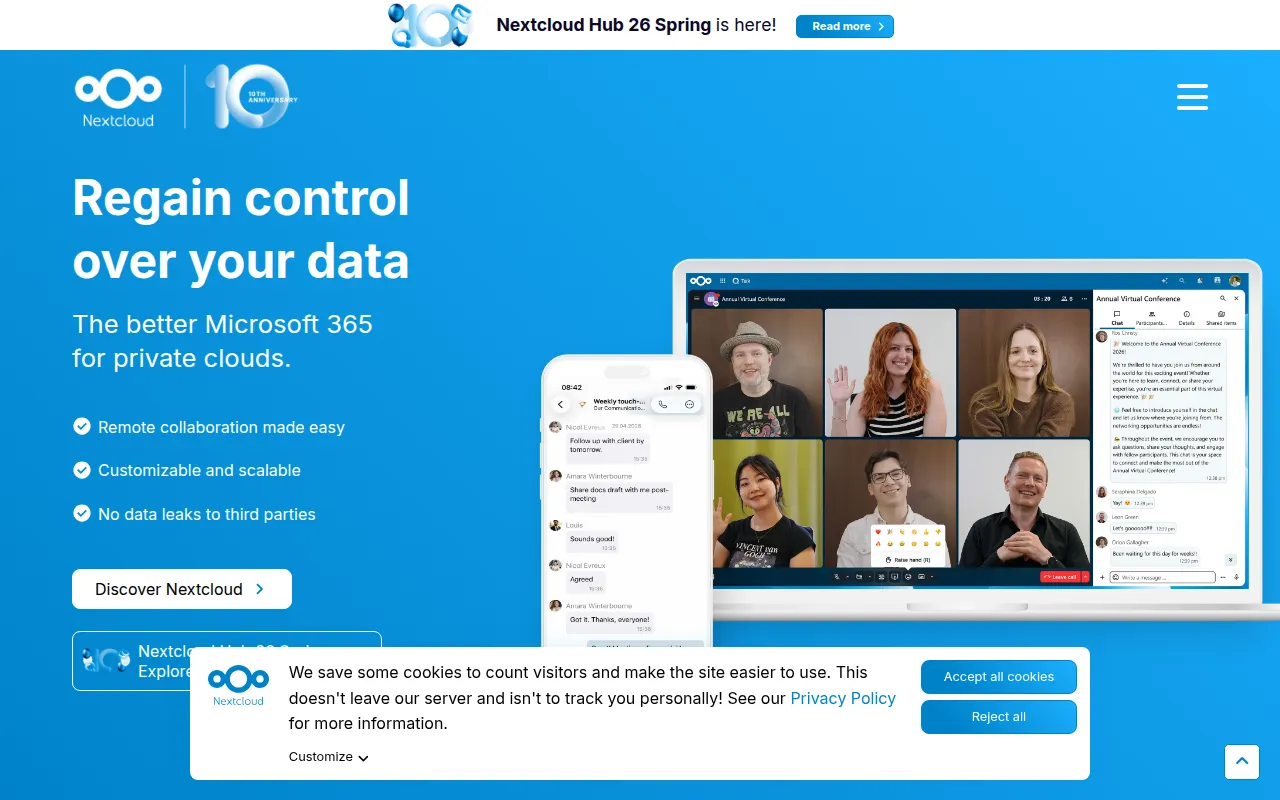
Self-hosted server for storing, syncing, and sharing files, contacts, and calendars, extendable with hundreds of apps from an official app store.
Read moreThe best open source alternative to Microsoft OneDrive is Nextcloud. If that doesn't suit you, we've compiled a ranked list of open source Microsoft OneDrive alternatives to help you find a replacement.

Self-hosted server for storing, syncing, and sharing files, contacts, and calendars, extendable with hundreds of apps from an official app store.
Read moreOneDrive is Microsoft's cloud file storage and sync service, built into Windows and bundled with Microsoft 365 subscriptions. It handles file backup, cross-device sync, sharing links, and basic version history, and it integrates with Office apps so documents can be edited directly from the cloud. Most consumers and businesses encounter it as the default storage layer for Windows and Office.
Interest in open-source alternatives usually comes down to control over where files actually live. OneDrive stores everything on Microsoft's infrastructure, subject to Microsoft's terms, retention policies, and pricing changes. Storage tiers are tied to a Microsoft 365 subscription, so costs can rise as file volumes grow, and small teams sometimes end up paying for office software features they don't use just to get more storage. Businesses in regulated industries also want assurance about exactly which jurisdiction their data sits in.
Self-hosted file sync platforms address this by running on hardware you own or a server you rent, so storage cost is closer to raw disk price and data never leaves infrastructure you control. Nextcloud, whose core codebase is published as the server repository, is the most widely deployed option in this space, offering file sync, sharing, and a plugin ecosystem covering calendars, contacts, and office document editing.
Before switching, check client support across the operating systems and phones your team actually uses, since sync client quality varies more between tools than the server software itself. Look at how sharing links and permissions are handled, whether the tool supports encryption at rest, and how straightforward backups and updates are for whoever administers the server. Migration tools that can pull an existing OneDrive library over in one pass are also worth checking before committing.

 Your brand here — Reach our audience of professional directory owners and boost your sales.