
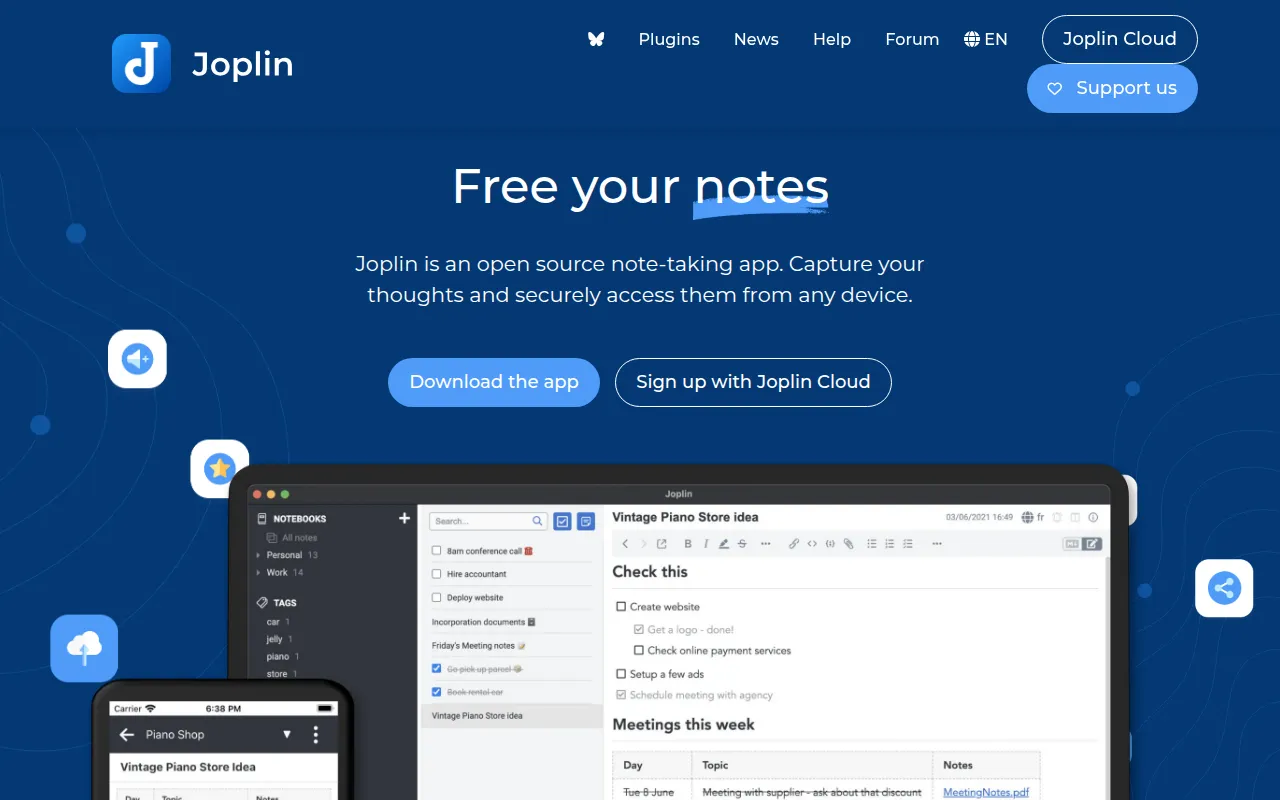
Joplin is an open source, offline-first note-taking app with Markdown notes, end-to-end encrypted sync, and Evernote import.
Read moreThe best open source alternative to Evernote is Joplin. If that doesn't suit you, we've compiled a ranked list of open source Evernote alternatives to help you find a replacement.

Joplin is an open source, offline-first note-taking app with Markdown notes, end-to-end encrypted sync, and Evernote import.
Read more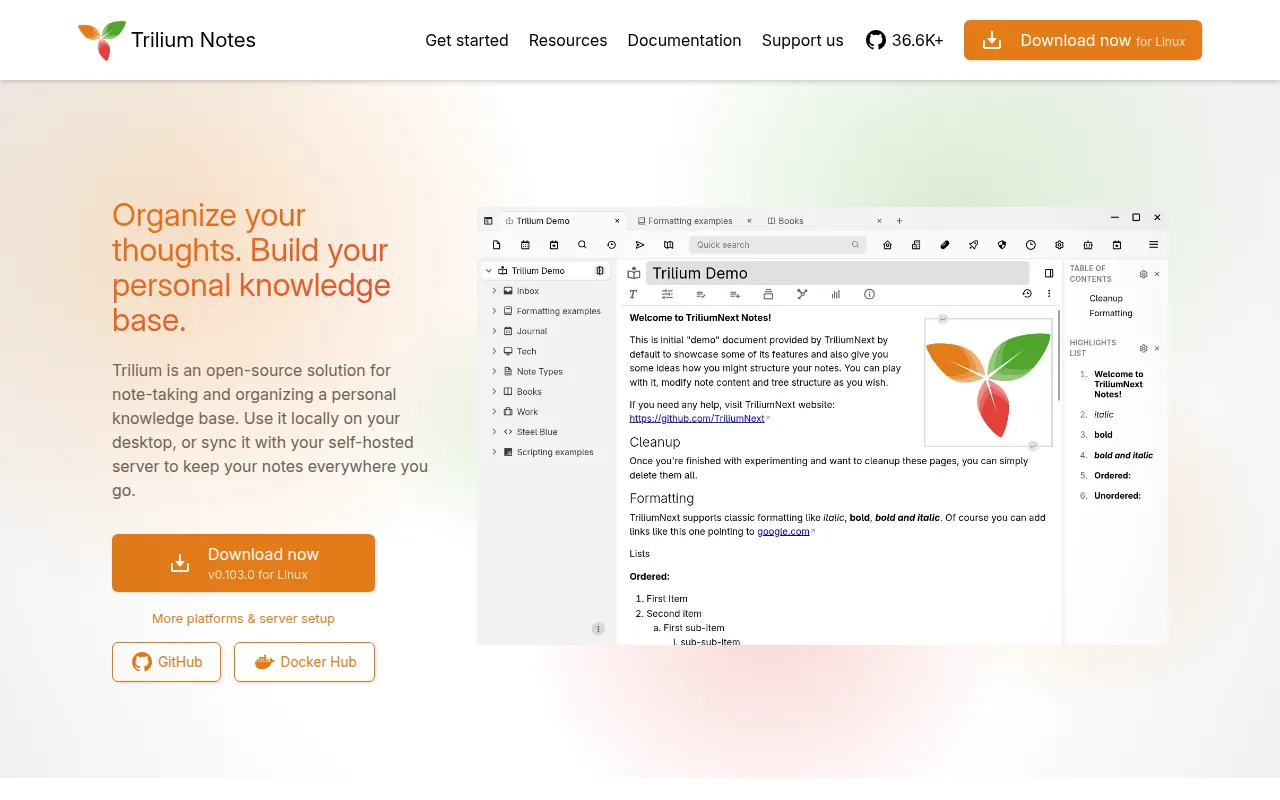
Free, open-source note-taking application with a hierarchical tree structure, built for large personal knowledge bases, with sync and encryption.
Read more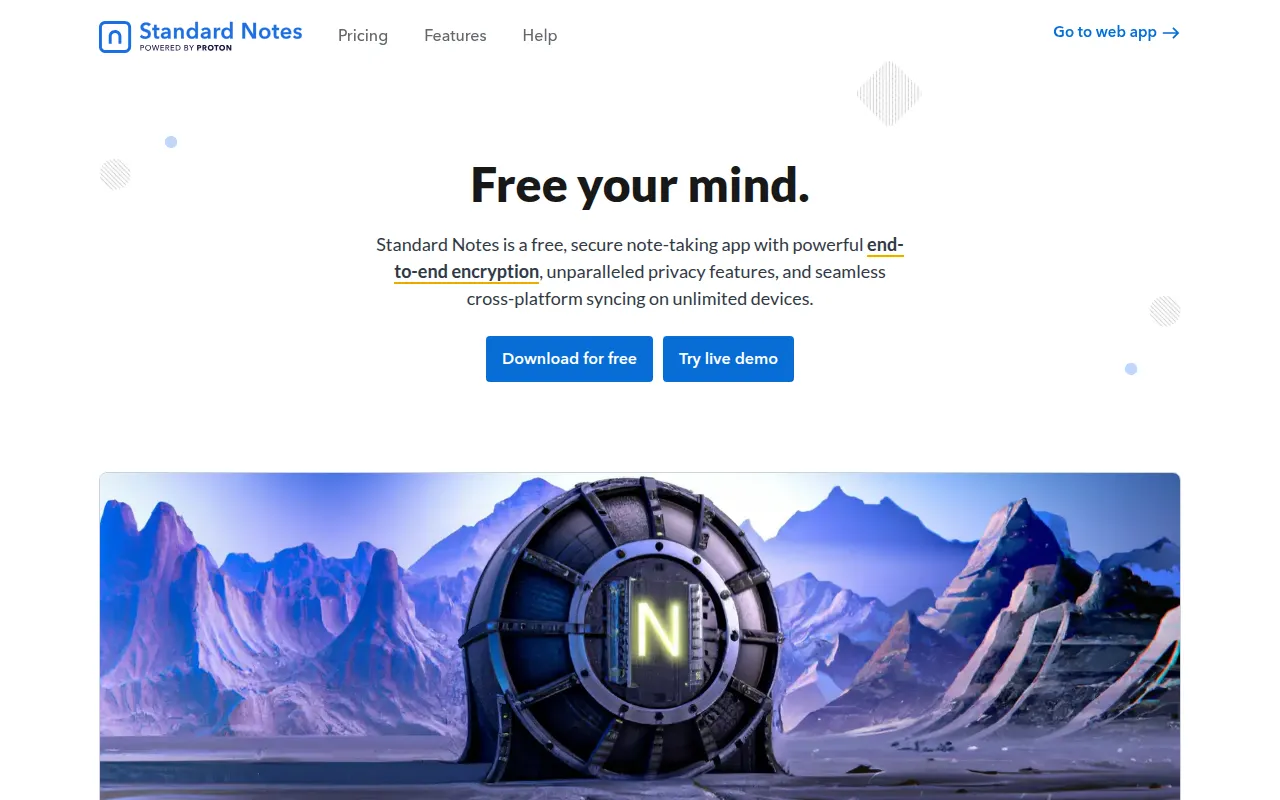
Standard Notes is an end-to-end encrypted note-taking app with cross-platform sync and a self-hostable, public source codebase.
Read moreEvernote's note database lives entirely on its own servers, readable in principle by the company that runs them, and its free tier has repeatedly shrunk in device and note limits over the years. Open-source note apps that support end-to-end encryption change that: notes are unreadable to the sync provider itself, whether that's a company-run cloud or your own server, because encryption happens on your device before anything uploads. That matters most for journals, financial notes, or anything else you would not want exposed in a server breach.
The second reason is portability. Evernote stores notes in a proprietary format behind a paid export process at scale; open-source apps typically store notes as plain markdown files or in an open, documented format, so switching apps or servers later doesn't mean re-exporting a decade of notes through a vendor's tooling.
Check whether encryption is end-to-end by default or an opt-in feature, since the two have very different guarantees. Decide between markdown-based editing (portable, works well with git and plain-text tools) and rich-text editing (closer to Evernote's own experience). Look at sync options: some apps sync only through their own paid service, others let you sync via your own Dropbox, Nextcloud, or S3-compatible storage. Confirm platform coverage if your team or household spans Windows, macOS, Linux, Android, and iOS.
Joplin stores notes as markdown files and can sync through Dropbox, Nextcloud, WebDAV, or S3, so there's no dependency on a single company's server, and it supports plugins for extending the editor. Standard Notes takes an encryption-first approach: notes are end-to-end encrypted by default rather than as an add-on, with a deliberately minimal base editor and optional paid extensions that add rich-text, markdown, and other formats on top of the encrypted core.


 Your brand here — Reach our audience of professional directory owners and boost your sales.