
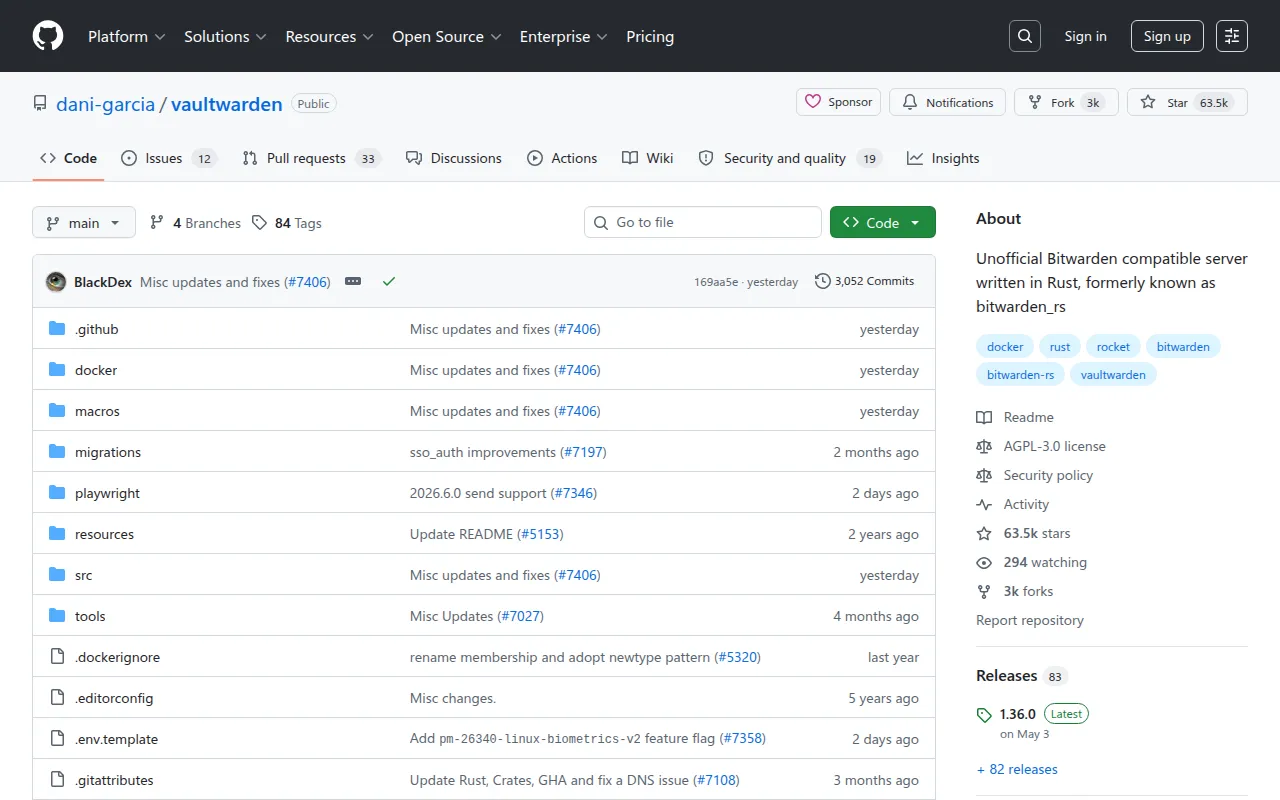
A Rust server implementing the Bitwarden Client API for self-hosted password management, compatible with official Bitwarden apps and browser extensions.
Read moreThe best open source alternative to 1Password is Vaultwarden. If that doesn't suit you, we've compiled a ranked list of open source 1Password alternatives to help you find a replacement.

A Rust server implementing the Bitwarden Client API for self-hosted password management, compatible with official Bitwarden apps and browser extensions.
Read more1Password is a subscription password manager built by AgileBits. It stores logins, credit cards, secure notes, and documents in an encrypted vault, then syncs that vault across phones, browsers, and desktops. Teams use it to share credentials without emailing passwords around, and it includes features like breach monitoring, travel mode, and SSH key storage.
People look for open-source alternatives to 1Password for a few reasons. The subscription cost adds up per seat for teams, and some organizations want their password vault stored on infrastructure they control rather than a third-party cloud. Others simply want to audit the code that handles their credentials instead of trusting a closed-source client.
Vaultwarden is the most common self-hosted option in this category. It reimplements the Bitwarden server API in Rust, so it works with official Bitwarden and Bitwarden-compatible browser extensions and mobile apps while running as a lightweight service on your own server or a small VPS. Because it speaks the Bitwarden protocol, switching means adopting that client ecosystem rather than 1Password's own apps.
When evaluating a replacement, check a few things before migrating: whether the project has an active maintenance history and security disclosures, whether it supports the browser extensions and platforms your team actually uses, and whether it can import your existing 1Password export cleanly. Also confirm backup and encryption details, since a self-hosted vault puts the responsibility for uptime and data safety on you rather than a vendor. For teams with strict compliance needs, look at whether the tool supports organizations, shared vaults, and audit logs, since not every self-hosted option matches 1Password's team features one for one.

 Your brand here — Reach our audience of professional directory owners and boost your sales.