
Zola
Zola is a fast static site generator written in Rust, distributed as one binary with templating, Sass, search, and image processing built in.
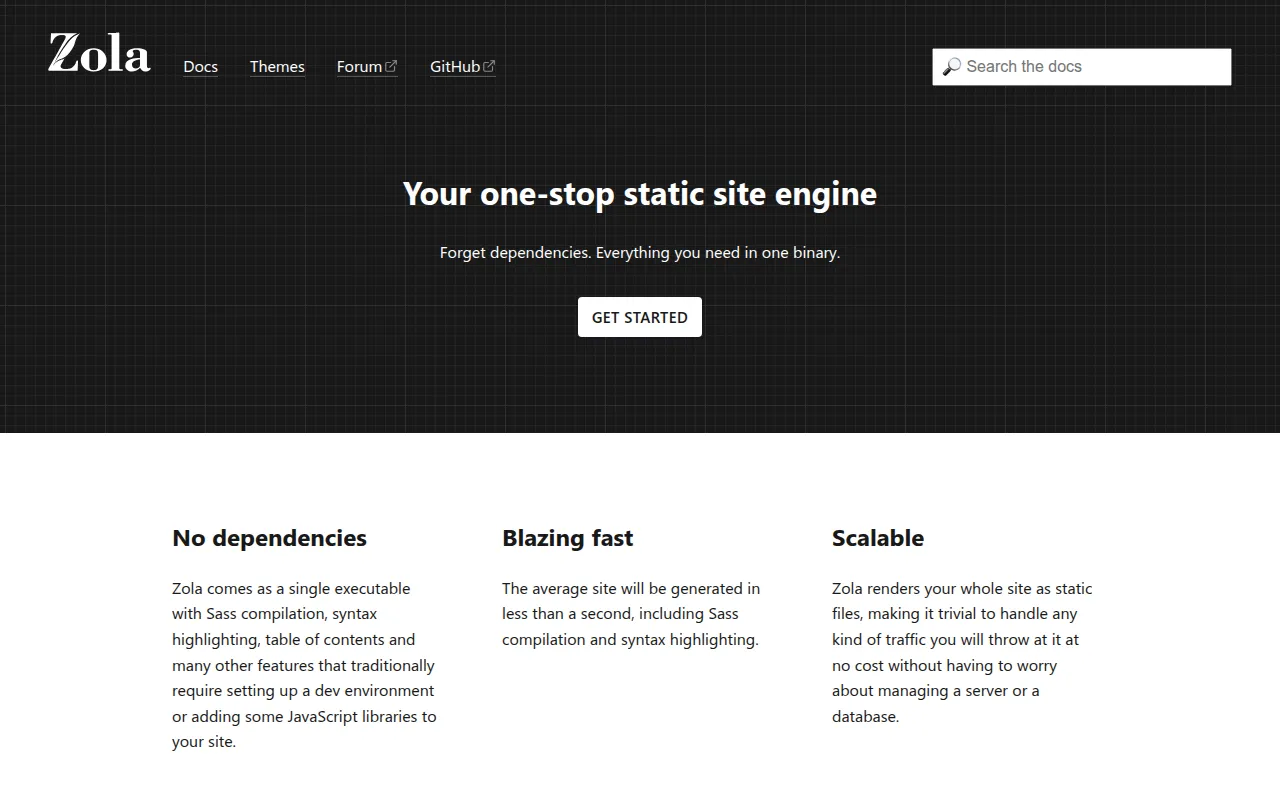
Zola is a static site generator written in Rust and shipped as a single binary. It's aimed at developers who want to build blogs, documentation sites, or personal sites from Markdown without installing a language runtime, a package manager, or a pile of plugins. Everything from templating (via the Tera engine) to Sass compilation and syntax highlighting comes bundled in the binary itself.
The project grew out of frustration with Hugo's Go template engine, so the author wrote Tera and Zola together as an alternative. If you've used Hugo or Jekyll before, the overall workflow (content folder, templates folder, zola build) will feel familiar, but the feature set and configuration live closer together since there's no separate ecosystem of plugins to assemble.
Key features
- Single binary: no runtime, no npm install, no plugin ecosystem to manage. Download it, run it.
- Built-in Sass compilation: write Sass/SCSS directly without a separate build step.
- Syntax highlighting: code blocks get highlighted at build time with no client-side JS.
- Image processing: resize and crop images as part of the build.
- Search with no server: generates a client-side search index, no third-party service involved.
- Multilingual support: basic i18n handling for sites with multiple language versions.
- Taxonomies and pagination: custom taxonomies (tags, categories, or your own) and paginated listing pages out of the box.
- Internal links and automatic header anchors: link between content files directly and get anchor links on headings for free.
- Table of contents generation: automatic ToC generation from page headings.
- External link checker: a CLI command to validate that outbound links in your content still resolve.
- Live reload:
zola serverebuilds and reloads the browser as you edit. - Themes: drop in a theme and layer your own content and templates on top.
- Assets co-location: keep images and other files next to the Markdown page that uses them.
- Easy deployment: static output deploys cleanly to Netlify, Vercel, Cloudflare Pages, and similar hosts.
Ideal use cases
Zola fits well for personal blogs, project documentation sites, and small-to-medium marketing or portfolio sites where content is mostly Markdown and the build needs to be fast and reproducible. It's a good choice if you want a CI pipeline that doesn't depend on Node.js or Ruby toolchains, since the binary has no external dependencies.
It's also a solid pick for documentation tools that need a table of contents, syntax highlighting, and internal linking without wiring up separate plugins, and for teams that want deploys to Netlify, Vercel, or Cloudflare Pages without custom build scripts.
It's less of a fit if you need a large, mature plugin ecosystem (the kind Hugo or Jekyll have accumulated over years), heavy e-commerce or dynamic server-side features, or a CMS with a web-based editing UI for non-technical authors. If your multilingual requirements go beyond basic translated pages, you'll want to check current coverage before committing.
Installation
Zola ships as a single binary, so installation is typically a matter of grabbing a release for your platform or installing via a package manager, then running the CLI.
A typical workflow after installing:
zola init myblog
cd myblog
zola serve
zola init scaffolds a new site with a config.toml, a content folder, and a templates folder. zola serve starts a local dev server with live reload. When ready to deploy:
zola build
This produces a public folder with the finished static site, ready to upload to any static host. For full installation instructions per platform and detailed configuration options, check the official documentation linked from the project's site.
Tags:







Similar to Zola


