
WrenAI
WrenAI is an open-source GenBI engine that lets AI agents generate governed SQL and dashboards across 22+ data sources via a Git-based semantic layer.
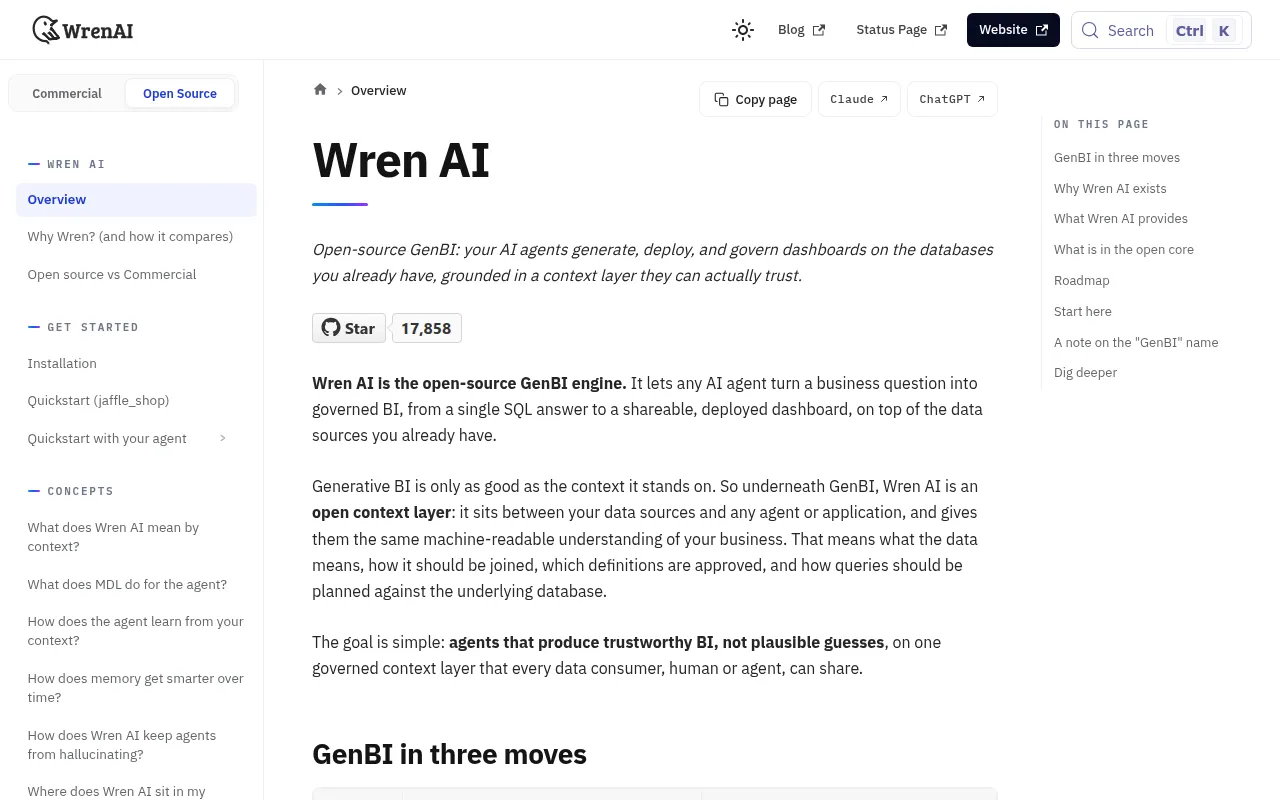
WrenAI is an open-source generative BI (GenBI) engine that gives AI agents like Claude Code, Cursor, and MCP clients a governed semantic layer and AI context layer. Instead of letting an agent guess at SQL from raw schemas, Wren gives it approved metric definitions, enums, units, joins, and worked examples stored as reviewable YAML and Markdown in Git. It's built for teams that already run AI agents against their data warehouse and need those agents to produce trustworthy SQL and dashboards instead of plausible-sounding mistakes.
Key features
- Governed text-to-SQL: questions are planned against a Modeling Definition Language (MDL) semantic layer, then dry-plan validated before execution.
- AI context layer: business definitions, enums, approved joins, and examples live in version-controlled
instructions.mdandqueries.ymlfiles, plus a local LanceDB memory index. - Agent-native workflow: works through existing agents (Claude Code, Cursor, Cline, Codex, MCP clients, LangChain) rather than requiring a new chat UI.
- GenBI dashboards: agents can build and deploy browser-side dashboard apps (powered by
wren-core-wasm) to Vercel or Cloudflare Pages, returning a live shareable URL. - Multi-source engine: built on Apache DataFusion, connecting to 22+ sources including BigQuery, Snowflake, PostgreSQL, ClickHouse, Redshift, Databricks, and DuckDB.
- Git Sync: a local project directory can sync to Wren Cloud or a self-hosted deployment with
git push/git pull, so metric changes show up as reviewable PR diffs. - Agent SDKs:
wren-langchainfor LangChain/LangGraph,wren-pydantic, and a reference Python integration for other stacks. - Governed execution primitives: functions, row limits, structured errors with hints, and value profiling to keep agent-generated SQL inside guardrails.
Ideal use cases
WrenAI fits teams whose business logic (metric definitions, enums, units, approved joins) lives outside the raw database schema and whose AI agents keep producing wrong or ungoverned SQL. It works well when multiple people or agents need a shared, versioned source of truth for what "revenue" or "active user" means, and when that definition needs to be reviewable in a pull request like application code. It's also a good fit for teams that want agents to go beyond a single query and deploy a shareable dashboard.
It's not the right tool for a one-off chart pulled from a single CSV, or for cases where no governance over agent-generated SQL is needed. If you're fine with an agent guessing at SQL directly against raw tables with no semantic layer, Wren adds more setup than value. The open-source core covers the engine, SDK, CLI, MDL semantic layer, and connectors; features like row/column-level security, the GenBI UI, embedded dashboards, and advanced audit/SLA support are part of the commercial Wren AI Cloud or self-hosted Enterprise Plus offering.
Installation
WrenAI ships as a Python CLI with an agent-facing skill installer. The whole setup is three commands:
1. Install the CLI
pip install wrenai
Add connector extras as needed, for example:
pip install "wrenai[postgres,memory]"
2. Teach your agent about Wren
npx skills add Canner/WrenAI
This installs a small discovery stub that lets the agent fetch full workflow guides from the CLI on demand.
3. Open your agent in a project folder and ask it to connect, for example: "Use Wren to set up my Postgres database." The agent checks the environment, creates a connection profile, scaffolds the project, and runs a first query. If no database is available, you can run the same flow against the bundled jaffle_shop sample warehouse.
After connecting, typical day-to-day commands include:
wren skills get onboarding         # set up project + first query
wren skills get enrich-context     # add business context
wren skills get genbi              # build & deploy a dashboard

wren query --sql '...'             # query through the MDL semantic layer
wren ask "<question>" --guided
wren ask "<question>" --direct
For users with slow pip install access (e.g., mainland China), the README suggests a mirror index:
pip install wrenai -i https://pypi.tuna.tsinghua.edu.cn/simple
export HF_ENDPOINT=https://hf-mirror.com
Full setup and guided walkthroughs are in the quickstart docs.







Similar to WrenAI


