
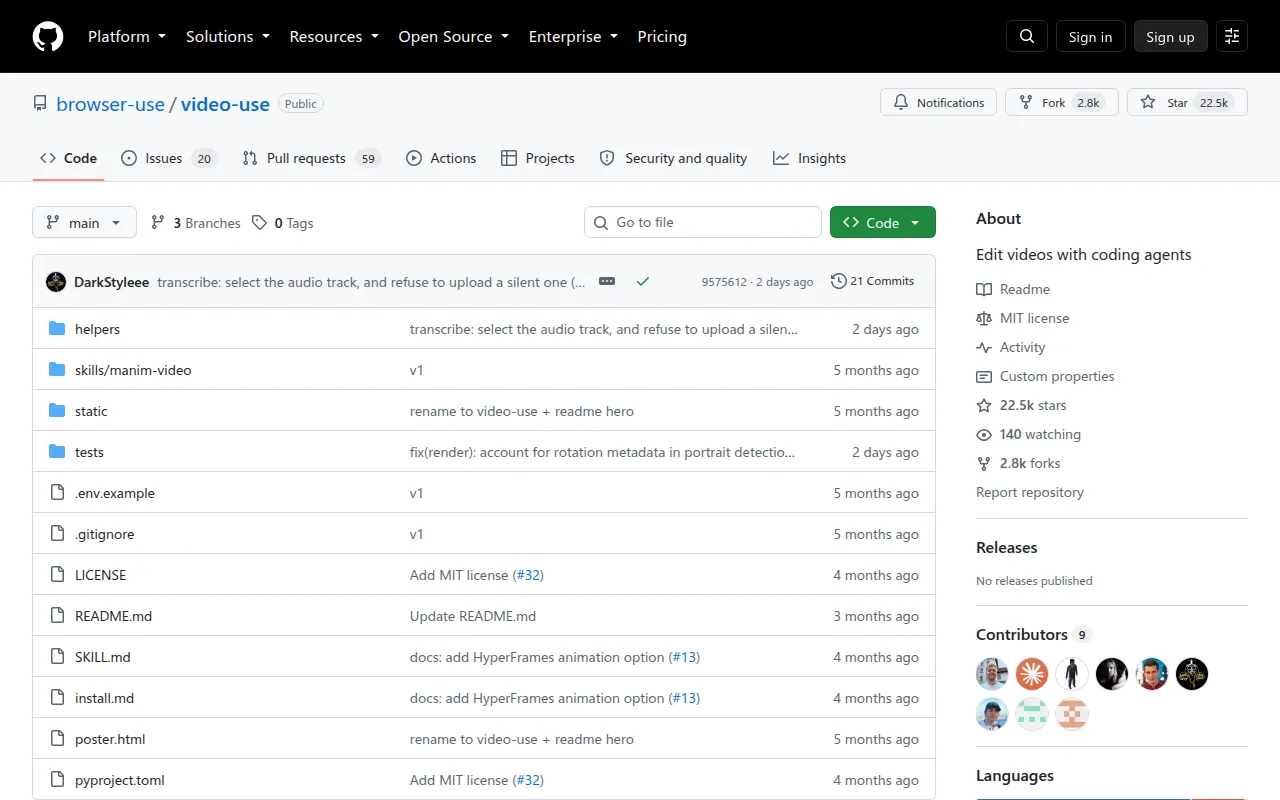
video-use
Open-source Python skill that lets coding agents like Claude Code edit video: cut filler words, color grade, burn subtitles, self-eval output.
video-use is a skill that turns a coding agent (Claude Code, Codex, or any agent with shell access) into a video editor. Drop raw footage into a folder, describe the edit you want in chat, and the agent produces a final.mp4. It's built for people who'd rather type an editing brief than click through a timeline, and it works on talking heads, tutorials, montages, interviews, and travel footage without presets or templates.
Instead of feeding video frames to an LLM (a token-expensive approach that also just doesn't work well), video-use transcribes audio with word-level timestamps and speaker diarization, packs everything into a small text file, and lets the model reason over that. A visual composite (filmstrip + waveform + word labels) is generated only on demand, at ambiguous decision points, not for every frame.
Key features
- Filler and dead-space removal: strips
umm,uh, false starts, and silence between takes automatically - Auto color grading: applies warm cinematic, neutral punch, or custom ffmpeg chains per segment
- Click-free audio cuts: 30ms audio fades at every cut point so edits don't pop
- Subtitle burning: 2-word uppercase chunks by default, fully customizable styling
- Parallel animation overlays: spawns sub-agents to generate overlays via HyperFrames, Remotion, Manim, or PIL, one agent per animation
- Self-evaluation loop: renders, then checks its own output at every cut boundary for visual jumps, audio pops, or hidden subtitles before showing you a preview (retries up to 3 times)
- Session memory: writes a
project.mdfile so a later session can pick up where the last one left off - Text-first pipeline: reads a ~12KB packed transcript instead of scanning thousands of frames, keeping token use low
Ideal use cases
video-use fits workflows where you already have raw footage and want an agent to handle the cutting, pacing, and cleanup: turning a pile of takes into a launch video, tightening a talking-head recording, assembling a tutorial from screen-capture clips, or producing a rough cut of an interview. It's also useful for recurring editing jobs, since session memory lets you resume a project across days.
It's not a fit if you need frame-accurate manual control over every cut, a GUI-based NLE experience, or complex multi-track compositing beyond what ffmpeg-based scripts and the supported animation tools (HyperFrames, Remotion, Manim, PIL) can produce. It also depends on ElevenLabs for transcription, so it's not suited for fully offline or air-gapped setups, and it needs an agent with real shell access (Claude Code, Codex, etc.), not a chat-only interface.
Installation
The simplest path is to paste a setup prompt into an agent with shell access (Claude Code, Codex, or similar):
Set up https://github.com/browser-use/video-use for me.

Read install.md first to install this repo, wire up ffmpeg, register the skill with whichever agent you're running under, and set up the ElevenLabs API key — ask me to paste it when you need it. Then read SKILL.md for daily usage, and always read helpers/ because that's where the editing scripts live. After install, don't transcribe anything on your own — just tell me it's ready and wait for me to drop footage into a folder.
The agent clones the repo, installs dependencies, registers the skill, and prompts once for an ElevenLabs API key (get one at elevenlabs.io/app/settings/api-keys).
To install by hand:
# 1. Clone and symlink into your agent's skills directory
git clone https://github.com/browser-use/video-use ~/Developer/video-use
ln -sfn ~/Developer/video-use ~/.claude/skills/video-use        # Claude Code
# ln -sfn ~/Developer/video-use ~/.codex/skills/video-use       # Codex

# 2. Install deps
cd ~/Developer/video-use
uv sync                         # or: pip install -e .
brew install ffmpeg             # required
brew install yt-dlp             # optional, for downloading online sources

# 3. Add your ElevenLabs API key
cp .env.example .env
$EDITOR .env                    # ELEVENLABS_API_KEY=...
Once installed, point the agent at a folder of raw takes, start a session (claude, codex, etc.), and describe the edit you want. Output lands in <videos_dir>/edit/final.mp4.
Tags:
Frequently asked questions




Similar to video-use


