
Wave Terminal
Wave Terminal is an open-source, AI-integrated terminal for macOS, Linux, and Windows with durable SSH and file previews.
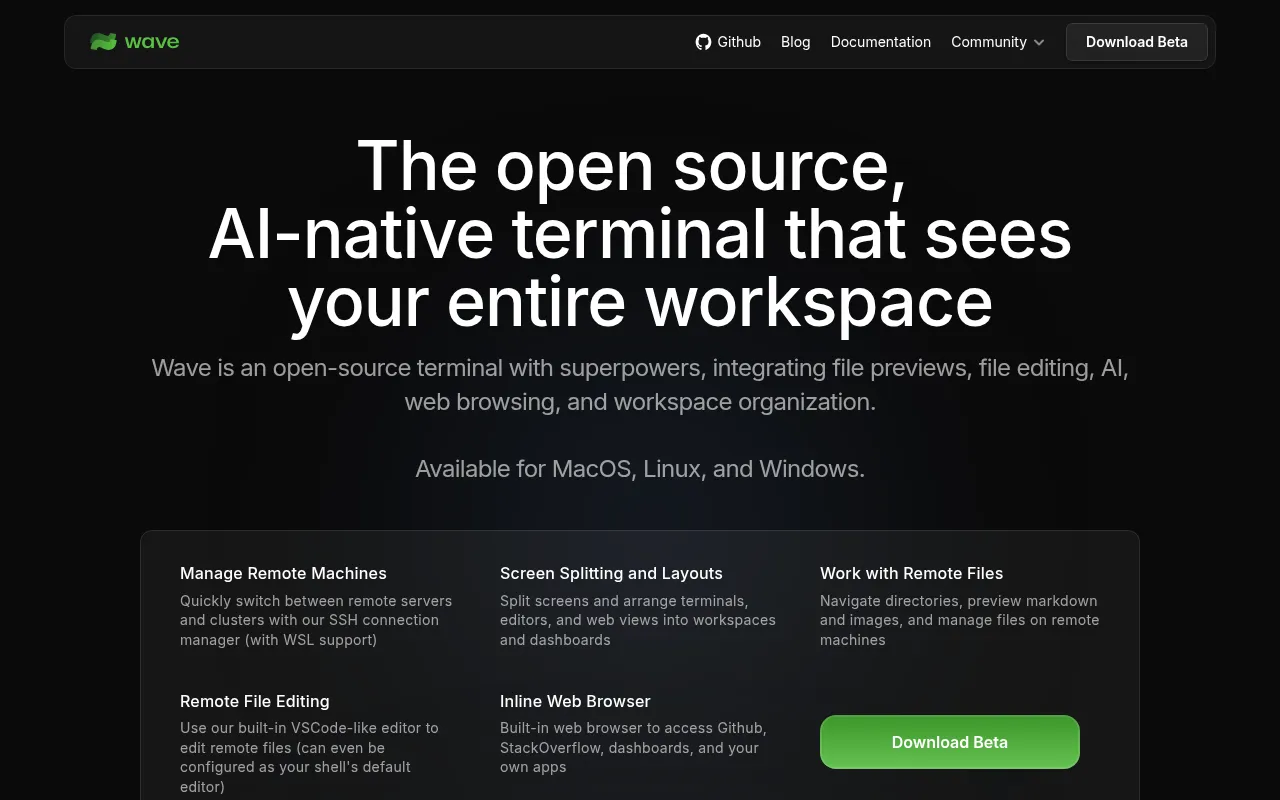
Wave Terminal is an open-source terminal application for macOS, Linux, and Windows that combines a standard terminal with graphical file editing, inline file previews, and an AI assistant. It's built for developers who work across local and remote machines and want more than a plain shell, without giving up terminal workflows. You bring your own API keys for AI providers, or run local models, so there's no required account or vendor lock-in.
Key features
- Wave AI: a context-aware assistant that reads terminal output and scrollback, analyzes widgets, and can read/write/edit files with user approval.
- Durable SSH sessions: remote sessions survive network drops, connection changes, and even Wave restarts, reconnecting automatically.
- Drag-and-drop layout: arrange terminal blocks, editors, browsers, and AI panels freely in a single workspace.
- Built-in remote editor: edit files over SSH with syntax highlighting, directly inside the terminal app.
- Rich file previews: view markdown, images, video, PDFs, CSVs, and directories inline, including on remote hosts.
- Command blocks: isolate and monitor individual commands separately from the main shell.
- One-click remote connections: full terminal and file system access to remote hosts without re-entering connection details.
- Secure secret storage: API keys and credentials stored in native OS secret backends, usable across SSH sessions.
wshCLI: manage the workspace, script actions, and share data between terminal sessions from the command line.wsh file: copy and sync files between local and remote SSH hosts directly.- Customization: tab themes, terminal styles, and background images.
Ideal use cases
Wave fits developers and sysadmins who regularly SSH into remote servers and want an editor, file browser, and AI assistant available without switching apps. It's a good fit if you want AI help debugging from terminal output without copy-pasting into a browser, or if you manage multiple SSH connections that keep dropping and reconnecting. Teams that want to bring their own AI provider keys (OpenAI, Claude, Gemini, Azure, Perplexity) or run local models via Ollama or LM Studio, rather than depend on a hosted AI terminal product, will find the BYOK model useful.
It's less of a fit if you want a minimal, distraction-free terminal emulator with no extra UI, or if you need something extremely lightweight on system resources, since Wave is a full desktop application built on a broader UI stack rather than a lightweight terminal emulator. If your workflow is entirely local with no SSH, some of Wave's standout features (durable remote sessions, remote file editing) won't add much value, and a simpler terminal emulator may suit you better.
Installation
Wave Terminal runs on macOS, Linux, and Windows. The simplest path is downloading a prebuilt build:
https://www.waveterm.dev/download
Platform-specific setup instructions are documented at:
https://docs.waveterm.dev/gettingstarted
Minimum platform requirements:
- macOS 11 or later (arm64, x64)
- Windows 10 1809 or later (x64)
- Linux with glibc 2.28 or later (Debian 10, RHEL 8, Ubuntu 20.04, etc.), arm64 or x64
The wsh helper (used for CLI workspace management and file sync) supports:
- macOS 11 or later (arm64, x64)
- Windows 10 or later (x64)
- Linux Kernel 2.6.32+ (x64), Kernel 3.1+ (arm64)
To build from source instead of using a prebuilt release, see the BUILD.md file in the repository for detailed build instructions.
Frequently asked questions







Similar to Wave Terminal


