
Uptime Kuma
Self-hosted uptime monitoring tool with 20-second checks, status pages, and 90+ notification integrations.
 Better Stack
 Pingdom
 UptimeRobot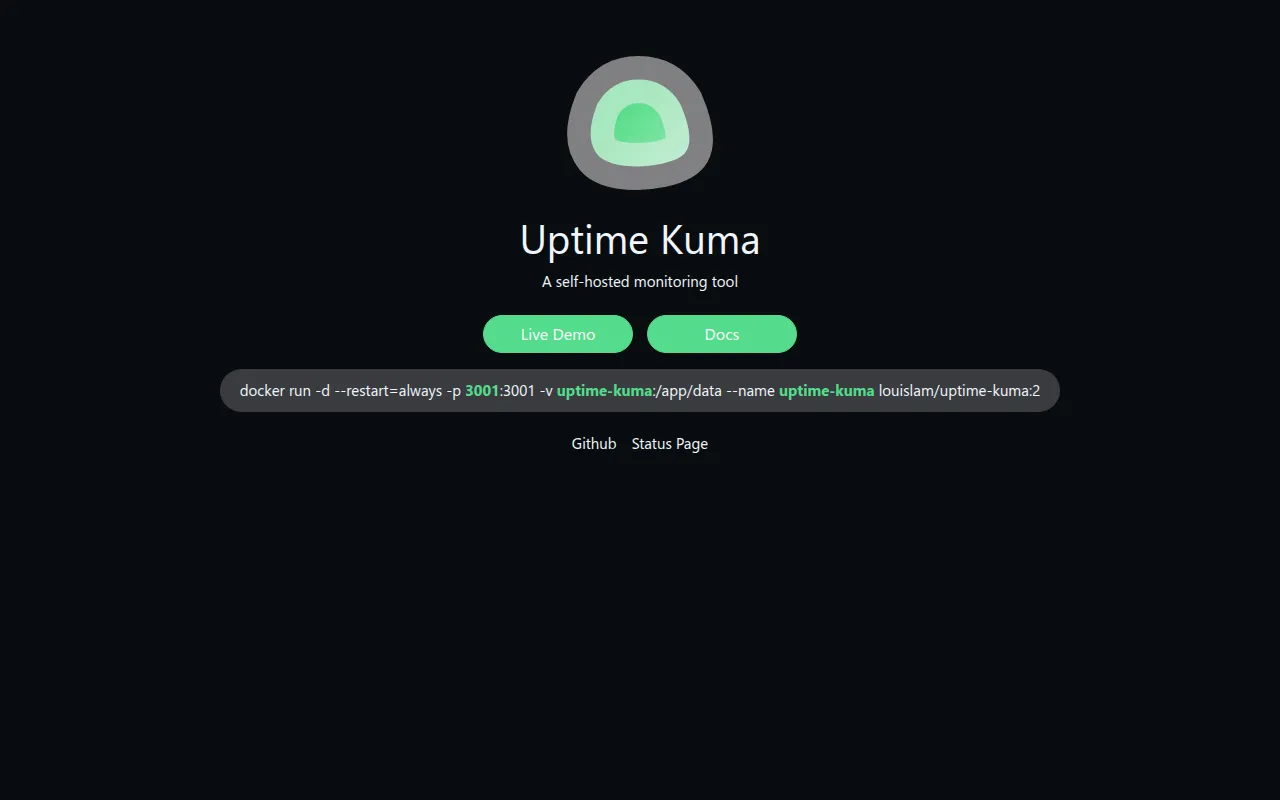
Uptime Kuma is a self-hosted monitoring tool built with Vue 3 and a WebSocket-based single-page app. It watches HTTP(s), TCP, DNS, ping, Docker containers, and other targets at intervals as low as 20 seconds and shows results on a fast, reactive dashboard. It was created by Louis Lam as a self-hosted alternative to hosted services like UptimeRobot after he found existing self-hosted options unstable or abandoned.
Key features
- Broad monitor types: HTTP(s), TCP, HTTP(s) keyword, HTTP(s) JSON query, WebSocket, ping, DNS record, push, Steam Game Server, and Docker container monitoring.
- 90+ notification integrations: alerts via Telegram, Discord, Slack, Gotify, Pushover, email (SMTP), and dozens of other services.
- Multiple status pages: create separate public status pages and map each one to its own domain.
- Fast reactive UI: a Vue 3 and Vite single-page app that updates over WebSockets instead of polling a REST API.
- Certificate and ping charts: track TLS certificate expiry and historical response times per monitor.
- Multi-language interface: translated into dozens of languages through the project's Weblate instance.
- 2FA and proxy support: secure the dashboard with two-factor authentication and route checks through a proxy.
Ideal use cases
Uptime Kuma fits teams and individuals who want visibility into their own infrastructure without paying for a hosted monitoring SaaS: personal projects, small business websites, self-hosted home lab services, and internal company tools that don't need enterprise-scale monitoring. Because monitors cover HTTP, TCP, DNS, ping, and Docker containers, it can watch anything from a public website's uptime to whether a background container is still running, from the same dashboard. Public status pages, mapped to a monitor's own domain, make it useful as a lightweight status page for teams that want to communicate incidents without paying for a separate status-page product. The 20-second check interval and certificate-expiry tracking make it suitable for catching short outages and expiring TLS certificates before they become customer-facing incidents. Because everything runs in a single Docker container with a bundled SQLite-backed data volume, it's inexpensive to run continuously on a small VPS or home server alongside other self-hosted services.
Self-hosting and deployment
Docker Compose is the recommended install path: download the project's compose.yaml and run docker compose up -d, which starts the dashboard on port 3001. A single docker run command with a named volume works as well, and exposure can be limited to localhost by binding to 127.0.0.1. Uptime Kuma also runs directly on Node.js 20.4+ on major Linux distributions and on Windows 10 or Windows Server 2012 R2 and newer; FreeBSD, OpenBSD, NetBSD, and platforms like Replit or Heroku are not supported. For non-Docker installs, the project recommends running server/server.js under PM2 so the process stays alive in the background and restarts on boot. NFS-backed filesystems are explicitly unsupported for the data volume.
Frequently asked questions







Similar to Uptime Kuma


