
Univer
Univer is an Apache-2.0 TypeScript SDK for building spreadsheet, document, and presentation experiences with a plugin architecture and formula engine.
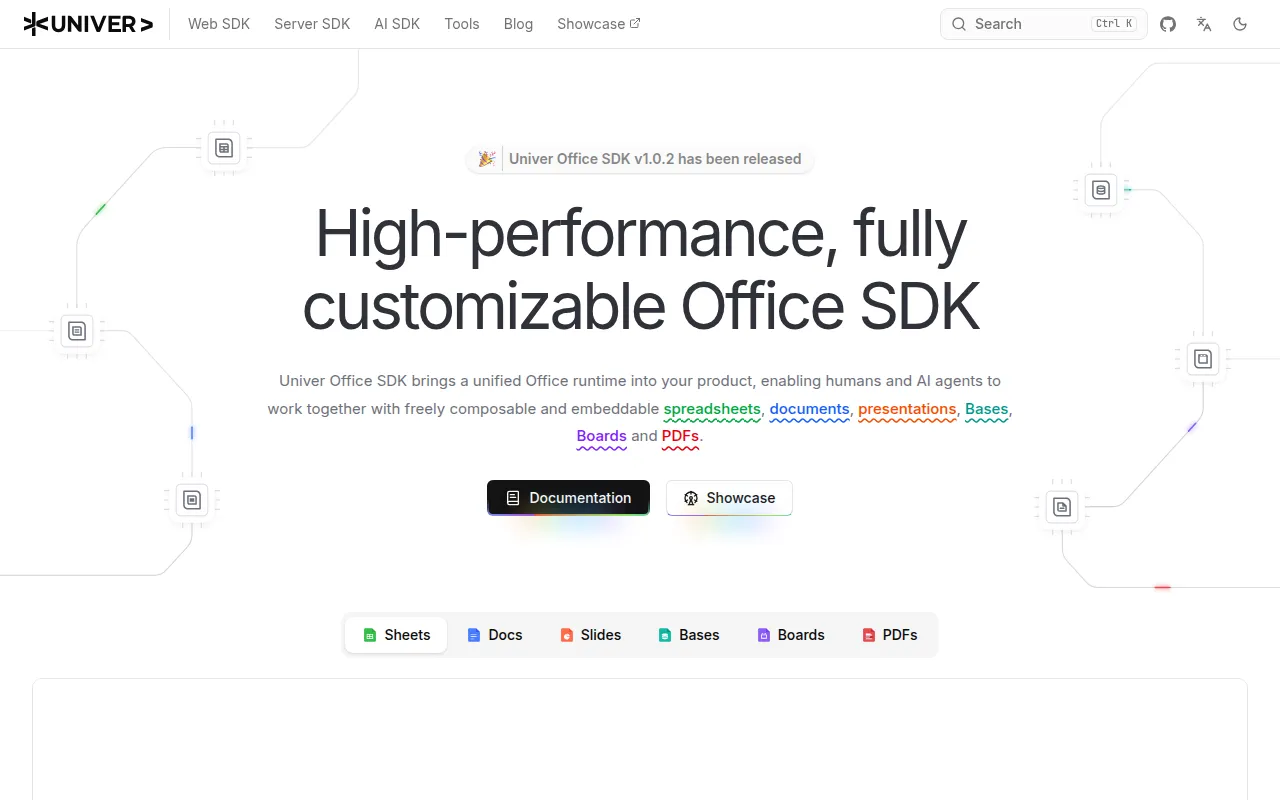
Univer is an open-source SDK for building office applications, spreadsheets, documents, and presentations, inside your own product. It targets developers who need to embed editable Office-style content into a SaaS product, internal tool, BI dashboard, or AI agent workflow, rather than ship a fixed, hosted app.
Instead of a monolithic editor, Univer exposes a plugin architecture with a Canvas-based rendering engine and a formula engine. You compose only the plugins you need, or use curated presets to get a working Sheets or Docs setup fast. The same core runs isomorphically: in the browser for UI, and headless in Node.js for server-side processing, automation, or AI agent operations on workbook and document content.
Key features
- Plugin architecture: every capability (sheets, docs, formulas, number formatting, UI) ships as a separate package you can add, remove, replace, or lazy-load.
- Canvas rendering engine: a shared rendering layer handles large, editable document and spreadsheet surfaces without relying on the DOM for every cell or paragraph.
- Formula engine: a dedicated engine computes formulas independently of the UI, usable in the browser or headless in Node.js.
- Facade API: one consistent higher-level API for workbooks, worksheets, ranges, documents, commands, and events, shared between browser and Node.js code paths.
- Preset mode: curated plugin bundles (
@univerjs/preset-sheets-core, etc.) get you a working editor with a handful of imports. - Plugin mode: manual composition of individual
@univerjs/*packages for fine-grained control over bundle size and loading. - Headless runtime: run workbook and document logic in Node.js (>=18.17.0) for automation, agents, or server-side generation without any UI.
- Framework integration: UI components work with React (18/19, partial 16.9+/17), Vue, and Web Components.
- AI agent workflows: structured APIs let agents inspect and edit content programmatically, verify output through rendered screenshots and diagnostics, and work in isolated draft worktrees before human review.
Ideal use cases
Univer fits when you're embedding spreadsheet or document editing into an existing product: a BI tool that needs live pivot-style grids, an internal admin panel with editable tables, or a SaaS app that needs an Excel-like surface without licensing a third-party viewer. It also fits server-side scenarios: generating or transforming workbooks in a Node.js pipeline, running formula calculations without a browser, or powering an AI agent that reads and writes Office content through code.
It's a good match for teams that want control over which features ship (via plugin mode) and are comfortable integrating an SDK rather than using a hosted product. Reference implementations like Univer Workspace show it used for agent-generated dashboards with cells bound to charts and controls.
It is not a good fit if you just need a simple file viewer or a drop-in WYSIWYG text box, that's more overhead than necessary. Teams wanting a fully-hosted, zero-integration Office clone should look elsewhere; Univer is a framework you build on top of, and some collaboration and live-editing features require additional Pro packages with separate licensing.
Installation
Univer ships as scoped npm packages under @univerjs/*, installed with your package manager of choice (examples use pnpm).
For full control, use Plugin Mode and install only the packages you need, for example a Sheets setup with formulas and UI:
pnpm add @univerjs/core @univerjs/design @univerjs/docs @univerjs/docs-ui @univerjs/engine-formula @univerjs/engine-render @univerjs/sheets @univerjs/sheets-formula @univerjs/sheets-formula-ui @univerjs/sheets-numfmt @univerjs/sheets-numfmt-ui @univerjs/sheets-ui @univerjs/ui
Then register plugins and locales, import the required CSS and Facade modules, and create a Univer instance with FUniver.newAPI(univer) before calling univerAPI.createWorkbook({}).
For a faster setup, use Preset Mode:
pnpm add @univerjs/presets @univerjs/preset-sheets-core
import { UniverSheetsCorePreset } from '@univerjs/preset-sheets-core'
import { createUniver, LocaleType, mergeLocales } from '@univerjs/presets'
import UniverPresetSheetsCoreEnUS from '@univerjs/preset-sheets-core/locales/en-US'

import '@univerjs/preset-sheets-core/lib/index.css'

const { univerAPI } = createUniver({
  locale: LocaleType.EN_US,
  locales: { [LocaleType.EN_US]: mergeLocales(UniverPresetSheetsCoreEnUS) },
  presets: [UniverSheetsCorePreset({ container: 'app' })],
})

univ32ryAPI.createWorkbook({})
Your page needs a container element, for example <div id="app" style="height: 100vh"></div>. For headless server-side use, target Node.js >=18.17.0; developing the monorepo itself requires Node.js >=22.18. Browsers need Intl.Segmenter support or a polyfill like @formatjs/intl-segmenter.
Frequently asked questions






Similar to Univer


