
NATS Server
NATS server: an Apache-2.0 licensed, Go-based messaging system for cloud, edge, and IoT communication between services and devices.
 Amazon SQS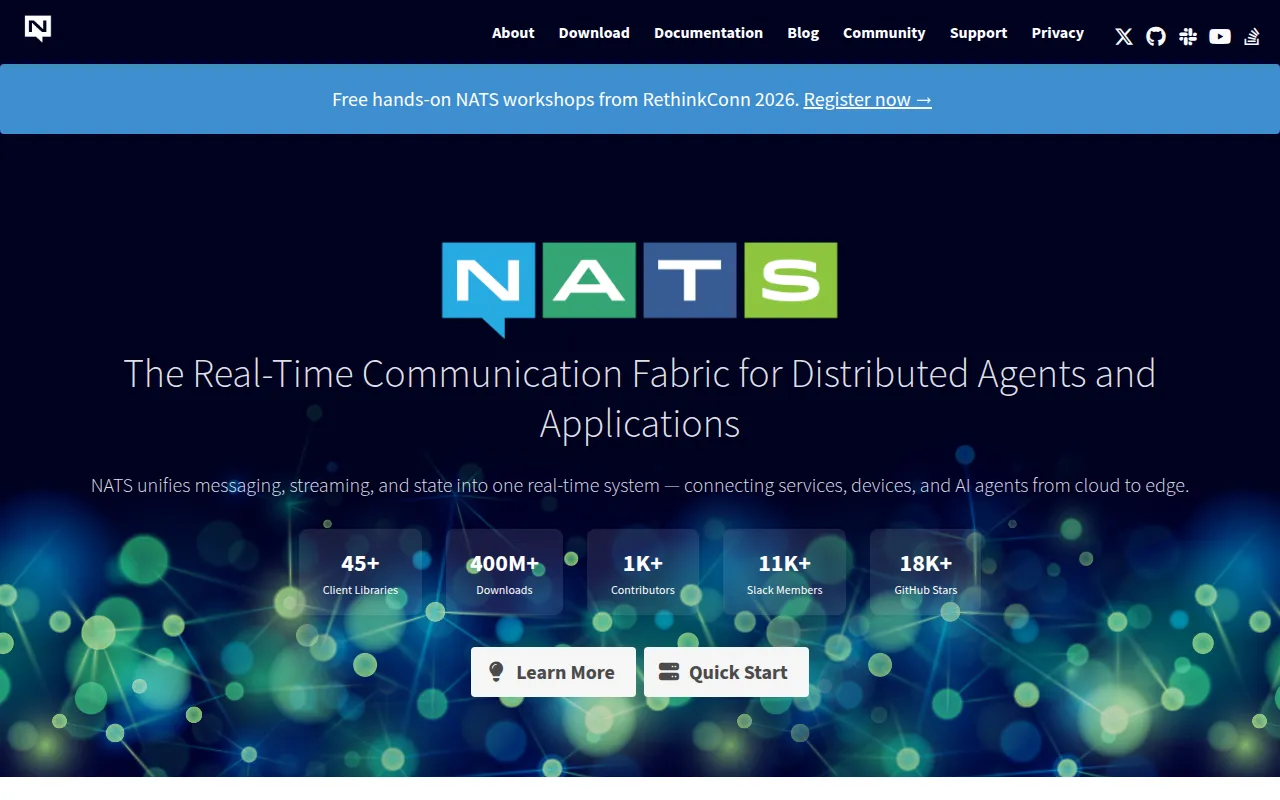
NATS is a messaging system for connecting services, devices, and applications across cloud, on-premise, and edge environments. This repository holds the nats-server, the core server implementation written in Go. It's built for developers and platform teams who need a lightweight, fast messaging layer for distributed systems, microservices, IoT fleets, or connected vehicles, without the operational weight of heavier message brokers.
NATS is a CNCF project with over 40 client language implementations, so teams working in different stacks (Go, Java, Python, Node, Rust, and more) can talk to the same server. The server itself runs anywhere from a cloud cluster down to a Raspberry Pi at the edge.
Key features
- Simple pub/sub core: publish and subscribe messaging with minimal configuration, designed to be operationally simple compared to more complex broker systems.
- Broad client support: over 40 language clients let heterogeneous services and devices communicate through the same server.
- Edge and cloud native: runs on-premise, in the cloud, or on constrained edge hardware, making it suitable for connected vehicle and IoT deployments.
- CNCF governance: part of the Cloud Native Computing Foundation, with community and vendor-neutral oversight.
- Security-audited: underwent a third-party security audit by Trail of Bits (via OSTIF), with the full report published.
- Container and Kubernetes ready: distributed via Docker Hub and Artifact Hub (Helm charts), fitting into existing container orchestration workflows.
- Apache-2.0 licensed: permissive open-source license suitable for commercial and internal use.
Ideal use cases
NATS server fits well when you need a message bus connecting microservices within a cloud-native architecture, especially where you want low operational overhead and fast message delivery. It also works for IoT and connected-vehicle scenarios where devices at the edge need to publish telemetry or receive commands, and where the server has to run on modest hardware.
It's a good choice for distributed systems that need service discovery, request-reply patterns, or event streaming without standing up a heavier stack like Kafka. Teams with polyglot service fleets benefit from the wide client language coverage.
It's less of a fit if you need a full-featured stream processing platform with complex windowing and exactly-once semantics baked in at the storage layer, or if your team already has deep investment in another broker (RabbitMQ, Kafka) and doesn't have a concrete reason to migrate. Very small single-process applications with no cross-service communication also don't need a message bus at all.
Installation
The README doesn't include detailed install instructions directly, but the standard ways to get the server running are:
Using Docker:
docker run -p 4222:4222 -ti nats:latest
Using Go (if you have Go installed):
go install github.com/nats-io/nats-server/v2@latest
nats-server
For Kubernetes deployments, a Helm chart is published on Artifact Hub, which can be added to a cluster with standard Helm commands.
After installation, connect using any of the 40+ official client libraries listed on nats.io, or use the nats CLI tool to publish and subscribe to test the server. Full configuration and deployment documentation is available at docs.nats.io.
Frequently asked questions




Similar to NATS Server


