
Handy
Handy is a free, open-source, cross-platform desktop app for offline speech-to-text transcription using Whisper or Parakeet models.
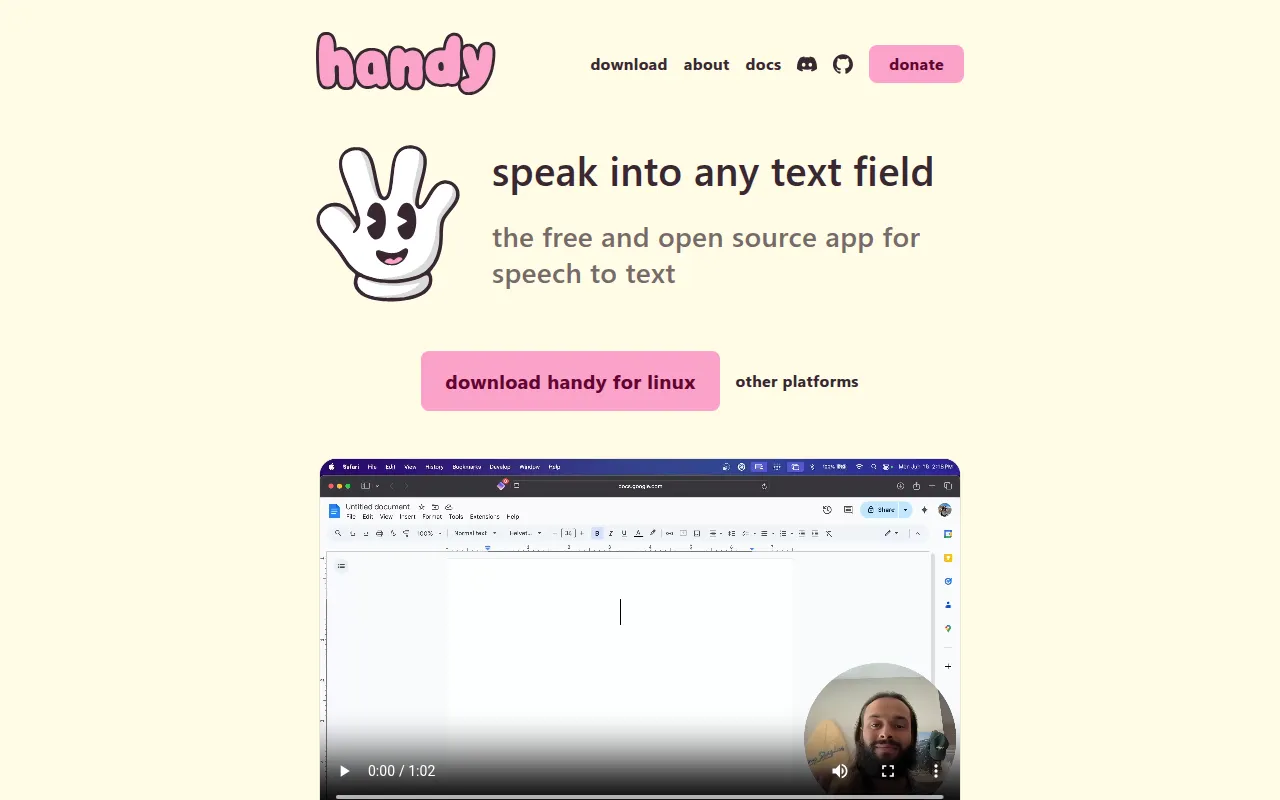
Handy is a desktop application that turns spoken words into typed text, entirely on your own machine. Press a keyboard shortcut, speak, release, and the transcribed text gets pasted into whatever app has focus. It's built for people who want dictation or accessibility tooling without sending audio to a cloud service, and for developers who want a speech-to-text tool they can actually modify.
The project targets Windows, macOS, and Linux, and is built with Tauri (Rust backend, React/TypeScript frontend). It's explicitly designed to be forkable rather than to chase best-in-class accuracy, so the codebase and architecture are kept approachable.
Key features
- Offline transcription: audio never leaves the device; no cloud API calls are made during recording or transcription.
- Shortcut-driven workflow: a configurable global hotkey starts/stops recording, with a push-to-talk mode also available.
- Model choice: pick from Whisper models (Small, Medium, Turbo, Large) with GPU acceleration, or Parakeet V3, a CPU-optimized model with automatic language detection.
- Voice Activity Detection: Silero-based VAD filters out silence before transcription.
- CLI control: flags like
--toggle-transcription,--cancel,--start-hidden, and--no-traylet you drive a running instance from scripts or window-manager keybindings. - Debug mode: a built-in debug menu (
Cmd/Ctrl+Shift+D) helps with troubleshooting and verbose logging. - Signed releases: release artifacts are signed with Tauri's updater signature format and verifiable with
minisign. - Manual model install: for restricted networks, model files can be downloaded and placed manually into the app data directory.
- Raycast integration: a community-built Raycast extension lets you control Handy, browse transcript history, and manage the dictionary from Raycast.
Ideal use cases
Handy fits developers, writers, and accessibility-focused users who want dictation into any text field (editors, chat apps, browsers) without a subscription or cloud dependency. It's a good match for privacy-sensitive environments where audio can't leave the machine, and for anyone who wants to extend or fork a speech-to-text tool rather than treat it as a black box.
It's less suited for teams needing enterprise-grade accuracy guarantees, multi-speaker diarization, or managed cloud transcription pipelines. Linux users on Wayland should expect extra setup (installing wtype or dotool) and some rough edges around global shortcuts and overlay behavior. If you need guaranteed crash-free operation on all Windows/Linux configurations, note that Whisper models are known to crash on certain system setups; Parakeet is the more CPU-friendly fallback.
Installation
The simplest path is downloading a prebuilt release:
- Grab the latest release from the releases page or handy.computer.
- On macOS, you can instead install via Homebrew:
brew install --cask handy
- On Windows, install via winget:
winget install cjpais.Handy
- Install the app, launch it, and grant microphone and accessibility permissions when prompted.
- Configure your preferred keyboard shortcut in Settings, then start transcribing.
On Linux, install a text-input helper for reliable pasting:
# X11
sudo apt install xdotool
# Wayland
sudo apt install wtype
If you hit a missing library error on startup (libgtk-layer-shell.so.0), install the matching runtime package for your distro (e.g. sudo apt install libgtk-layer-shell0 on Ubuntu/Debian).
For building from source, including platform-specific build requirements, see BUILD.md in the repository. CLI flags such as handy --toggle-transcription or handy --start-hidden --no-tray work across all platforms and are useful for wiring Handy into window-manager keybindings on Linux.
Frequently asked questions






Similar to Handy


