
DocuSeal
DocuSeal is an open-source, self-hosted platform for creating, filling, and signing PDF documents with API and webhook support.
 DocuSign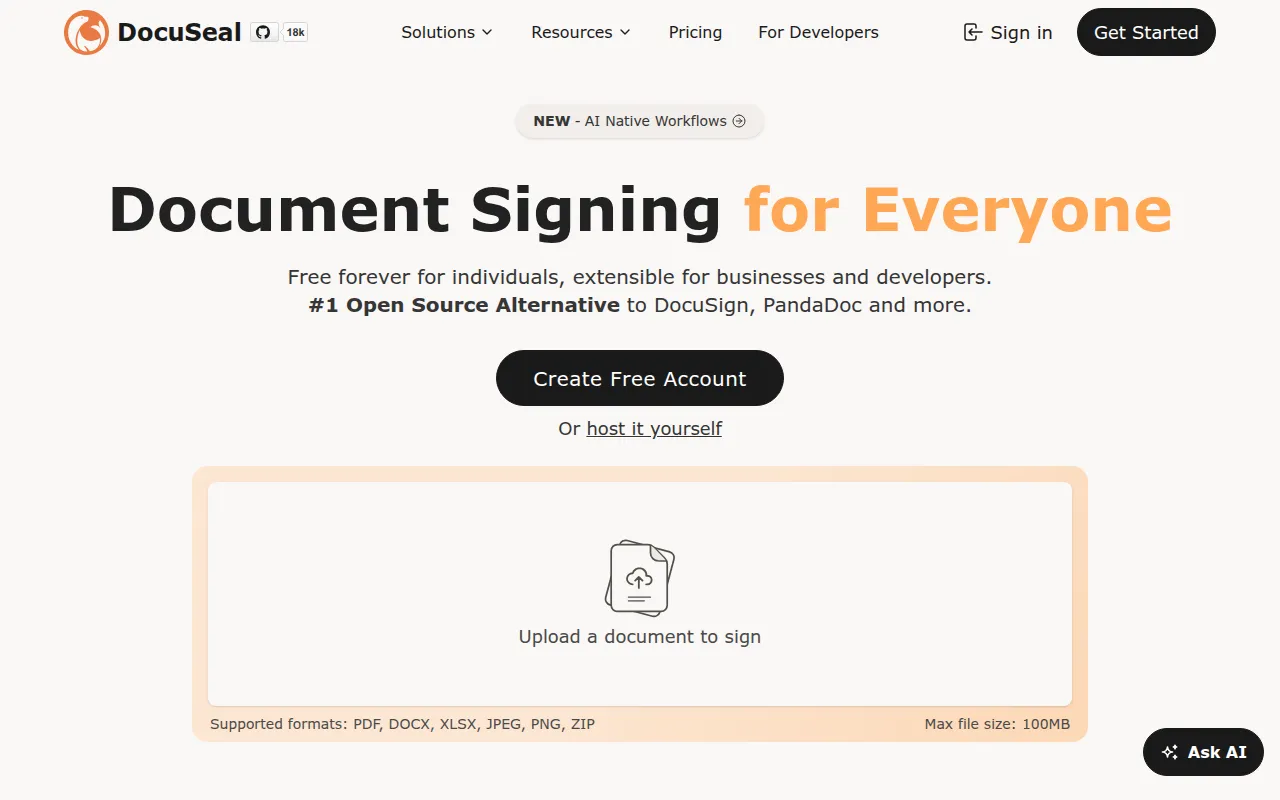
DocuSeal is an open-source document signing platform for teams that want PDF form filling and e-signature workflows without handing data to a third-party SaaS. It's aimed at developers and businesses building internal tools, customer-facing signing flows, or anyone who needs a self-hosted alternative to commercial e-signature products.
The core app is a Ruby on Rails backend with a Vue frontend, using Hotwired Turbo for interactivity and Tailwind for styling. It handles the full lifecycle: building a fillable PDF form, sending it to one or more submitters, collecting signatures, and verifying them cryptographically.
Key features
- WYSIWYG form builder: drag-and-drop PDF field builder supporting 12 field types (signature, date, file, checkbox, and more).
- Multi-submitter documents: route a single document through multiple signers in sequence or parallel.
- Automated email delivery: send signing requests and notifications via SMTP.
- Flexible file storage: store documents on local disk or in AWS S3, Google Cloud Storage, or Azure Blob Storage.
- PDF eSignature and verification: documents are signed and the signatures can be cryptographically verified afterward.
- User management: manage accounts and access within a self-hosted instance.
- Mobile-optimized signing: the signing UI works on phones and tablets, not just desktop.
- Multi-language support: 7 UI languages, with signing flows available in 14 languages.
- API and webhooks: integrate document creation, sending, and signing events into other systems.
- Fast deployment: runs as a single Docker container with SQLite by default, or Postgres/MySQL via
DATABASE_URL.
Paid Pro features (not in the open-source core) add white-labeling, user roles, SMS identity verification, conditional fields, bulk CSV/XLSX sending, SSO/SAML, HTML/PDF/DOCX template APIs, and embeddable signing/builder components for React, Vue, Angular, and plain JavaScript.
Ideal use cases
DocuSeal fits well if you need to collect signatures or filled forms as part of a product, internal process, or compliance workflow and want to keep data on your own infrastructure. It suits healthcare, real estate, HR, KYC, and CRM-adjacent apps that need bulk document signing tied into existing systems via API or webhooks. It's also a reasonable fit for developers who want to self-host rather than pay recurring per-seat fees to commercial e-signature vendors.
It's less of a fit if you need advanced features like SSO, bulk spreadsheet-driven sends, or embeddable signing widgets without paying for the Pro tier. If your use case requires heavy customization of signing logic beyond field types and webhooks, or you need guarantees that only come with a commercial support contract, check the hosted/Pro offering instead of the free self-hosted build. Teams with no Rails/Docker operational experience may find self-hosting maintenance (backups, upgrades, SSL) a bigger lift than using the cloud version.
Installation
The fastest path is Docker:
docker run --name docuseal -p 3000:3000 -v .:/data docuseal/docuseal
By default this uses SQLite for storage. To use PostgreSQL or MySQL instead, pass a DATABASE_URL environment variable.
For a production setup with automatic HTTPS under your own domain, use Docker Compose:
curl https://raw.githubusercontent.com/docusealco/docuseal/master/docker-compose.yml > docker-compose.yml
sudo HOST=your-domain-name.com docker compose up
Make sure your DNS already points to the server before running this, since Caddy will attempt to issue SSL certificates automatically.
One-click deploy buttons are also available for Heroku, Railway, DigitalOcean, and Render, each linking to a dedicated deployment repo. For evaluation without installing anything, a live demo is hosted at demo.docuseal.tech, and a managed cloud version is available through docuseal.com.
Frequently asked questions







Similar to DocuSeal


