
Diagram Design
A Claude Code, Codex, Droid, and Pi skill providing 39 self-contained HTML/SVG diagram types with brand-matched styling.
 Figma
Figma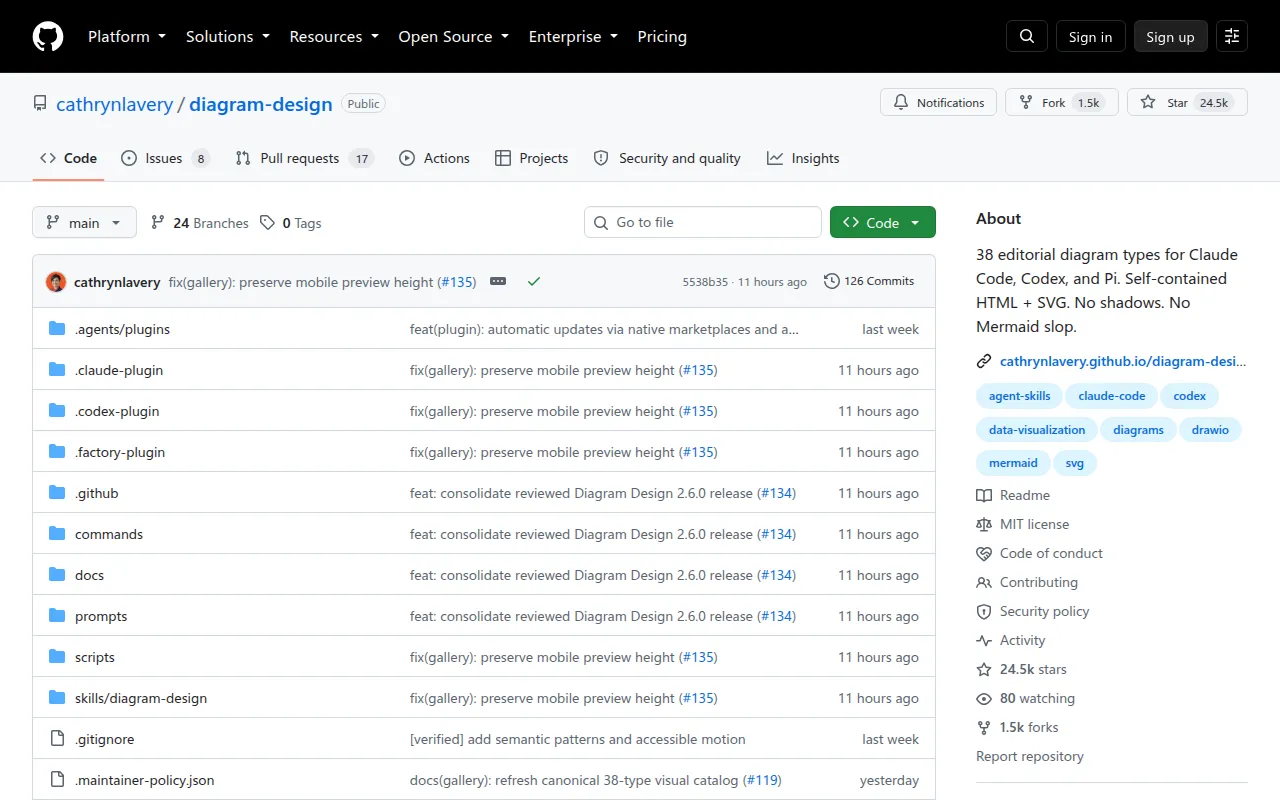
Diagram Design is a plugin (Claude Code calls it a "skill") that gives AI coding agents 39 editorial-quality diagram templates: architecture charts, flowcharts, sequence diagrams, ER diagrams, Gantt charts, Wardley maps, UML class diagrams, and more. Each diagram renders as self-contained HTML plus inline SVG, with no build step, no JavaScript framework, and no external image dependency. It's built for developers, technical writers, and founders who need clean diagrams inside docs or blog posts but don't want to fight Figma or accept the generic rounded-box output that comes from asking an LLM to draw a Mermaid diagram.
The author built it after getting tired of asking Claude for a diagram and getting back a box-and-arrow sketch that clashed with the rest of a website's design. Instead of manual styling each time, the skill reads your site's colors and fonts once and applies them across every diagram it generates afterward.
Key features
- 39 diagram types: architecture, flowchart, sequence, state machine, ER/data model, timeline, swimlane, quadrant, radar, loop/flywheel, tree, org chart, layer stack, Venn, pyramid, bar/line/scatter charts, treemap, Gantt, Sankey, fishbone, Wardley map, kanban, user journey, deployment, dependency graph, UML class, story map, database schema, and polar chart.
- Three static variants per type: minimal light, minimal dark, and full-editorial, all viewable directly in a browser with no server.
- Brand onboarding: point the skill at a URL and it extracts the dominant palette and font stack, maps them to semantic tokens (paper, ink, muted, accent, link), and writes them to a style guide file.
- Automatic contrast checks: verifies WCAG AA contrast between ink and paper colors before writing tokens, and flags or adjusts failing values.
- Accessible SVG output: every diagram gets
role="img",aria-labelledby, and<title>/<desc>slots, with prefixed IDs so multiple exports can be inlined on one page safely. - Semantic layout patterns: behaviors like queues, policy traces, or trust boundaries reuse existing layout types instead of adding new diagram categories.
- Import/export: can redraw existing draw.io or Mermaid diagrams at a chosen format, size, and detail level.
- Multi-client profiles: save a brand's tokens as a named profile and reference it from multiple projects via a
.diagram-designmarker file.
Ideal use cases
Use this when you're writing technical documentation, blog posts, or README files with an AI coding agent and want diagrams that match your site's visual identity instead of looking like default chart-library output. It fits teams standardizing on a small set of visual conventions across many docs, and solo writers who don't want to open a design tool for a one-off flowchart.
It's not a fit if you need real-time collaborative diagram editing, a drag-and-drop GUI, or dynamic/interactive diagrams driven by live data. It's also not the right tool if your diagrams need to integrate with a specific existing diagramming format beyond the draw.io/Mermaid import path, or if you're not using one of the supported agent tools (Claude Code, Codex, Factory Droid, Pi) to invoke it.
Installation
Installation depends on which agent tool you use.
Claude Code:
/plugin marketplace add cathrynlavery/diagram-design
/plugin install diagram-design@diagram-design
Then run /plugin, open Marketplaces, select diagram-design, and enable auto-update.
Codex:
codex plugin marketplace add cathrynlavery/diagram-design
codex plugin add diagram-design@diagram-design
Factory Droid:
droid plugin marketplace add https://github.com/cathrynlavery/diagram-design
droid plugin install diagram-design@diagram-design --scope user
Pi:
pi install https://github.com/cathrynlavery/diagram-design
Then run /reload in an open Pi session.
For an editable install where you can customize the style guide directly, clone the repo and either register it as a local Pi package or symlink the inner skill into Claude Code's skills directory:
git clone [email protected]:cathrynlavery/diagram-design.git ~/code/diagram-design
pi install ~/code/diagram-design
ln -s ~/code/diagram-design/skills/diagram-design ~/.claude/skills/diagram-design
Once installed, tell your agent "onboard diagram-design to https://yoursite.com" to pull your brand colors and fonts, review the proposed diff, and apply it. Every diagram generated afterward uses those tokens by default.
Frequently asked questions



Similar to Diagram Design

