
ConvertX
ConvertX is a self-hosted, open-source online file converter supporting over 1000 formats, built with TypeScript, Bun, and Elysia.
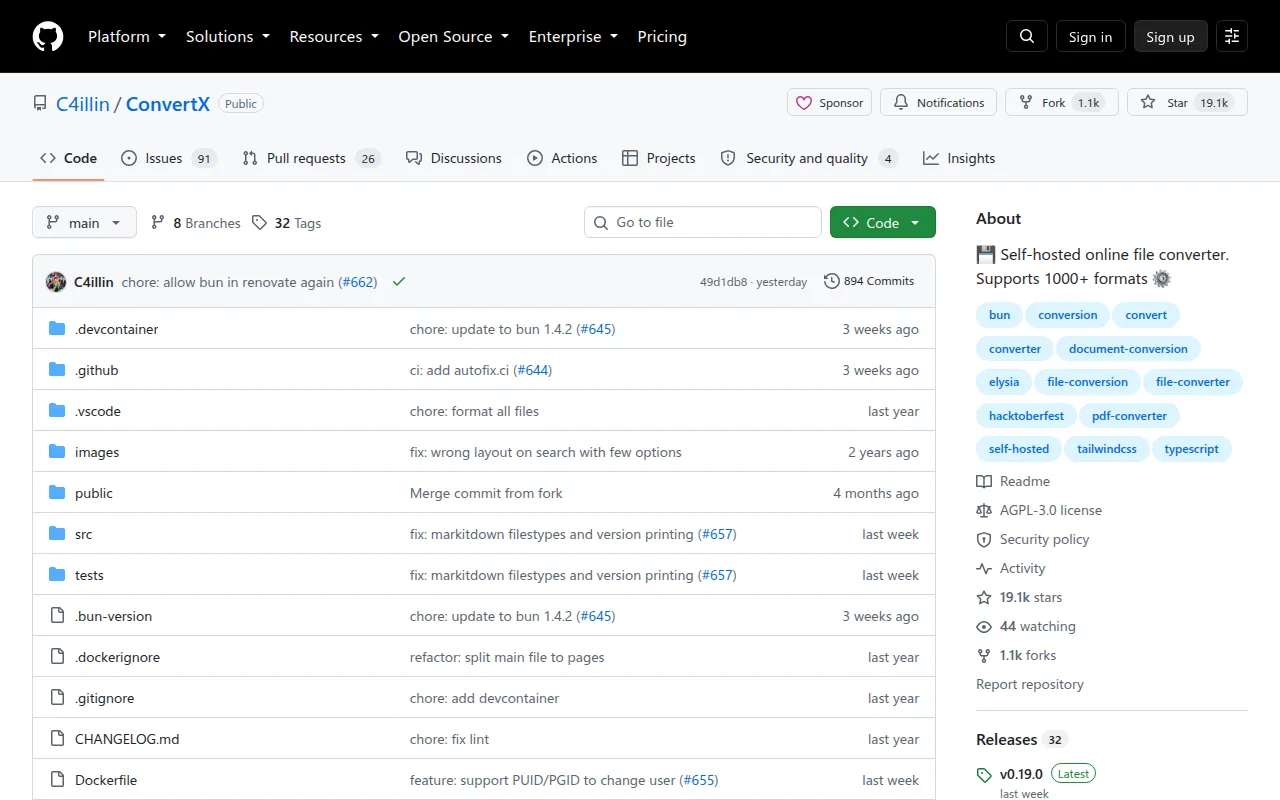
ConvertX is a self-hosted web app that converts files between over a thousand formats, covering images, documents, video, vector graphics, e-books, 3D assets, and more. It's for anyone who wants a private, local alternative to online file conversion sites, like developers running home labs, sysadmins managing internal tools, or privacy-conscious users who don't want to upload files to a third-party service. It runs as a Docker container and wraps well-known conversion tools (FFmpeg, ImageMagick, Pandoc, LibreOffice, Calibre, and others) behind a single web interface.
Key features
- Broad format support: combines over 20 underlying converters (FFmpeg, ImageMagick, GraphicsMagick, Pandoc, LibreOffice, Calibre, Inkscape, Vips, Assimp, and more) to cover video, images, documents, e-books, vector graphics, 3D assets, and data files.
- Batch conversion: process multiple files at once instead of converting one at a time.
- Self-hosted: runs entirely on your own infrastructure through a single Docker container, keeping files off third-party servers.
- Account system: supports multiple accounts and password-protected access, with optional open registration.
- Configurable retention: automatically deletes converted files after a set number of hours (default 24), configurable or disabled entirely.
- Custom branding and routing: lets you set a custom display name and serve the app under a subpath via the
WEBROOTvariable. - FFmpeg tuning: passes custom input/output arguments to FFmpeg, including hardware acceleration flags.
- History controls: can hide conversion history per deployment, and optionally share history between unauthenticated users.
Ideal use cases
ConvertX fits well if you want a private file conversion tool for a homelab, small team, or personal server, and you'd rather not send documents, videos, or images to a public web converter. It's a good match for one-off or batch conversions across many obscure formats, like converting a pile of HEIC photos, LaTeX documents, or legacy Outlook messages, without installing a dozen separate CLI tools.
It's not the right choice if you need a conversion API for high-throughput automated pipelines, since it's built as a web UI around existing CLI tools rather than a queued processing service with SLAs. It's also not meant to be exposed to the open internet without authentication: the README is explicit that ALLOW_UNAUTHENTICATED and ACCOUNT_REGISTRATION should never be set to true on a public-facing instance. If you need enterprise-grade access controls, audit logging, or guaranteed uptime for mission-critical conversions, this isn't built for that.
Installation
The recommended way to run ConvertX is via Docker Compose:
# docker-compose.yml
services:
  convertx:
    image: ghcr.io/c4illin/convertx
    container_name: convertx
    restart: unless-stopped
    ports:
      - "3000:3000"
    environment:
      - PUID=1000 # user id for file permissions (should match your host user id)
      - JWT_SECRET=aLongAndSecretStringUsedToSignTheJSONWebToken1234
      # - HTTP_ALLOWED=true # uncomment if accessing over non-https
    volumes:
      - ./data:/app/data
Or with a plain docker run command:
docker run -p 3000:3000 -e PUID=1000 -e PGID=1000 -v ./data:/app/data ghcr.io/c4illin/convertx
Match PUID and PGID to your host user (id -u and id -g) to avoid permission errors on the mounted ./data volume. If you see a "unable to open database file" error, check directory permissions or run chown -R $USER:$USER path on the data path.
After starting the container, visit http://localhost:3000 and create the first account immediately, since anyone can register the initial account if left unconfigured. If accessing over plain HTTP instead of HTTPS or localhost, set HTTP_ALLOWED=true.
For local development:
# Install Bun and Git first
bun install
bun run dev
Images are published to both GitHub Container Registry (ghcr.io/c4illin/convertx) and Docker Hub (c4illin/convertx), with :latest tracking releases and :main tracking the latest commit.
Frequently asked questions






Similar to ConvertX


