
cognee
Cognee is an open-source Python platform that gives AI agents persistent memory using knowledge graphs and vector search.
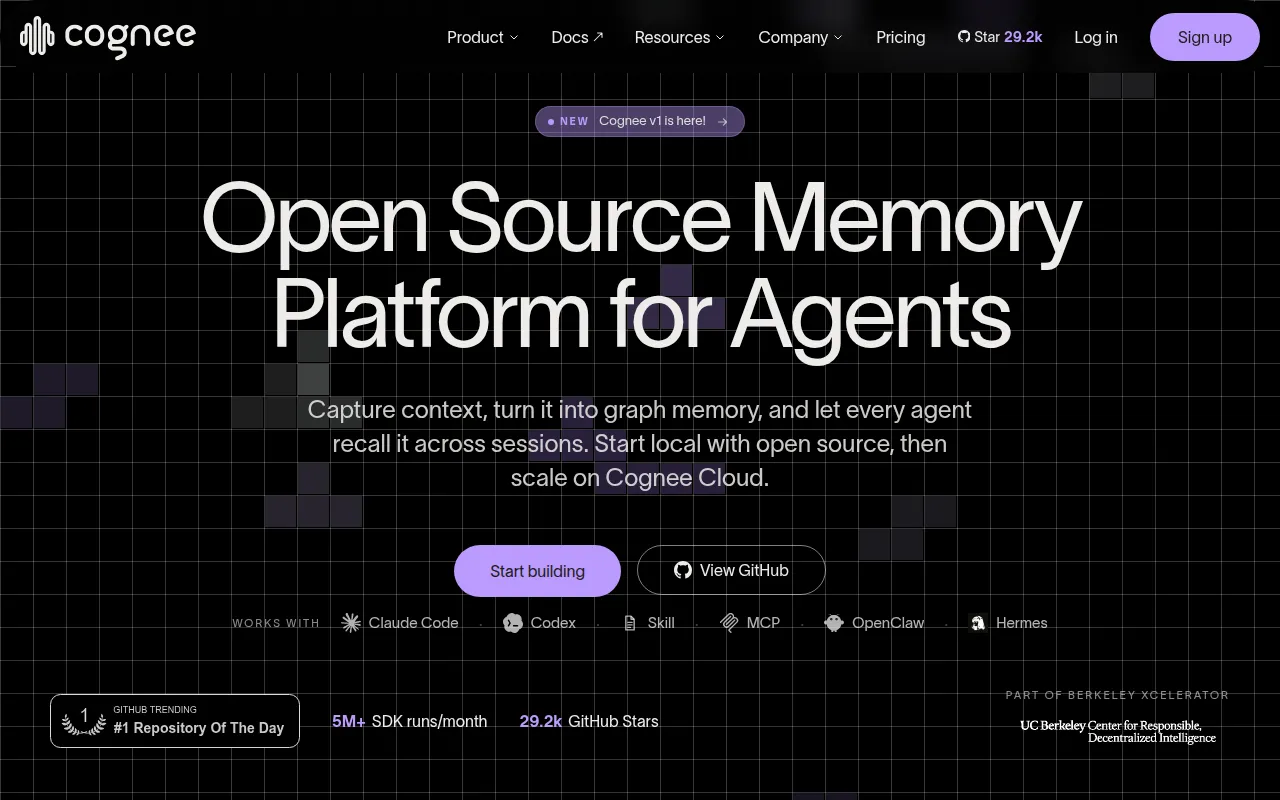
Cognee is an open-source memory layer for AI agents. It ingests documents in various formats and builds a knowledge graph combined with vector embeddings so agents can recall context across sessions instead of starting from scratch every time. It's aimed at developers building AI agents, chatbots, or copilots that need to retain and reason over information beyond a single conversation window.
Instead of stuffing everything into a vector database and hoping semantic similarity is enough, Cognee layers graph reasoning and ontology generation on top, so retrieval can follow relationships between facts, not just similarity scores. It runs self-hosted, with a Python SDK, CLI, Docker images, and an MCP server for integrating with tools like Claude Code.
Key features
- remember/recall/forget/improve API: a simple four-verb interface for writing to and querying agent memory, with both permanent (knowledge graph) and session-scoped (fast cache) storage.
- Knowledge graph + vector search: combines graph reasoning with embeddings so agents can search by meaning and by relationship.
- Ontology grounding: applies cognitive-science-informed structuring so knowledge connects and evolves as more data comes in.
- Single-Postgres deployment: runs the entire memory layer (graph, vectors via pgvector, sessions, metadata) on one Postgres instance instead of a graph DB + vector DB + Redis + relational DB stack.
- Multiple database backends: swap in Neo4j, Neptune, Redis, LanceDB, Qdrant, ChromaDB, Weaviate, or Milvus (via community adapters) when a workload needs a dedicated backend.
- CLI and local UI:
cognee-clifor remember/recall/forget from the command line, plus a local UI launched with-ui. - MCP server and agent plugins: ships an MCP server and a Claude Code plugin that captures prompts, tool traces, and responses into memory automatically.
- Multiple language clients: Python SDK, plus Rust and TypeScript clients for non-Python agents.
- Deployment flexibility: self-host via Docker Compose, prebuilt Docker images, or deploy to Modal, Railway, Fly.io, Render, Daytona, or Islo; managed Cognee Cloud is also available.
Ideal use cases
Cognee fits well when you're building an agent that needs to remember facts, user preferences, or past interactions across multiple sessions, such as a customer support agent that recalls prior tickets, or a coding assistant that retains project context between sessions. It's also a good fit for knowledge-distillation use cases, like turning expert SQL queries or workflow patterns into a searchable resource junior team members' agents can draw on.
It makes sense if you want a self-hosted memory layer rather than relying on a proprietary hosted memory API, and if you need retrieval that can follow relationships between entities, not just nearest-neighbor similarity search.
It's less of a fit for simple stateless chat apps that don't need memory beyond a single session, or for cases where a plain vector store is sufficient and the overhead of a graph layer and ontology generation isn't worth it. If your team has no appetite for running Postgres, Neo4j, or Docker infrastructure at all, a fully managed memory API might be simpler, though Cognee Cloud offers a managed path too.
Installation
Cognee requires Python 3.10 to 3.14.
Install with your preferred package manager:
uv pip install cognee
Set an LLM API key (or use a .env file based on the provided template):
import os
os.environ["LLM_API_KEY"] = "YOUR OPENAI_API_KEY"
Use the SDK:
import cognee
import asyncio

async def main():
    await cognee.remember("Cognee turns documents into AI memory.")
    results = await cognee.recall("What does Cognee do?")
    for result in results:
        print(result)

if __name__ == '__main__':
    asyncio.run(main())
Or use the CLI:
cognee-cli remember "Cognee turns documents into AI memory."
cognee-cli recall "What does Cognee do?"
cognee-cli forget --all
To run with Docker, clone the repo, copy .env.template to .env, set LLM_API_KEY, then run:
docker compose up
Optional profiles add a UI, MCP server, Postgres, or Neo4j:
docker compose --profile ui up
docker compose --profile mcp up
docker compose --profile postgres up
docker compose --profile neo4j up
To run the whole memory layer on Postgres instead of separate services:
pip install "cognee[postgres]"
then configure DB_PROVIDER=postgres, VECTOR_DB_PROVIDER=pgvector, GRAPH_DATABASE_PROVIDER=postgres, and CACHE_BACKEND=postgres along with your Postgres connection details.
Frequently asked questions







Similar to cognee


