
Lightpanda Browser
Lightpanda is a headless browser written in Zig for AI agents and automation, using ~16x less memory than headless Chrome.
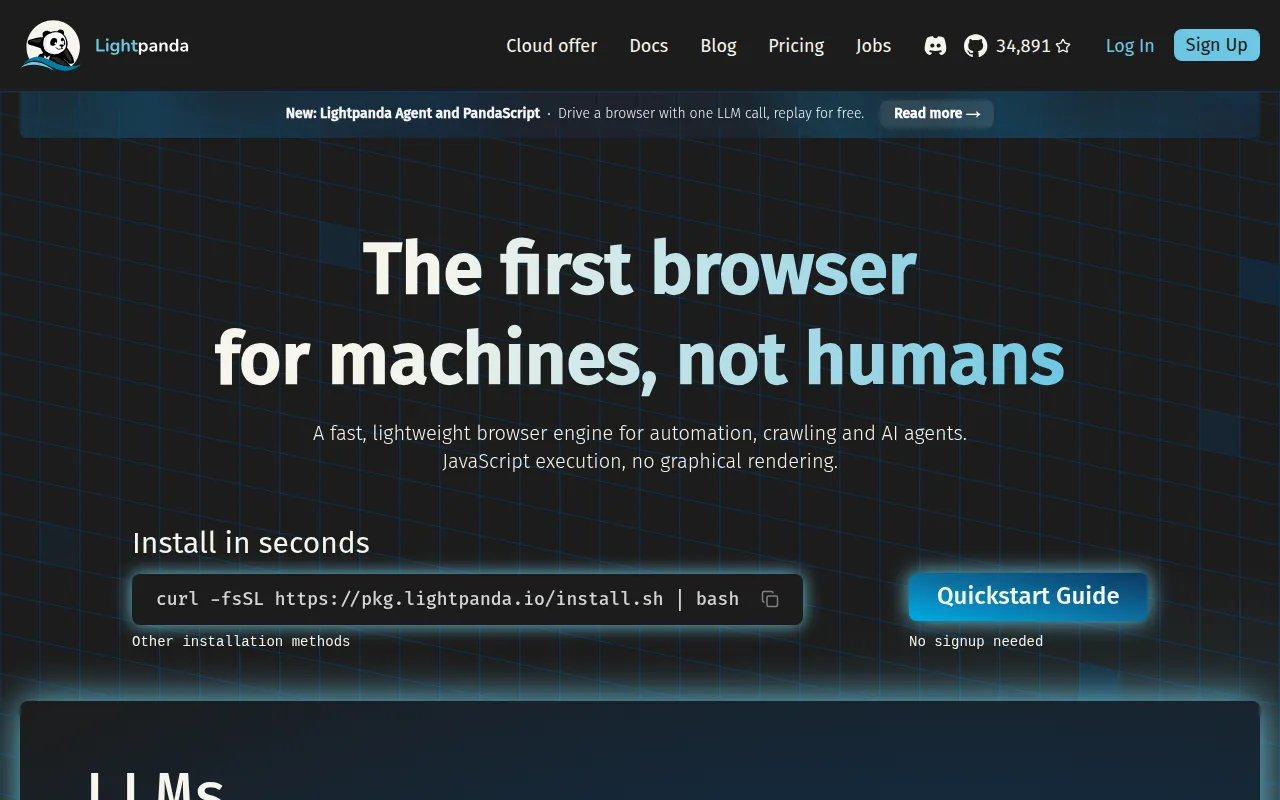
Lightpanda is a headless browser built from scratch in Zig rather than forked from Chromium or WebKit. It targets developers running web automation, scraping, or AI agents at scale who need lower memory and CPU overhead than headless Chrome provides. It speaks CDP and WebDriver Bidi, so it works with Puppeteer and Playwright with minimal changes, and it ships a native agent mode and MCP server for LLM-driven browsing.
Key features
- Low resource use: peak memory of ~123MB across 100 pages versus ~2GB for headless Chrome in published benchmarks, with ~9x faster execution time.
- No rendering engine: skips graphical rendering entirely, focusing on DOM, JS execution (via V8), and network handling rather than pixel output.
- CDP and WebDriver Bidi support: run existing Puppeteer or Playwright scripts by pointing
browserWSEndpointat Lightpanda's server. - Agent mode: drive the browser with plain-English instructions or slash commands via
lightpanda agent, supporting Anthropic, OpenAI, Gemini, Vertex AI, Mistral, Hugging Face, Vercel AI Gateway, and local models via Ollama or llama.cpp. - PandaScript export: save an agent session as deterministic, token-free vanilla JavaScript and replay it in production without an LLM at runtime.
- Native MCP server: exposes browsing sessions over JSON-RPC 2.0 (stdio or HTTP), with per-session isolation or sharing across multiple agent clients.
- CLI dump modes: fetch a URL and dump it as HTML, Markdown, PNG, or PDF from the command line.
- Common automation primitives: cookies, custom headers, proxy support, network interception, click and form input handling, CORS (experimental), robots.txt compliance, and an adblocker.
Ideal use cases
Lightpanda fits web scraping and crawling pipelines that need JavaScript execution but can't afford the memory footprint of running many Chrome instances. It's a good fit for AI agent backends that need a fast, scriptable browsing tool, especially when you want to record an agent session once and replay it deterministically without paying for LLM calls again. Teams running high-concurrency crawlers on cloud instances benefit most, since the memory savings compound across hundreds of parallel pages.
It is not the right choice if you need pixel-perfect visual rendering, screenshot fidelity matching real browser painting, or full parity with every Chromium DevTools feature. Because it's a new browser engine rather than a Chromium fork, some web platform features may behave differently than in Chrome; check the published Web Platform Tests results if standards compliance for a specific API matters to your use case. Projects tied tightly to Chromium-specific extensions or Puppeteer/Playwright features beyond CDP basics may hit gaps.
Installation
Install a prebuilt binary via Homebrew:
brew install lightpanda-io/browser/lightpanda
Or on Arch Linux:
yay -S lightpanda-nightly-bin
Or download a nightly binary directly (Linux x86_64 example):
curl -L -o lightpanda https://github.com/lightpanda-io/browser/releases/download/nightly/lightpanda-x86_64-linux && \
chmod a+x ./lightpanda
./lightpanda version
Linux binaries link against glibc; on musl-based distros (like Alpine) use a glibc base image or build from source. Windows users run it inside WSL2, which forwards localhost:9222 automatically.
Or run it via Docker:
docker run -d --name lightpanda -p 127.0.0.1:9222:9222 lightpanda/browser:nightly
Dump a page from the CLI:
./lightpanda fetch --obey-robots --dump html --log-format pretty --log-level info https://demo-browser.lightpanda.io/campfire-commerce/
Start a CDP server for Puppeteer or Playwright:
./lightpanda serve --obey-robots --log-format pretty --log-level info --host 127.0.0.1 --port 9222
Then connect with Puppeteer using puppeteer.connect({ browserWSEndpoint: "ws://127.0.0.1:9222" }).
To build from source, install Zig 0.15.2, plus Rust, and the Debian/Ubuntu build deps (xz-utils ca-certificates pkg-config libglib2.0-dev clang make curl git), or use nix develop. Then run make build or zig build run.
Frequently asked questions






Similar to Lightpanda Browser

