
Prime Agent
Prime Agent is an open-source RLM coding agent with a persistent Python REPL, subagents, and a self-refining harness for long-running work.
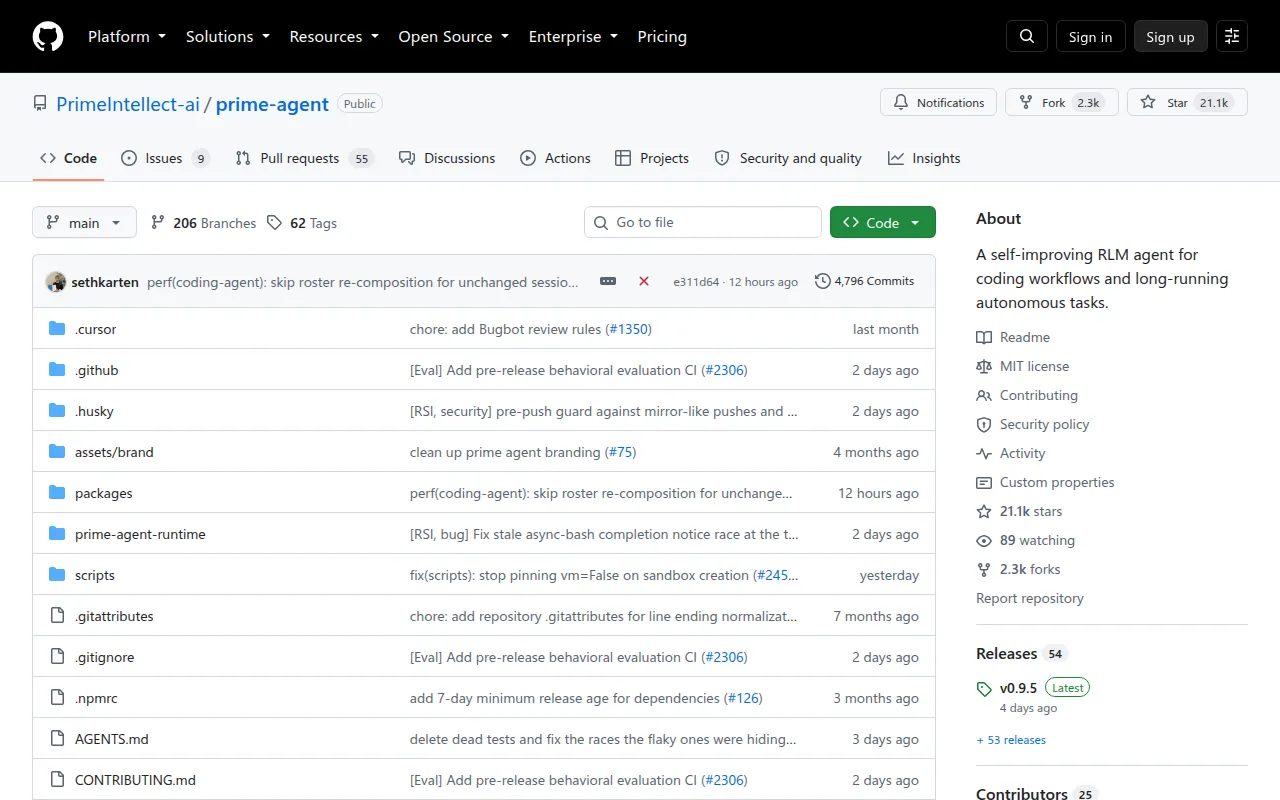
Prime Agent is an open-source coding and research agent built for general and long-running autonomous work. It's aimed at developers and researchers who need an agent that survives beyond a single chat session: one that keeps state, spawns subagents, and improves its own operating instructions as it works. If you run evaluations, long refactors, or background research tasks, this is the kind of tool built for that.
The agent is organized around two ideas. The Recursive Language Model (RLM) treats context as variables and tool/subagent calls as functions inside a persistent Python REPL, so the model can program its own workflow rather than just chat through it. The Continual Harness stores supplemental prompts, memories, skills, and subagent specs as durable state that the agent can refine through small, reviewable updates, kept local to the session by default.
Key features
- Programmatic core: a persistent Python REPL is the agent's built-in tool. File operations, shell commands, tool calls, subagents, and context management all happen through code rather than fixed tool schemas.
- Built-in subagents:
rlm.spawn(...)launches real child agents for parallel or background work and returns results programmatically to the parent session. - Self-refining harness: the
/refinecommand reviews a trajectory and applies small, evidence-backed updates to supplemental harness state. It never touches the immutable base system prompt, and every change is snapshotted for rollback. - Executable skills: skills are importable Python packages. A built-in skill creator can turn a recurring workflow into a reusable project or personal skill.
- Background sessions: daemon-backed agents keep running after the terminal disconnects, and you can reattach to them later.
- Agent-to-agent messaging: running agents can exchange messages and coordinate directly, without routing everything back through the user.
- Long-task continuity: automatic compaction, persistent goals (
/goal), heartbeats and schedules, and bounded autonomous mode (/autonomous) keep progress moving across turns and terminal sessions.
Ideal use cases
Prime Agent fits long-running coding and research work where context needs to persist: multi-hour refactors, research evaluation loops, or workflows where you want an agent to keep working in the background and check in later. It's a good match if you want an agent that can build and reuse its own skills over time instead of restarting from scratch each session.
It's less of a fit if you want a fully sandboxed or fully autonomous system you don't need to supervise. The README is explicit: Prime Agent executes model-generated Python and project commands with your user permissions, and its process isolation is for lifecycle and recovery, not security. Passing an autonomous-mode quality gate only confirms what that gate checks, not overall task success. Use a disposable clone or clean worktree, and run untrusted repositories, instructions, or skills in an external sandbox instead of directly.
Installation
Install the latest stable release on macOS or Linux:
curl --proto '=https' --proto-redir '=https' -fsSL https://app.primeintellect.ai/prime-agent/install.sh | sh
Start it from the directory you want it to work in:
cd /path/to/project
prime-agent
On first launch, run /login to pick a subscription or API-key provider. Useful CLI commands once it's running:
prime-agent agents                   # Browse running, idle, and saved sessions
prime-agent attach <agent>           # Reattach to a running session
prime-agent --resume [path|id]       # Browse sessions or resume one directly
prime-agent status                   # Inspect background service state
prime-agent doctor [--fix]           # Inspect or repair background services
prime-agent update [--force]         # Update Prime Agent
prime-agent shutdown [--force]       # Stop every agent, worker, and background service
Full docs cover the quickstart, CLI reference, long-running agent behavior, the RLM programming model, JSON/RPC modes for automation, skills, provider setup, and architecture, all linked from the repository's docs folder.
Tags:
Frequently asked questions







Similar to Prime Agent


