Page Agent
Page Agent is a TypeScript library that turns natural language into DOM actions inside the browser, no extension or headless browser needed.
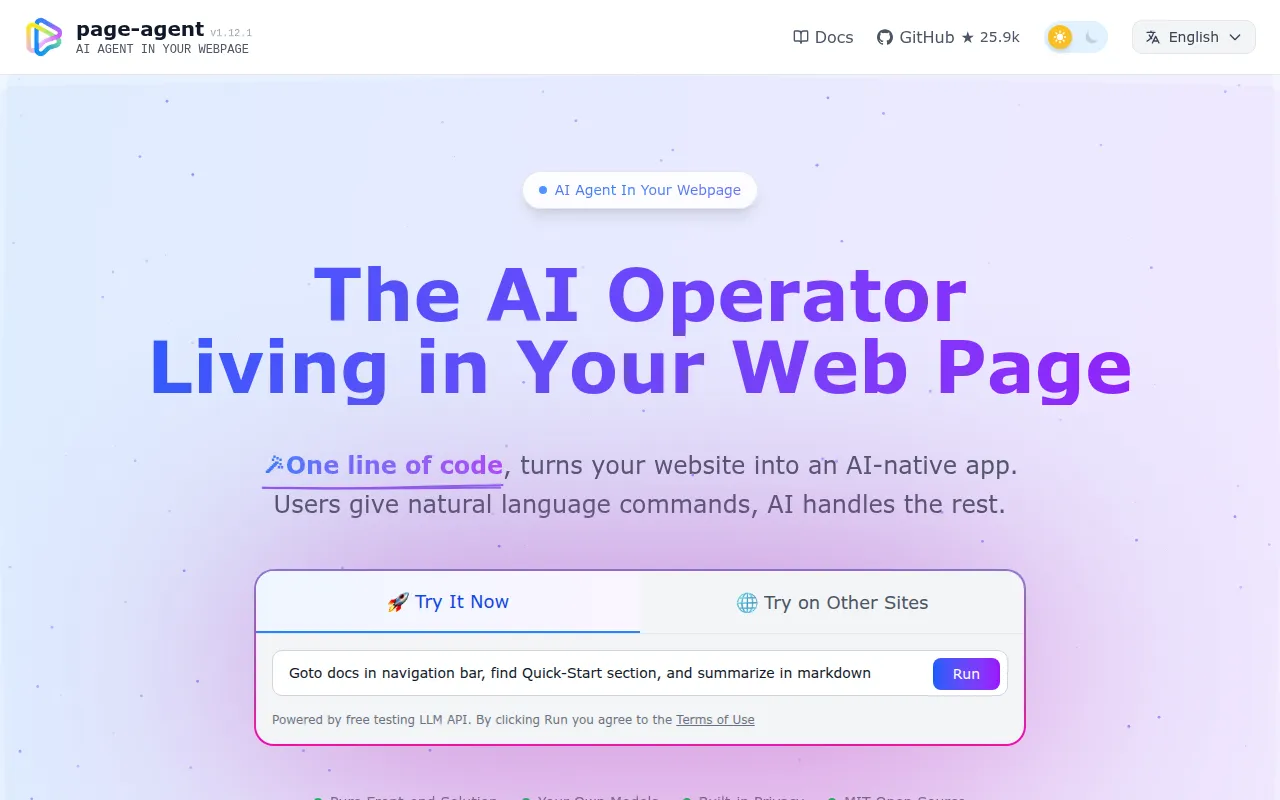
Page Agent is a client-side JavaScript library that gives a web page its own AI agent. Instead of screenshots and multi-modal models, it reads and manipulates the DOM directly using text, and translates natural-language commands into clicks, form fills, and navigation inside the page. It's aimed at frontend and product engineers who want to add an AI copilot or voice-driven UI to an existing web app without rewriting the backend or shipping a browser extension.
Key features
- Easy integration: no browser extension, Python runtime, or headless browser required. It runs as in-page JavaScript, dropped in via a script tag or an npm package.
- Text-based DOM manipulation: the agent reads and acts on the DOM as text, so it doesn't need screenshots or multi-modal LLMs, and doesn't require special browser permissions.
- Bring your own LLMs: works with most mainstream models, including ones deployed locally. A free demo LLM is available for quick testing.
- Chrome extension (optional): extends the agent's reach across multiple browser tabs for multi-page tasks.
- MCP server (beta): lets external MCP clients control the browser through Page Agent.
- Small footprint: distributed as a lightweight npm package with an IIFE bundle for CDN use, so it can be added to a page without a build step.
Ideal use cases
- SaaS AI copilots: add a natural-language assistant to an existing product's UI in a few lines of code, without touching the backend.
- Smart form filling: collapse multi-step click workflows in ERP, CRM, or admin dashboards into a single sentence command.
- Accessibility: let users operate a web app through natural language, voice commands, or screen readers, on top of an app that wasn't built accessible.
- Multi-page agents: with the Chrome extension, coordinate actions across multiple browser tabs rather than a single page.
- MCP integration: expose browser control to external agent clients through the MCP server.
- Not a fit for: server-side scraping, headless automation pipelines, or backend testing infrastructure. Page Agent is explicitly designed for client-side web enhancement, not server-side automation, so if you need a headless browser driver, look elsewhere (the project itself credits
browser-usefor that kind of work).
Installation
The fastest way to try it is a one-line script tag using the free demo LLM (for technical evaluation only, subject to the project's terms):
<script
    src="https://cdn.jsdelivr.net/npm/[email protected]/dist/iife/page-agent.demo.js"
    crossorigin="anonymous"
></script>
Add ?autoInit=false to the script URL to load it without auto-creating the demo agent, then instantiate manually with new window.PageAgent(...).
For production use, install via npm and supply your own model credentials:
npm install page-agent
import { PageAgent } from 'page-agent'

const agent = new PageAgent({
    model: 'qwen3.5-plus',
    baseURL: 'https://dashscope.aliyuncs.com/compatible-mode/v1',
    apiKey: 'YOUR_API_KEY',
    language: 'en-US',
})

await agent.execute('Click the login button')
Check the project documentation for the full list of supported models, the Chrome extension setup, and MCP server configuration.
Tags:
Frequently asked questions





Similar to Page Agent


