
Nebula
Nebula is an open-source overlay networking tool using certificates, lighthouses, and encryption to securely mesh hosts across clouds and networks.
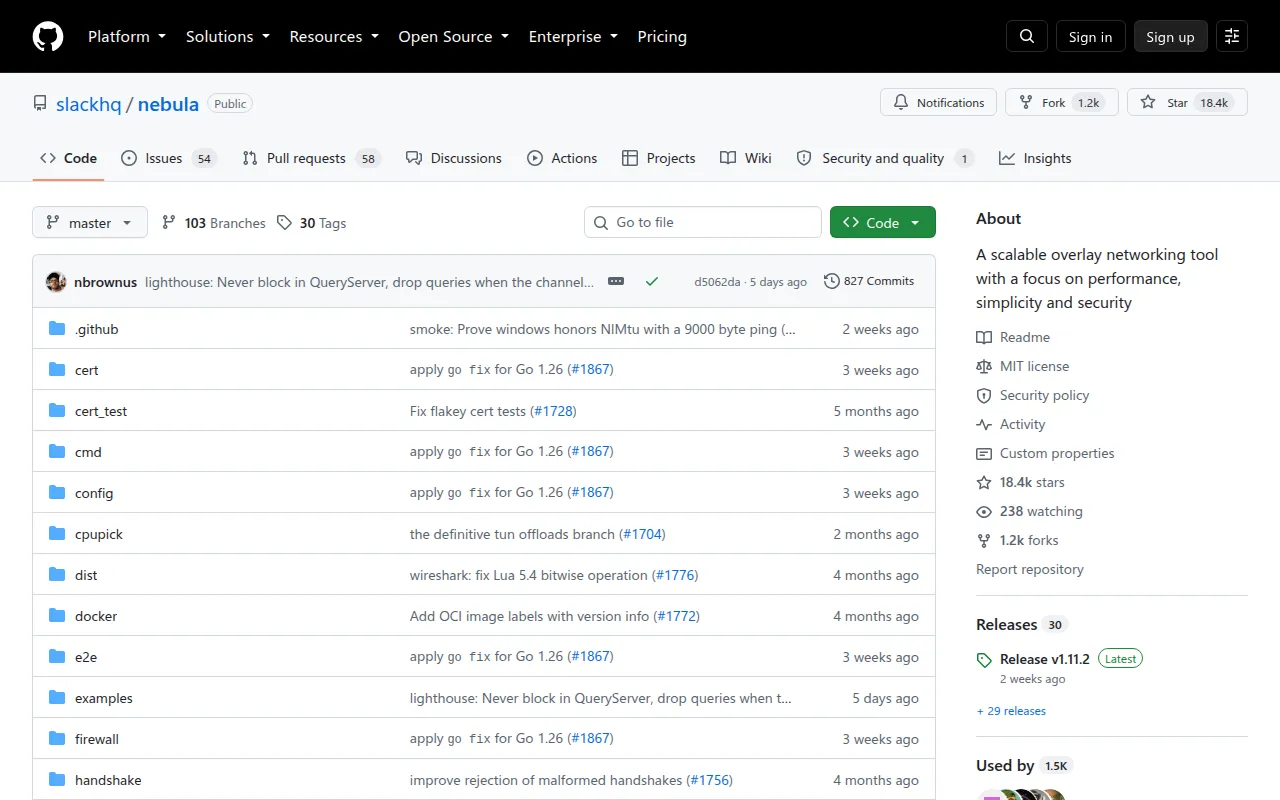
Nebula is an overlay networking tool built by Slack to connect hosts securely across clouds, datacenters, and personal devices without relying on a provider's native networking. It targets infrastructure and security engineers who need a mesh VPN that scales from a handful of machines to tens of thousands, with fine-grained traffic control baked in.
Under the hood, Nebula is a mutually authenticated peer-to-peer network based on the Noise Protocol Framework. Each host gets a certificate asserting its IP, name, and group memberships, signed by a private certificate authority you control. Discovery nodes, called lighthouses, let peers find each other and establish direct connections through UDP hole punching, even behind NAT or firewalls. Encryption defaults to ECDH key exchange with AES-256-GCM.
Key features
- Certificate-based identity: hosts are issued certificates from a self-managed CA that assert IP address, name, and group membership, replacing ad-hoc trust models.
- Lighthouses: lightweight discovery nodes with stable, routable IPs let peers locate each other anywhere, with UDP hole punching to traverse NATs and firewalls.
- Security groups and firewall rules: traffic filtering is defined through certificate groups, giving cloud-security-group-style control independent of the underlying network provider.
- Cross-platform support: builds for Linux, macOS, Windows, FreeBSD, iOS, and Android, with distribution packages for Arch, Fedora, Debian, Alpine, Homebrew, and Docker.
- Flexible crypto options: defaults to Curve25519, with an option to switch to NIST Curve P256 for compliance needs, plus build targets for FIPS 140-3 mode.
- Provider-agnostic addressing: nodes across different cloud providers and datacenters use a consistent IP scheme without needing provider-specific networking features.
Ideal use cases
Nebula fits teams that need to connect servers, laptops, and mobile devices across multiple cloud providers or on-prem environments into one private network, without depending on a single vendor's VPC peering or VPN product. It works well for organizations that want certificate-based access control and firewall-style traffic rules enforced at the network layer rather than per-application.
It's a good choice for connecting a small home lab, a distributed team's laptops, or production infrastructure spanning thousands of nodes, since Nebula was built at Slack to operate at that scale. Compliance-sensitive deployments can lean on the P256 curve and FIPS 140-3 build mode.
Nebula is not the right tool if you want a fully managed VPN with a GUI-driven admin console out of the box (though Defined Networking offers a managed version). It also assumes you're comfortable running and securing your own certificate authority; if you lose or mishandle the CA key, you lose control of trust for the whole network. Teams without any interest in managing PKI, lighthouses, or YAML config files may prefer a hosted alternative instead.
Installation
Grab the nebula-cert tool and the nebula binary for your platform from the releases page, or install via a distribution package:
# Arch Linux
sudo pacman -S nebula

# Fedora Linux
sudo dnf install nebula

# Debian Linux
sudo apt install nebula

# Alpine Linux
sudo apk add nebula

# macOS Homebrew
brew install nebula

# Docker
docker pull nebulaoss/nebula
To set up a network:
- Stand up at least one lighthouse node with a stable, routable IP, and open UDP port 4242 to it.
- Create a certificate authority:
Store the resulting./nebula-cert ca -name "Myorganization, Inc"ca.keysecurely and never copy it to individual nodes. - Sign certificates for each host, assigning IPs and optional groups:
./nebula-cert sign -name "lighthouse1" -ip "192.168.100.1/24" ./nebula-cert sign -name "laptop" -ip "192.168.100.2/24" -groups "laptop,home,ssh" - Copy the example
config.yml, setam_lighthouse: trueon the lighthouse node, and configurestatic_host_mapon other hosts to point at it. - Copy the binary, config,
ca.crt, and the host's own.crt/.keyfiles to each machine (again, skipca.key). - Run it:
./nebula -config /path/to/config.yml
To build from source, install Go, clone the repo, and run make all for all platforms or make bin-windows for a specific target. FIPS 140-3 and BoringCrypto builds are available via make fips140 and make bin-boringcrypto.
Frequently asked questions



Similar to Nebula

