Moli
Moli is a Rust headless browser for AI agents that skips layout and paint until needed, cutting memory use versus Chromium.
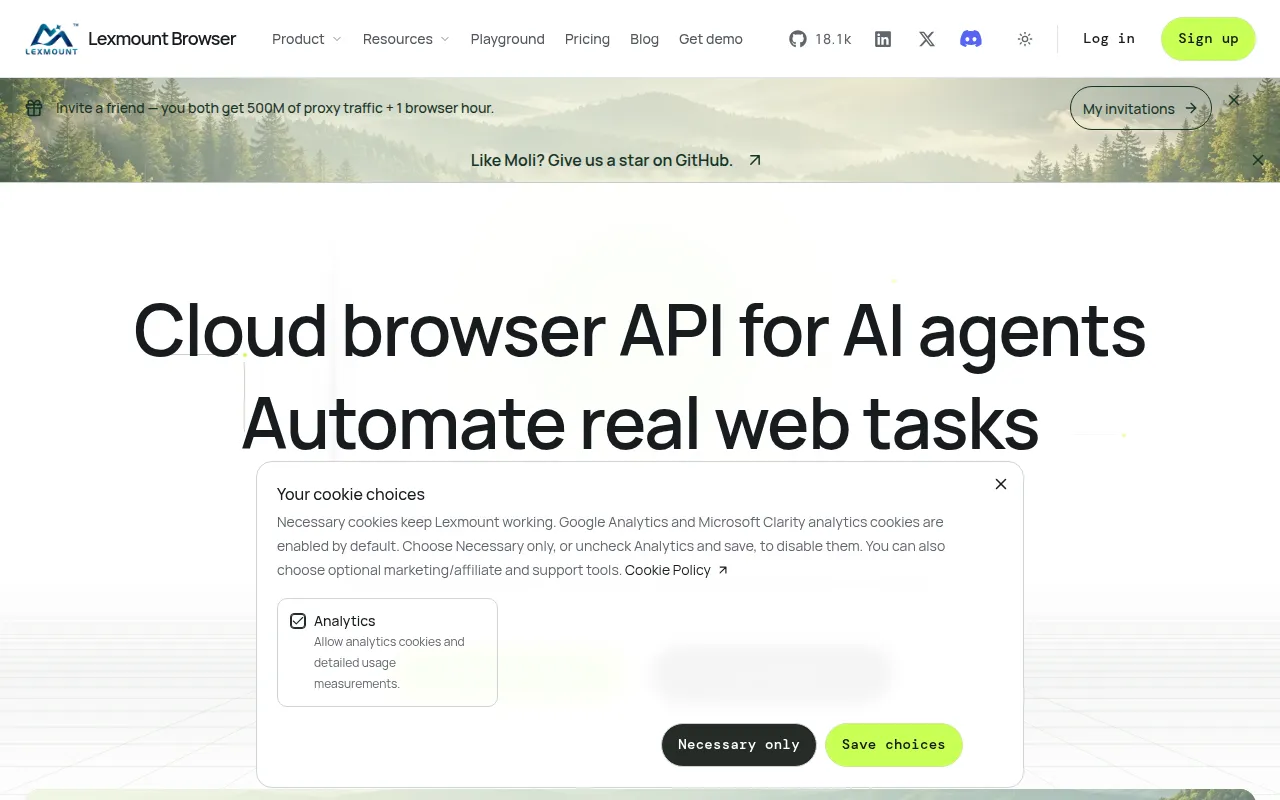
Moli is a standalone headless browser kernel written in Rust, built specifically for AI agents, crawlers, and browser-automation workloads rather than for human browsing. It targets developers who need page extraction, scripted browsing, or agent tool integration without the memory and process overhead of running full Chromium instances.
The core idea is that most automation tasks only need DOM structure, not a continuously rendered visual page. Moli treats the DOM and computed style as the single source of truth and only triggers layout or paint when an operation actually requires geometry or pixels (a screenshot, hit-testing, coordinate input). Everything else, like extracting HTML, running JS, reading network/storage state, is served directly from runtime state.
Key features
- On-demand layout – layout and paint run only when geometry or pixels are explicitly requested; a
FrozenLayoutTreesnapshot is cached and reused for ordinary geometry reads. - Unified automation protocols – one binary serves CDP, WebDriver Classic, and WebDriver BiDi over the same endpoint, so Playwright can connect directly via
connectOverCDPwith no separate ChromeDriver or geckodriver. - CLI extraction outputs –
moli fetchdumps Markdown, HTML, JSON, semantic text trees, screenshots (viewport or full-page), and paginated PDFs. - Complete web runtime – streaming HTML parsing, native DOM, V8 JavaScript, iframes/workers, CSS cascade, Fetch/XHR/WebSocket, cookies, WebCrypto, and profile-scoped storage (localStorage, IndexedDB, OPFS).
- Cost controls – resource families (image, font, audio, video, media, text-track) and layout mode are opt-in flags, never enabled by default, keeping memory and CPU use predictable.
- Scripted interaction –
--eval/--eval-filerun JS after page readiness, with promise awaiting and navigation following, combined with--dumpfor export. - Low resource footprint – benchmarks show median RSS around 73-92 MiB versus hundreds of MiB to over 700 MiB for Chrome headless on comparable tasks.
- Cross-platform binaries – prebuilt installers for Linux, macOS, and Windows via shell or PowerShell scripts.
Ideal use cases
Moli fits web crawling and retrieval pipelines where you need page content (Markdown, JSON, semantic trees) at scale without paying for a full browser's memory per instance. It also suits browser-use agents and LLM tool integrations that call moli fetch or connect via CDP/WebDriver to navigate, click, and extract, and it works for evaluation environments and reinforcement-learning workloads that spin up many short-lived browser sessions.
It's not the right choice if you need pixel-perfect rendering parity with Chrome, GPU-accelerated compositing, high-fidelity Canvas/WebGL, or full media playback. The project explicitly does not aim for a persistent GUI window or retained multi-frame paint architecture, and not every Chrome screenshot or print mode is implemented. If your workload depends on exact visual fidelity testing (e.g., cross-browser pixel regression), stick with real Chromium.
Installation
The simplest path is to let an AI agent install and run it using Moli's published skills:
Install the skills under https://github.com/lexmount/moli/tree/main/skills,
follow their instructions to download and install the latest prebuilt Moli
binary, then use moli-webfetch to fetch https://example.com and show me the
result.
For direct installation on Linux or macOS:
curl --proto '=https' --tlsv1.2 -fsSL \
  https://github.com/lexmount/moli/releases/latest/download/moli-installer.sh | sh
On Windows, in PowerShell:
powershell -ExecutionPolicy ByPass -c "irm https://github.com/lexmount/moli/releases/latest/download/moli-installer.ps1 | iex"
Once installed, extract a page as Markdown:
moli fetch --dump markdown --wait-until done https://example.com
Or start the automation server and connect with Playwright over CDP:
moli serve --layout
import { chromium } from "playwright";
const browser = await chromium.connectOverCDP("http://127.0.0.1:9222");
const context = browser.contexts()[0];
const page = context.pages()[0] ?? await context.newPage();
await page.goto("https://example.com");
console.log(await page.locator("body").innerText());
await browser.close();
Frequently asked questions







Similar to Moli

