mdBook
mdBook builds static HTML books and documentation sites from Markdown files, using a fast Rust toolchain, similar to GitBook.
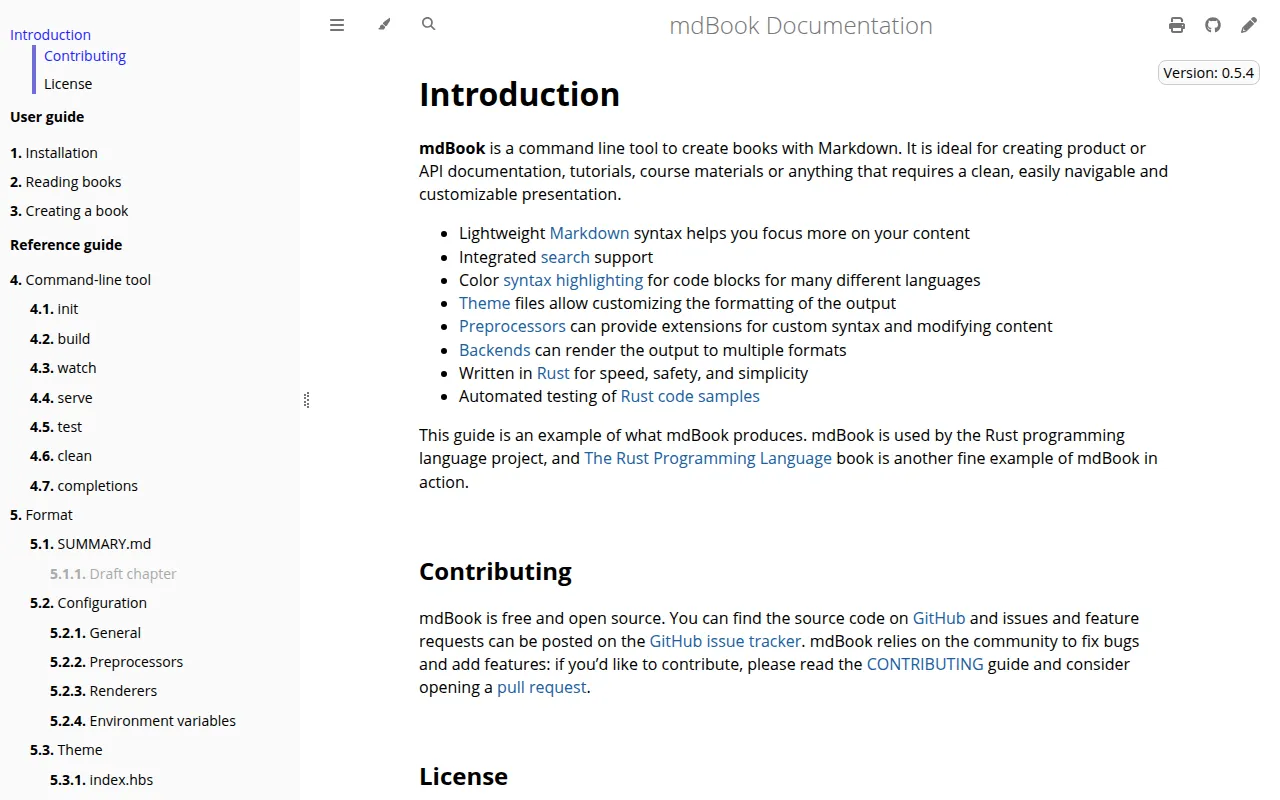
mdBook is a command-line tool written in Rust that compiles a directory of Markdown files into a static HTML book, complete with navigation, search, and a table of contents. It's built and used by the Rust project itself to produce the official Rust documentation books, so it's built for technical writers, open-source maintainers, and teams who want versioned, git-friendly documentation without a heavyweight CMS or JavaScript build pipeline.
Because the output is plain static HTML, CSS, and JS, you can host a book on GitHub Pages, GitLab Pages, or any static file server with no server-side runtime required. Content lives in Markdown files under version control, so diffs, pull requests, and code review work the same way they do for source code.
Key features
- Markdown-based authoring: write chapters as plain
.mdfiles organized via aSUMMARY.mdtable of contents. - Static HTML output:
mdbook buildcompiles the book into self-contained HTML/CSS/JS with no server dependency. - Built-in search: generated books include client-side full-text search out of the box.
- Live preview server:
mdbook servewatches the source directory and rebuilds/reloads on change. - Themeable: customize CSS, fonts, and layout, or override the default theme entirely.
- Preprocessors and backends: extend the build pipeline with plugins to transform content or generate alternate output formats.
- Rust-native tooling: distributed as a single Rust binary via
cargo install, with no Node.js or Ruby dependency chain. - Used in production: powers official Rust documentation (the Rust Book, Reference, and others), so it's exercised at scale.
Ideal use cases
mdBook fits well for project documentation, technical books, API guides, and internal wikis that are maintained by developers comfortable committing Markdown to a git repo. It's a solid choice when you want documentation versioned alongside code, built in CI, and deployed as static files with zero hosting infrastructure.
It also works well for teams already in the Rust ecosystem, since it installs via cargo and integrates naturally into Rust project workflows (many crates use mdBook for their guides).
It's not the right tool if you need a WYSIWYG editor for non-technical writers, real-time collaborative editing, or a hosted SaaS platform with built-in analytics and access control. If you need blog-style publishing with dates, tags, and RSS feeds, a static site generator built for blogging is a better fit. And if your documentation needs a database-backed CMS with user roles and workflow approval, mdBook's static-file model won't cover that.
Installation
The simplest way to install mdBook is via Rust's package manager, cargo:
cargo install mdbook
Once installed, create a new book:
mdbook init my-book
cd my-book
Build the static site:
mdbook build
Or serve it locally with live reload while editing:
mdbook serve
The generated output lands in a book/ directory by default, ready to be deployed to any static hosting provider such as GitHub Pages. For full installation options (including pre-built binaries) and detailed usage, refer to the User Guide linked from the project's website.
Frequently asked questions







Similar to mdBook

