Dioxus
Dioxus is a Rust framework for building cross-platform apps for web, desktop, and mobile with a React-like component model.
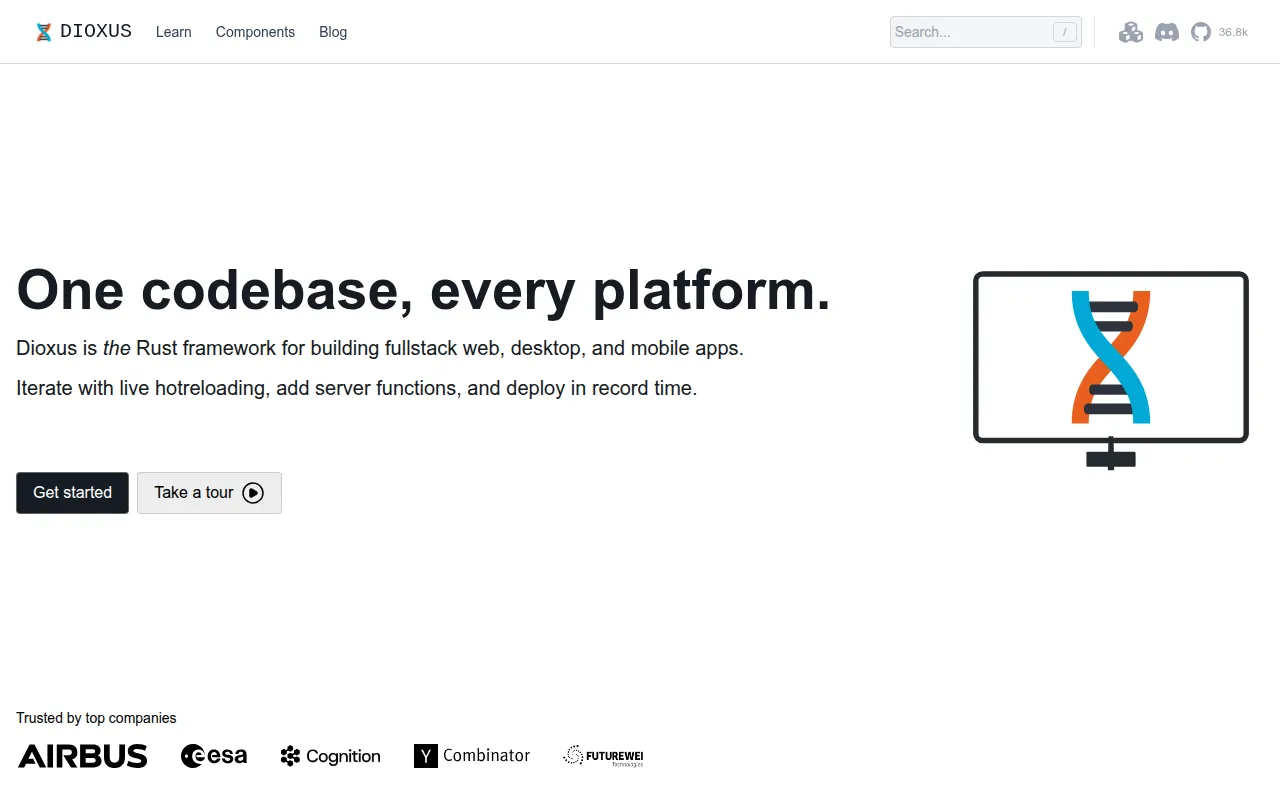
Dioxus is a Rust framework for building user interfaces that run on web, desktop, mobile, and server, from a single codebase. It targets Rust developers who want a component-based UI model similar to React, but with Rust's type safety and performance, and without maintaining separate codebases per platform.
Apps are written with rsx! macros for markup and use_signal for reactive state. A CLI (dx) handles serving, hot-reloading, and bundling, so you don't need to hand-roll build tooling for each target platform.
Key features
- Cross-platform rendering: ship the same app to web (WASM), desktop (via webview or experimental WGPU/Skia), mobile (iOS/Android via webview), and server-rendered HTML.
- Signals-based state management: reactive state primitives inspired by React, Solid, and Svelte, without a virtual-DOM diffing tax for every update.
- Fullstack server functions: axum integration gives you WebSockets, SSE, streaming, file upload/download, SSR, forms, and middleware without a separate backend framework.
- Hot-reloading:
dx servereloads markup, styles, and assets in milliseconds. An experimental--hotpatchmode patches Rust code changes in real time. - Native platform access: call directly into JNI (Android) and Objective-C (iOS) APIs, or web-sys on the web, without an IPC bridge.
- Integrated bundler:
dx bundleproduces optimized builds, including asset compression,.wasmminification, and native installers for macOS, Linux, and Windows. - Component primitives: a set of first-party UI primitives modeled after shadcn/ui and Radix, useful as a starting point instead of building every control from scratch.
- Small binaries: example web builds under 50kb and desktop/mobile binaries in the low single-digit megabytes.
Ideal use cases
Dioxus fits teams that already write Rust and want to avoid maintaining separate React, Swift, and Kotlin codebases for the same product. It's a good match for internal tools, dashboards, and apps that need desktop and mobile builds alongside a web version, especially where native system access (files, hardware, JNI/Obj-C calls) matters more than a huge existing component ecosystem.
It also works well for fullstack Rust apps that want server-side rendering, server functions, and hydration without gluing together a separate JS backend and frontend.
It's less of a fit if your team has no Rust experience and the project timeline doesn't allow for the learning curve, or if you depend heavily on the JS/React component and library ecosystem (Dioxus has its own, smaller set of primitives). Projects that need only a simple static site or a one-off web page probably don't need a Rust UI framework at all.
Installation
Dioxus is a Rust crate, so you need a working Rust toolchain first. Run examples directly with cargo:
cargo run --example <example>
For the full development experience, hot-reloading, and multi-platform builds, install the dx CLI:
curl -fsSL https://dioxuslabs.com/install.sh | bash
Or install the latest CLI from the git repository:
cargo install --git https://github.com/DioxusLabs/dioxus dioxus-cli --locked
Once the CLI is installed, start a project with:
dx serve
To run examples targeting the web platform instead of desktop:
dx serve --example <example> --platform web -- --no-default-features
For mobile development, target Android with:
dx serve --platform android
Note that examples on the main branch target the in-development git version of Dioxus and its CLI. If you want examples matching the latest stable release, check the versioned branch in the repository (for example, the 0.6 branch) rather than main.
Frequently asked questions





Similar to Dioxus


